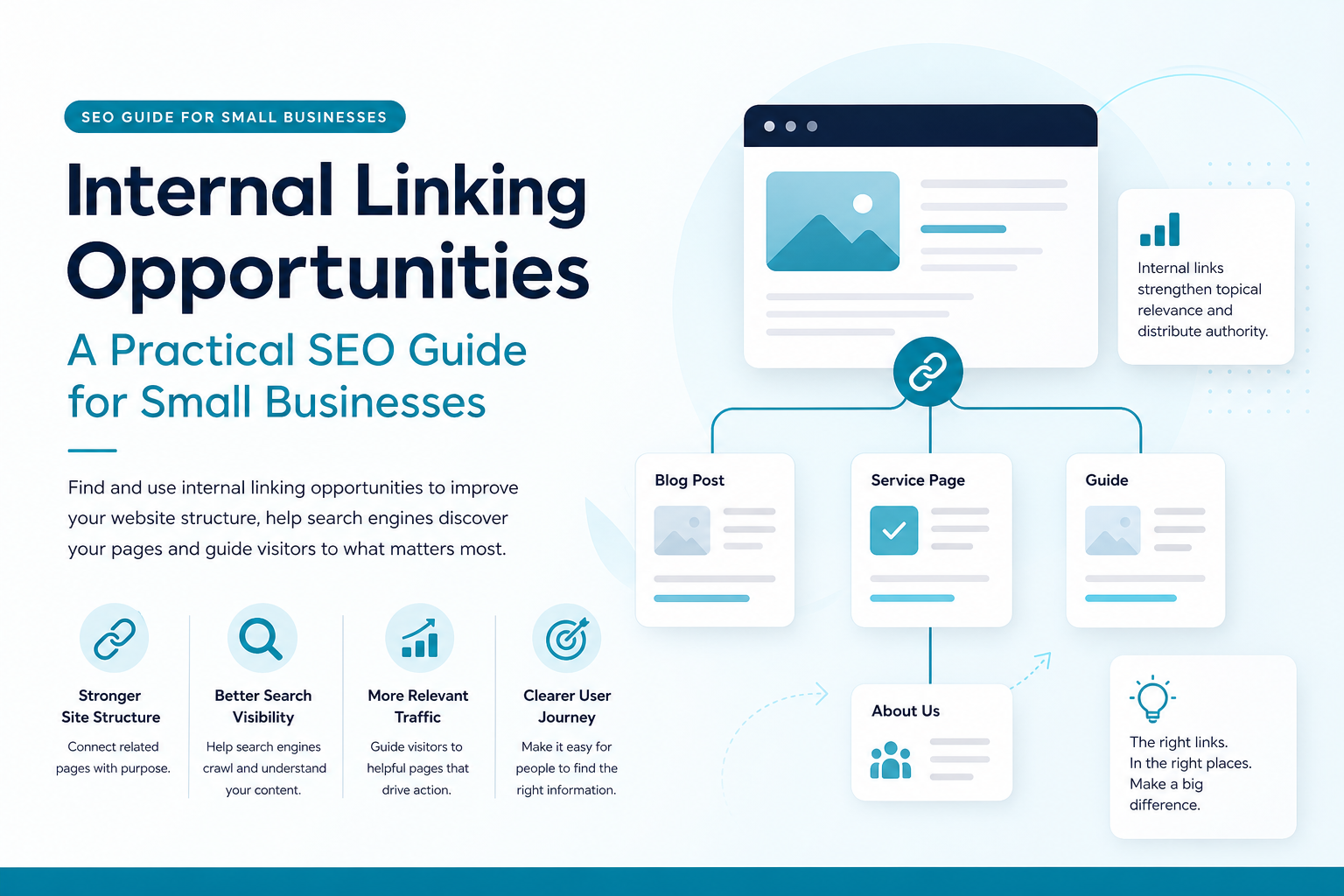
 Your website may already contain valuable pages that are not reaching their full search potential. A service page, guide or recent article can remain difficult for Google and visitors to find when it has too few relevant links pointing to it.Finding internal linking opportunities gives small businesses a practical way to improve website structure without publishing dozens of new pages or investing in a large SEO project. By connecting related content with clear, useful links, you help search engines discover your pages and help visitors take the next step.This guide explains what internal linking means, why it matters, where opportunities commonly appear and how to build a repeatable process using real website data.
What are internal links?
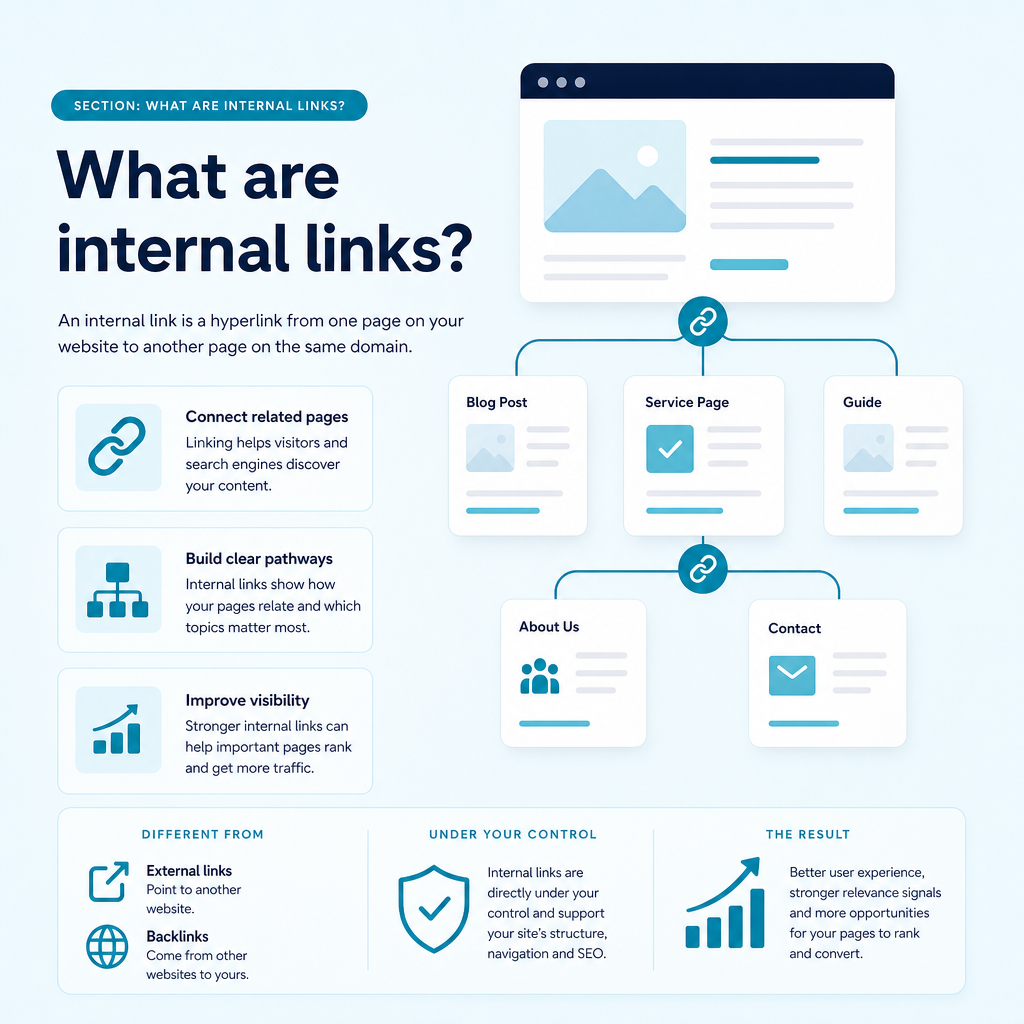
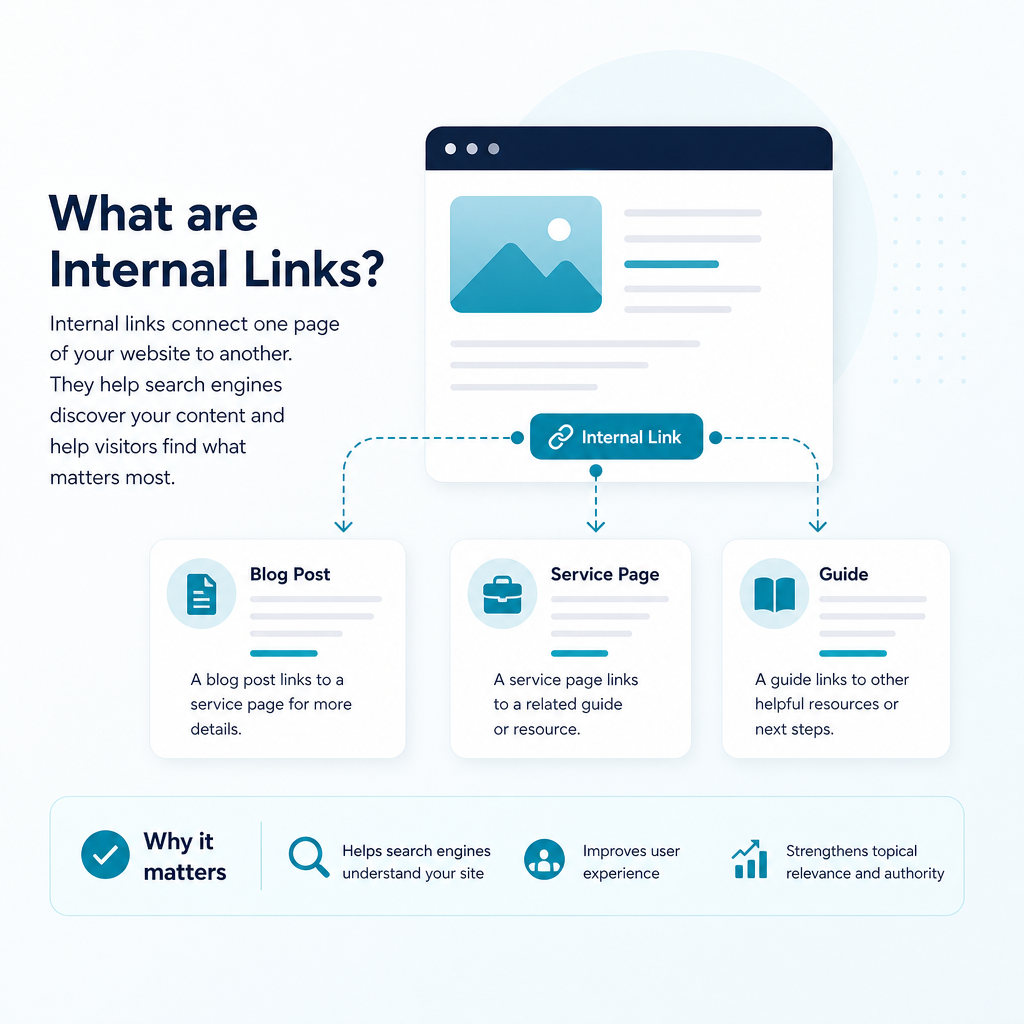
An internal link is a hyperlink from one page on your website to another page on the same domain. A blog article linking to a service page, a service page linking to a related guide, and a navigation menu linking to a pricing page are all examples of internal links.
Internal links are different from external links, which point to another website, and backlinks, which are links from other websites to yours. External links can support credibility and backlinks can contribute to authority, but internal links are directly under your control.
They create pathways through your website. Those pathways help visitors find related information and give search engines clues about how your pages connect, which topics matter most and how your site is organised.
Common types of internal links
Internal linking opportunities can appear in several parts of a website. Each type has a different role, so a healthy strategy uses them together rather than relying on one location.
- Navigational links: Links in your main menu that lead to important sections such as services, products, resources or contact pages.
- Contextual links: Links placed naturally within body copy to explain a related topic or guide the reader to a useful next step.
- Footer links: Links to supporting pages such as contact details, privacy information, terms and site maps.
- Breadcrumb links: Secondary navigation that shows where a visitor is within the site hierarchy.
- Call-to-action links: Links that guide visitors towards an action, such as starting a trial, requesting information or viewing a service.
- Related-content links: Links to relevant articles, FAQs, category pages or supporting resources.
Why internal linking opportunities matter for SEO
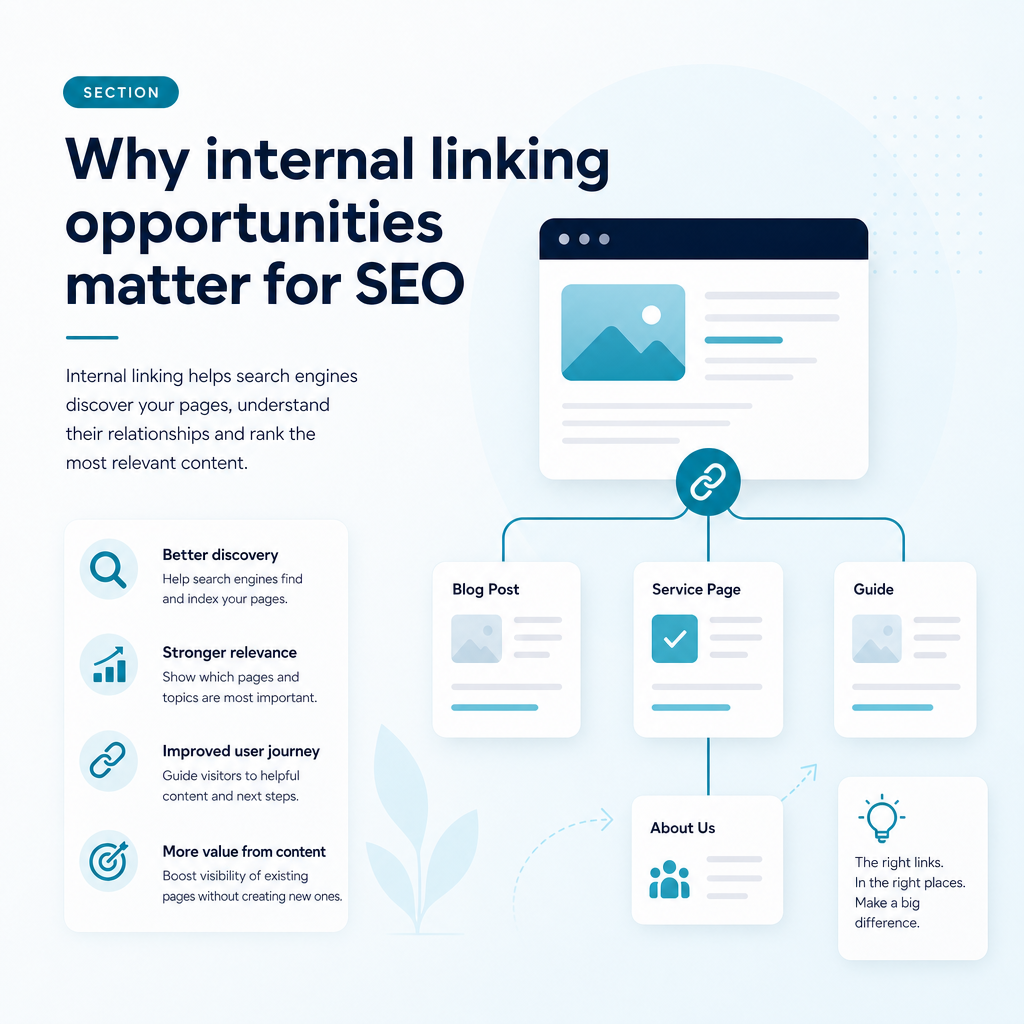
Internal linking supports both technical SEO and the user experience. Search engines follow links to discover, crawl and interpret pages, while visitors use them to move through your content.
For a small business with limited time and budget, this makes internal linking a useful part of SEO automation and content planning. Improving connections between existing pages can often be more practical than creating content without a clear role in the wider website.
Help search engines discover important pages
Search engines commonly discover pages by following links. When a newly published article is linked from an established, relevant page, it has a clearer route into the site structure.
Pages with no internal links pointing to them are often called orphan pages. A page can still appear in a sitemap, but a lack of links may make its purpose and importance less clear. Adding relevant links from existing content helps reduce this risk.
Show relationships between topics
Links help search engines understand that pages belong to the same subject area. For example, a UK accountancy firm could connect a broad guide about business tax with articles about VAT, payroll and allowable expenses.
This structure creates a topic cluster. A central pillar page provides a broad explanation, while supporting pages answer narrower questions. Linking between them gives users more depth and helps establish topical authority.
Direct attention towards priority pages
Not every page on your site has the same business value. Your homepage, core service pages, high-converting landing pages and detailed guides may deserve more visibility than outdated announcements or low-value archive pages.
Internal links can direct visitors and search engines towards these priority pages. Links from pages that already attract impressions, clicks or backlinks may be particularly useful when the destination is relevant to the surrounding content.
Improve navigation and engagement
A visitor who finishes an article may still need help choosing a service, understanding a process or comparing options. A well-placed internal link gives them a clear next step instead of leaving them to return to the menu or search again.
Relevant links can encourage visitors to read more, explore related services and move closer to contacting your business. The goal is not to maximise the number of pages viewed, but to make the next useful page easy to find.
Provide context for AI-powered search
Generative search systems rely on relationships between concepts, pages and entities. Internal links, descriptive anchor text and clear content groupings can help machines interpret what your business covers and how individual pages fit together.
This is one reason internal linking contributes to GEO, or Generative Engine Optimisation. It is not a separate replacement for good SEO. It is part of creating structured, useful and context-rich content that can be understood by both traditional search engines and AI-driven search experiences.
Where to find internal linking opportunities
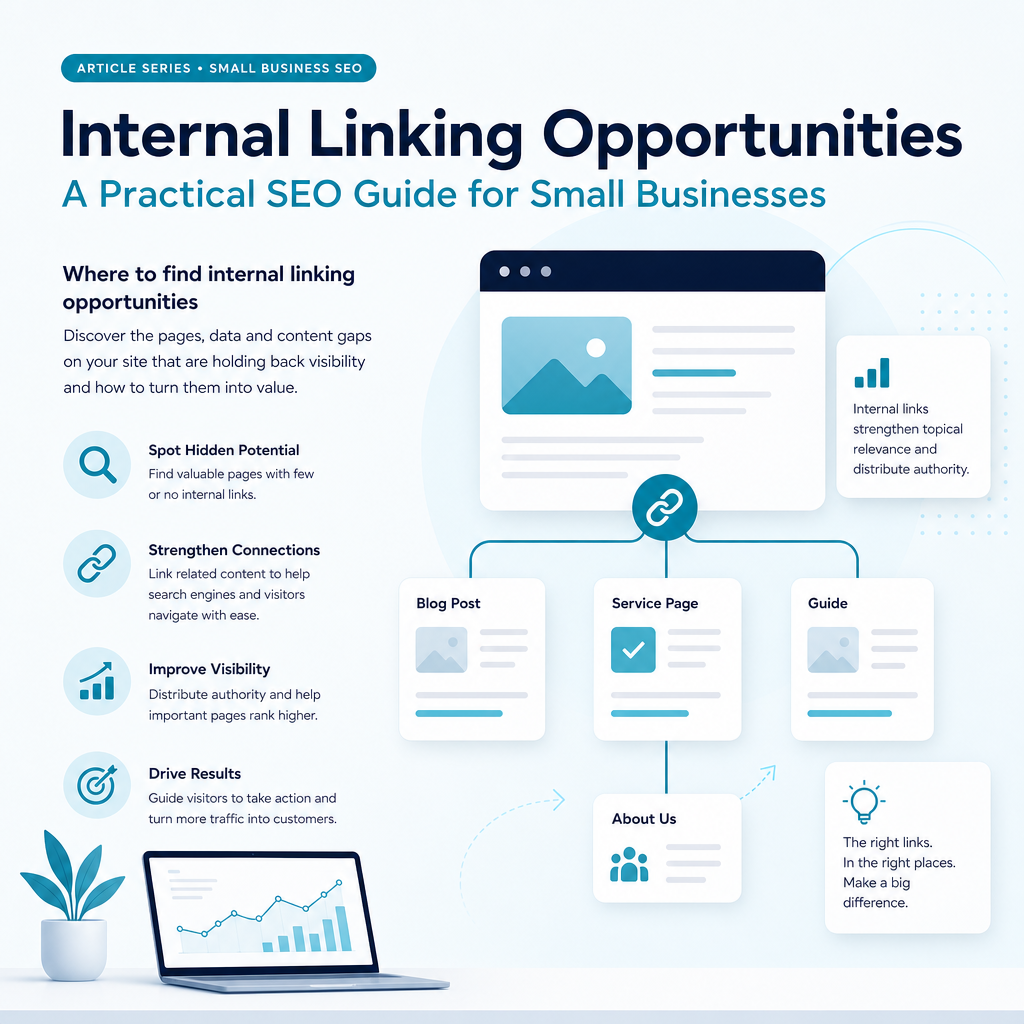
The best opportunities are usually found where an existing page and a target page have a clear topical or commercial relationship. Start with pages that already perform well, pages that need more visibility and pages that support important customer journeys.
Google Search Console can reveal queries and pages that receive impressions but have not yet gained strong click-through performance. Analytics data can show which pages attract visitors, while competitor and content-gap research can reveal subjects that deserve supporting content.
1. Link from relevant high-performing pages
Review pages that receive organic clicks, impressions or engagement. If one of these pages discusses a topic related to a weaker service page or newer article, add a contextual link where it genuinely helps the reader.
For example, an article about choosing an SEO content planning tool could link to a page explaining how your platform analyses search data. The link works because the destination answers a natural follow-up question.
2. Connect new content to older content
Before publishing a new article, identify existing pages that could link to it. Search your own website for related phrases, review your content calendar and check which pages cover adjacent questions.
After publication, add links from those older pages to the new resource. This gives the new page a place within your website rather than leaving it isolated.
3. Link supporting articles to pillar pages
A pillar page should provide a broad, useful overview of a major topic. Supporting articles can then cover specific questions in more detail and link back to that central resource.
For an AI-powered SEO content platform, a pillar page about SEO for small businesses might connect to articles about Google Search Console content strategy, semantic keyword mapping, local SEO content creation and content gap analysis.
4. Strengthen service-page pathways
Service pages should not exist as isolated sales pages. Link to them from relevant blog posts, guides, FAQs and industry pages so visitors can move from education to a potential solution when they are ready.
Likewise, service pages should link out to useful resources that explain the process, answer objections and set realistic expectations. This supports trust without forcing a sales message into every paragraph.
5. Find pages with weak internal-link coverage
Some pages may be valuable but receive very few internal links. A site audit or internal link report can help identify these pages. Compare the number and quality of incoming links with the page’s purpose, relevance and current search performance.
A page does not automatically become more valuable because it receives many links. The links need to come from relevant pages and use wording that accurately describes the destination.
6. Use Google Search Console data
Google Search Console is a useful starting point because it shows how your website is already appearing in Google. Review queries and pages that receive impressions, especially pages ranking below the strongest positions or appearing for related searches that are not yet central to your content plan.
Look for pages that:
- Receive impressions for relevant commercial or informational searches.
- Rank for several related terms but have limited internal support.
- Attract visitors but do not link clearly to a relevant service page.
- Are new, recently updated or strategically important.
- Have strong performance but link to very few related pages.
For example, a UK consultancy may notice that an article about improving operational efficiency receives impressions for searches related to process software. That article could naturally link to a relevant technology service page, a supporting comparison guide and a contact page.
7. Run a site search
A simple site search can reveal pages that mention a topic or phrase. Search Google for site:yourdomain.com topic, replacing the domain and topic with your own details.
The results can show older pages that mention a service, problem or concept but do not link to the page that explains it in more detail. Your website’s own search function can also help identify related articles and possible destination pages.
8. Search for related wording, not only exact keywords
Good internal linking opportunities are often hidden behind variations in language. A page may refer to “local search visibility” while another focuses on “local SEO content creation”. These pages may still be closely related even when they do not share an exact phrase.
Review synonyms, related questions, subtopics and different stages of the buyer journey. Semantic keyword mapping makes this process more reliable because it groups related concepts rather than treating every phrase as separate.
A simple framework for evaluating an opportunity
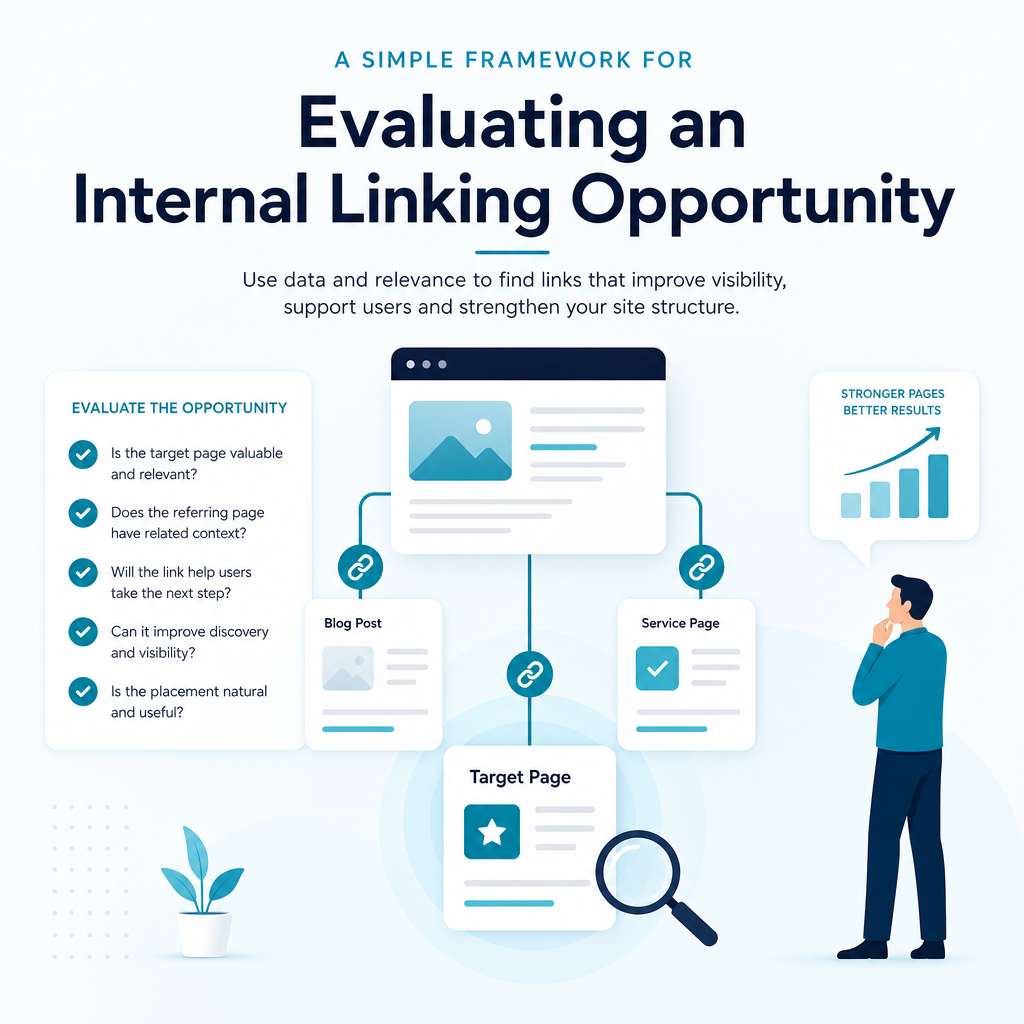
When you find a possible link, ask whether it helps both the visitor and the structure of the site. A link should have a clear reason to exist, not simply fill a target keyword or increase a link count.
| Question | What to look for |
|---|---|
| Is the topic relevant? | The destination expands on the subject being discussed. |
| Does it support the customer journey? | The link helps the reader learn, compare, decide or take a suitable next step. |
| Is the destination important? | The page supports a core service, priority topic or valuable resource. |
| Is the anchor text clear? | The clickable wording describes what the visitor will find. |
| Is the link technically sound? | The URL loads correctly, uses HTTPS and does not create an unnecessary redirect. |
Which internal linking opportunities should you prioritise?
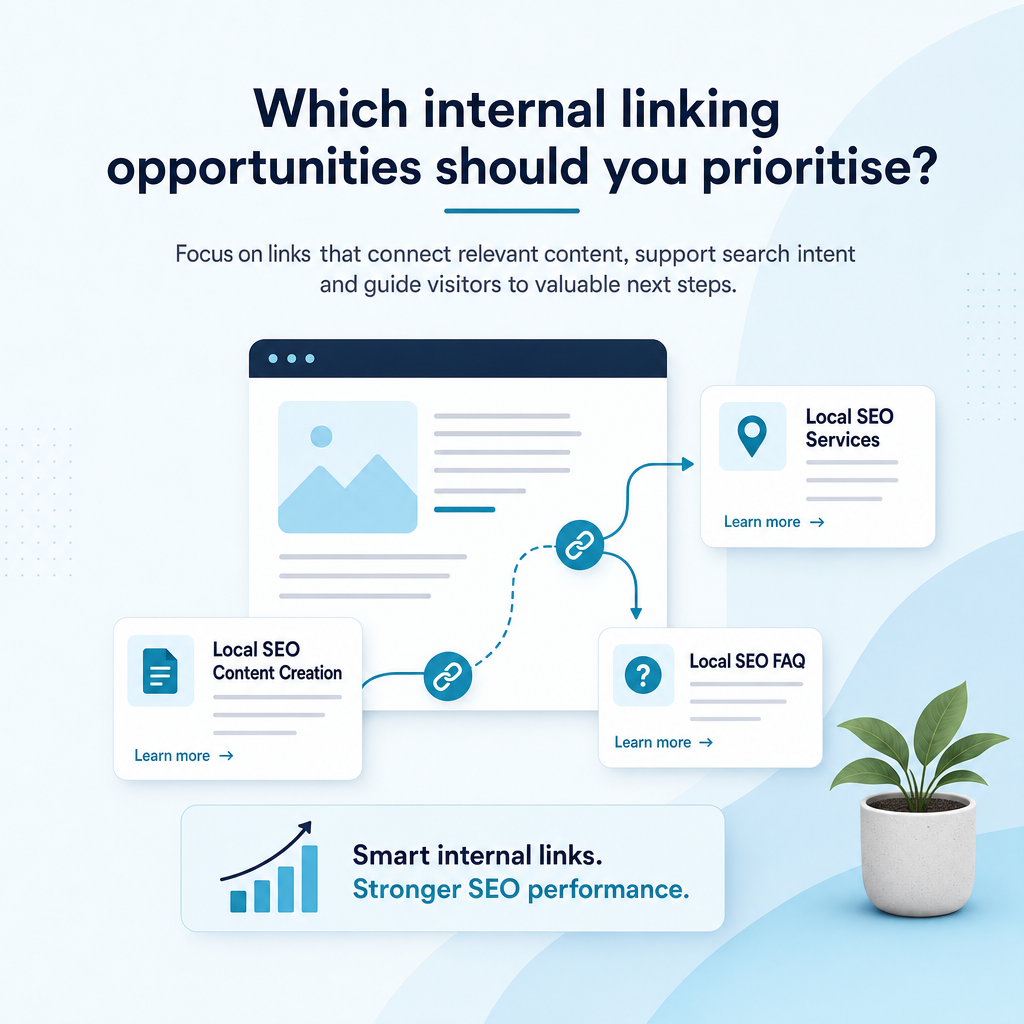
Not every possible link deserves equal attention. Start with connections that support a clear user journey or improve the visibility of a strategically important page. Relevance and usefulness should guide the decision.
| Opportunity | Recommended action | Potential value |
|---|---|---|
| New page with no incoming links | Add links from related established pages | Improves discovery and structure |
| Important service page with few links | Link from relevant guides and FAQs | Supports visibility and user journeys |
| High-traffic article | Link to closely related resources | Helps distribute attention across the site |
| Two pages covering similar intent | Differentiate, merge or link them clearly | Reduces confusion and overlap |
| Broken or redirected link | Replace it with the final valid URL | Improves usability and crawl paths |
Best practices for internal linking
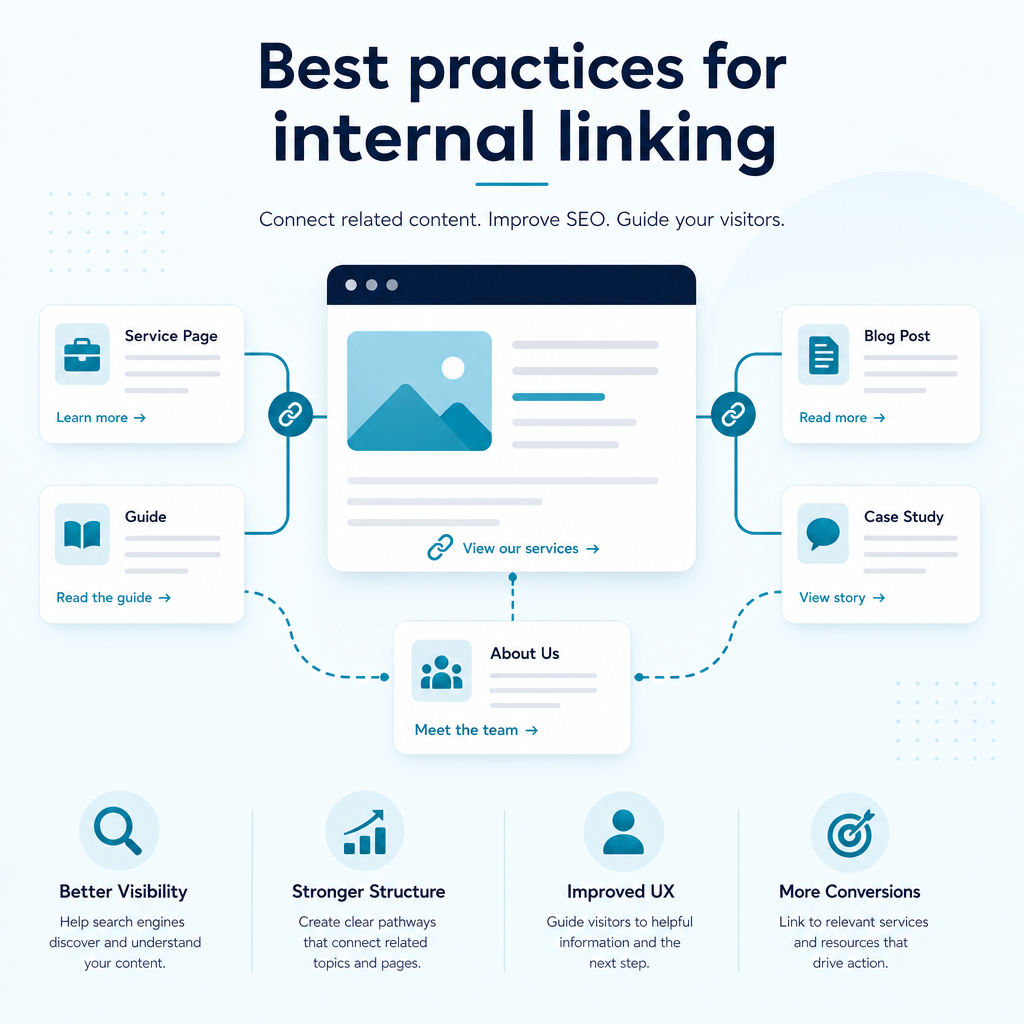
Internal linking works best when it feels natural to the reader and reflects the actual structure of your business. A small number of carefully selected links can be more useful than a page crowded with connections.
Use descriptive anchor text
Anchor text is the clickable wording of a link. Use concise language that tells users and search engines what the destination covers. Phrases such as “semantic keyword mapping” or “SEO content planning tool” are clearer than “click here” or “read more”.
Use natural variations when linking to the same page from different locations. Avoid forcing the exact same phrase into every link, and do not use one anchor text for multiple pages that cover different subjects.
Place important links within useful content
Contextual links in the main body of a page often provide more meaning than a long list of footer links. Place a link where the reader is likely to need the additional information.
Links near the beginning of a page can help visitors discover priority resources early, but relevance matters more than a fixed position. Do not add a link high on the page if it interrupts the explanation.
Keep the site hierarchy understandable
A clear website architecture usually moves from broad pages to more specific pages. A typical structure might be homepage, main service or topic hub, supporting article and detailed resource.
Important pages should be reachable through a reasonable number of clicks. Navigation, breadcrumbs, category pages and contextual links can work together to create this structure.
Avoid excessive or repetitive links
There is no universal ideal number of internal links for every page. A long, detailed guide may need more links than a short service page, but every link should add value.
Too many links can distract visitors and make it harder to identify the most useful next step. Linking to the same destination repeatedly within one page can also create a cluttered experience.
Fix broken links and redirects
Broken internal links lead visitors to dead ends. Links that point through several redirects can slow the journey and create unnecessary technical work for crawlers.
Update links after changing URLs, deleting pages or restructuring your website. Point directly to the final HTTPS destination wherever possible.
Technical link issues to check
Finding new opportunities is only part of the work. Existing links may be broken, outdated or sending visitors through unnecessary redirects.
Review your website for:
- Broken links leading to removed or renamed pages.
- Links pointing to HTTP versions instead of the secure HTTPS URL.
- Redirect chains and redirect loops.
- Links to pages marked noindex or canonicalised elsewhere.
- Important pages more than three or four clicks from the homepage.
- Pages with an excessive number of irrelevant links.
- Repeated generic anchor text.
- Navigation or filter links that create unnecessary URL variations.
Update links to point directly to the final, relevant destination. If no suitable destination exists, remove the link rather than sending users to an unrelated page.
How to build a repeatable internal linking process
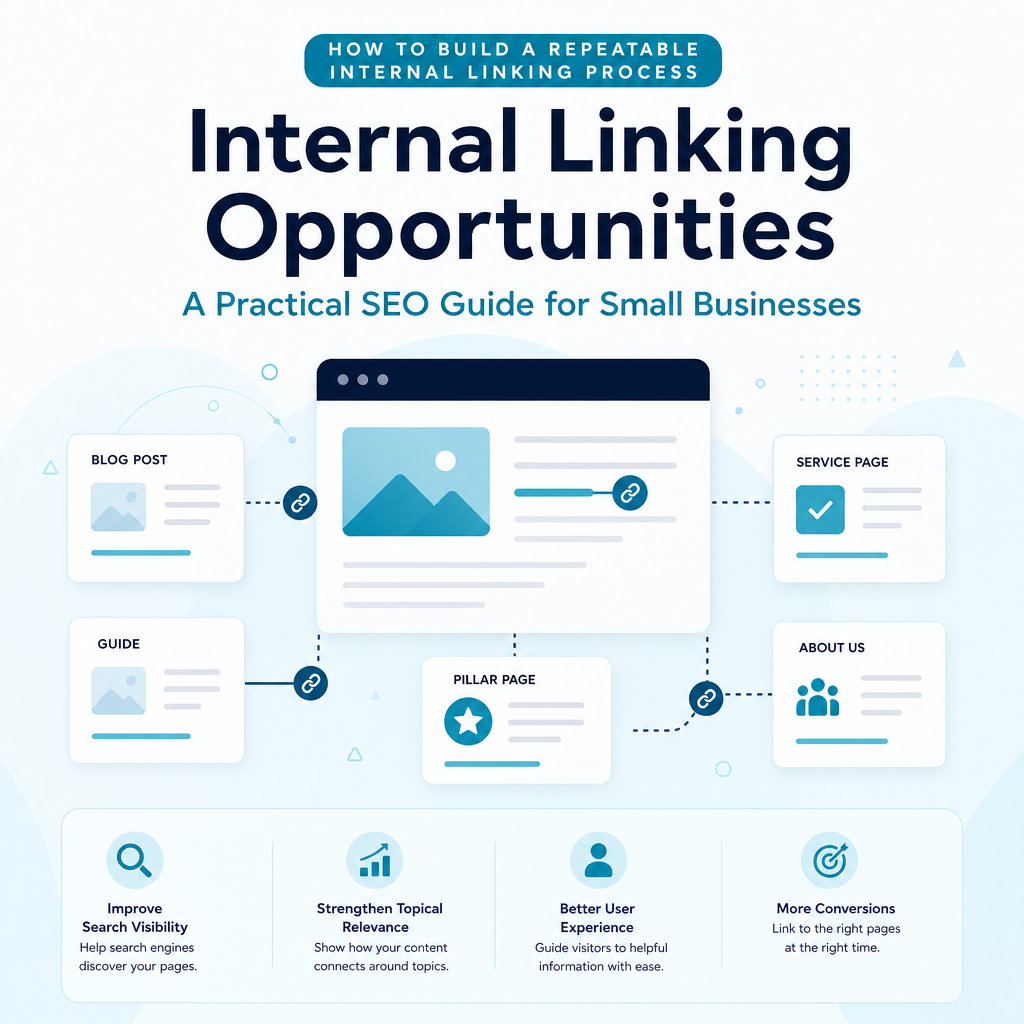
Internal linking is not a one-time task. New pages, changed services and updated URLs can create fresh opportunities or weaken connections that previously worked well.
A simple process helps small teams maintain quality without spending hours reviewing every page manually.
- Map your priority pages: List key services, cornerstone resources, important local pages and commercial landing pages.
- Group related content: Organise pages into topic clusters based on subject, search intent and customer needs.
- Review performance data: Use Google Search Console and Analytics to find pages with existing visibility and pages that need support.
- Identify link targets: Match relevant source pages with priority destinations.
- Add contextual links: Use clear anchor text and place links where they answer a genuine follow-up question.
- Check technical quality: Test links, review redirects and look for orphaned pages.
- Monitor and update: Revisit important clusters when new content is published or performance changes.
How an AI SEO content platform can help
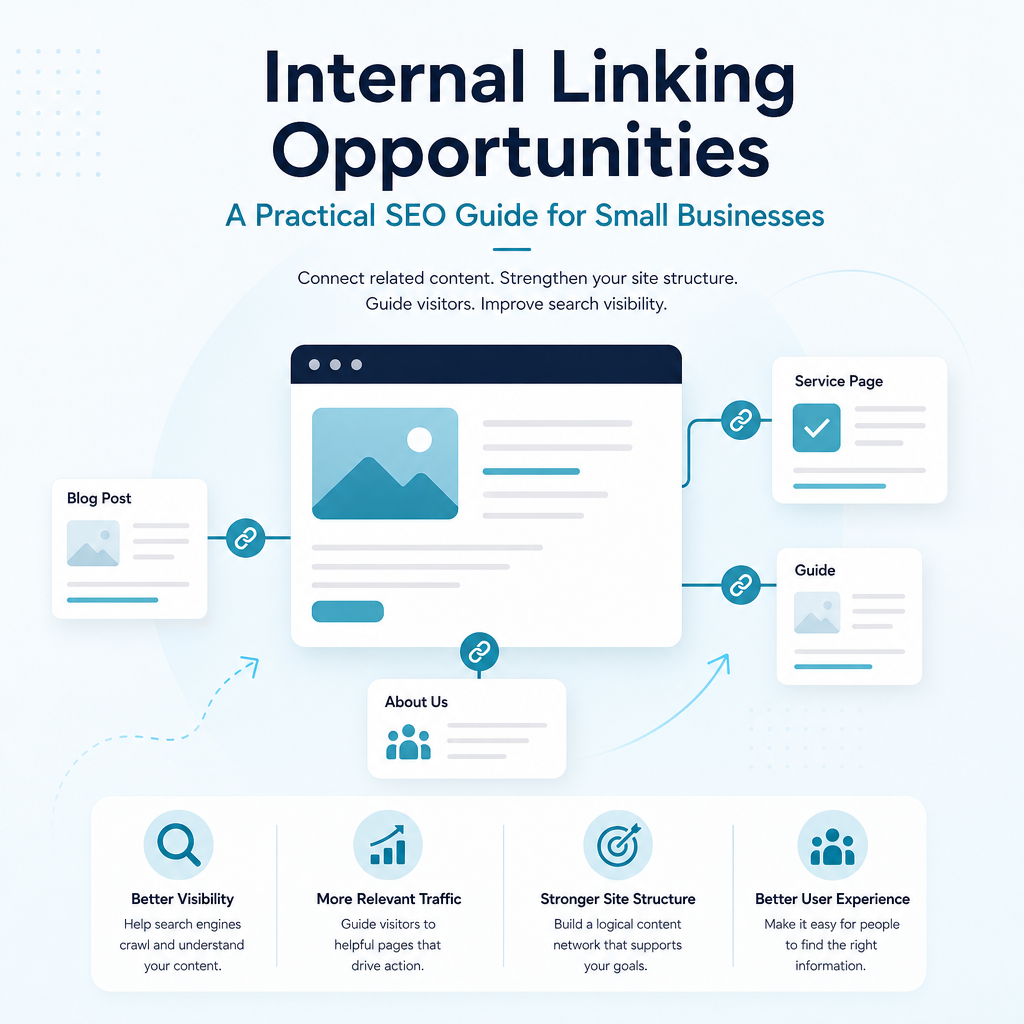
Finding internal linking opportunities manually can become difficult as your website grows. Generic AI writing tools may produce text, but they do not automatically understand which pages already receive impressions, which topics your competitors cover or where your site has realistic opportunities.
Ammpli combines Google Search Console and Analytics data with competitor research, search-intent analysis and semantic keyword mapping. This can help small businesses identify pages and topics that deserve support, then turn those insights into a practical content plan.
The platform’s SEO opportunity analysis can highlight relevant searches where a website is already gaining visibility but has not yet reached its strongest positions. Those insights can inform new articles, updates to existing pages and internal linking decisions.
Ammpli also supports AI-powered SEO content creation, content gap analysis, topical authority planning, SEO content calendars, local SEO content creation, blog and brand analysis, direct CMS publishing and SEO performance reporting. The aim is to reduce guesswork while keeping content connected to real search behaviour.
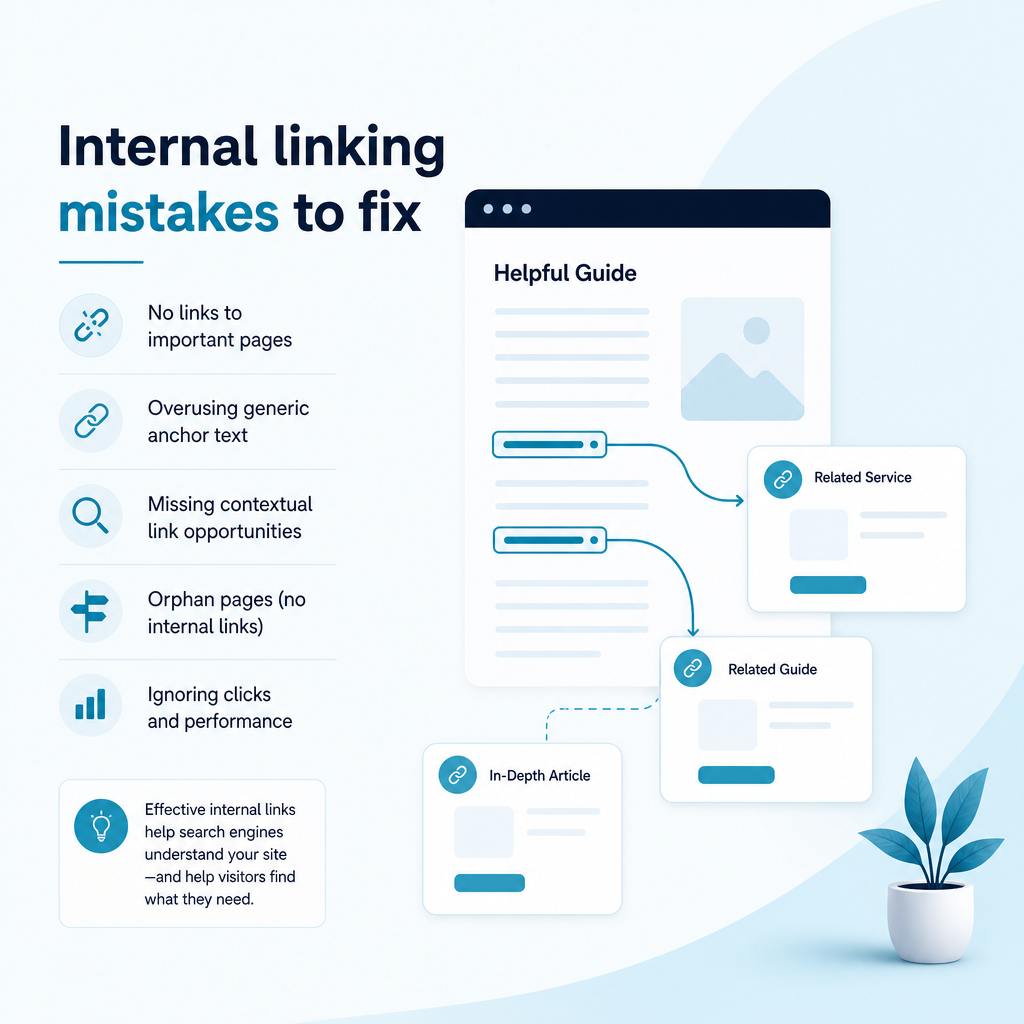
Common internal linking mistakes
Many websites have internal links, but the links do not always support a clear strategy. Reviewing common mistakes can help you improve existing content before creating more.
Linking without relevance
A link should make sense in the sentence and on the page. Adding unrelated links because they contain a target phrase can confuse visitors and weaken the relationship between topics.
Leaving valuable pages isolated
New blog posts, local landing pages and detailed resources are often published and then forgotten. Add links to them from relevant existing pages and connect them to the appropriate topic hub.
Using vague anchor text
“Find out more” gives little information about the destination. Clear anchor text improves accessibility and gives search engines more context.
Ignoring older content
Older articles may have accumulated visibility or backlinks. Review them for opportunities to link to newer, more accurate pages, while also updating outdated information.
Focusing only on rankings
Internal links should help users complete a journey, not just pass signals between URLs. If a link does not improve understanding or navigation, it may not belong on the page.
Frequently Asked Questions
What are internal linking opportunities?
Internal linking opportunities are relevant places on your website where a link can connect one page to another. They may appear in blog posts, service pages, FAQs, navigation, breadcrumbs or related-content sections. The strongest opportunities support the reader’s next question and connect important pages within a clear topic structure.
How do I find internal linking opportunities?
Review related pages, topic clusters, service journeys and newly published content. Google Search Console and Analytics can show which pages receive impressions, clicks or engagement, while a site audit can reveal orphan pages, broken links and pages with weak internal-link coverage. An AI SEO content platform can combine these signals with search intent and competitor research to prioritise opportunities.
How many internal links should a page have?
There is no fixed number. The right amount depends on the length, purpose and subject of the page. Add links when they provide useful context or a sensible next step, and remove links that are repetitive, unrelated or distracting.
Do internal links improve Google rankings?
Internal links can support search visibility by helping Google discover pages, understand site structure and interpret topical relationships. They can also direct attention towards important pages. However, internal linking is only one part of SEO, and it cannot guarantee a particular ranking position.
What is an orphan page?
An orphan page is a page with no internal links pointing to it. It may be difficult for visitors to find and its relationship to the rest of the site may be unclear to search engines. Add relevant links from established pages, connect it to a topic hub or review whether the page is still needed.
Should small businesses use software to manage internal links?
Software can be useful when a website has enough content that manual reviews become slow or inconsistent. Tools can combine search-performance data, audits, content analysis and opportunity suggestions. Small businesses should still review recommendations for relevance and user value before publishing links.
How can Google Search Console help with internal linking?
Google Search Console shows queries, impressions, clicks and page performance. Use this information to find pages gaining visibility, identify related search intent and decide which pages deserve stronger contextual links. It can also help you measure changes after updating your structure.
Turn search data into better content connections
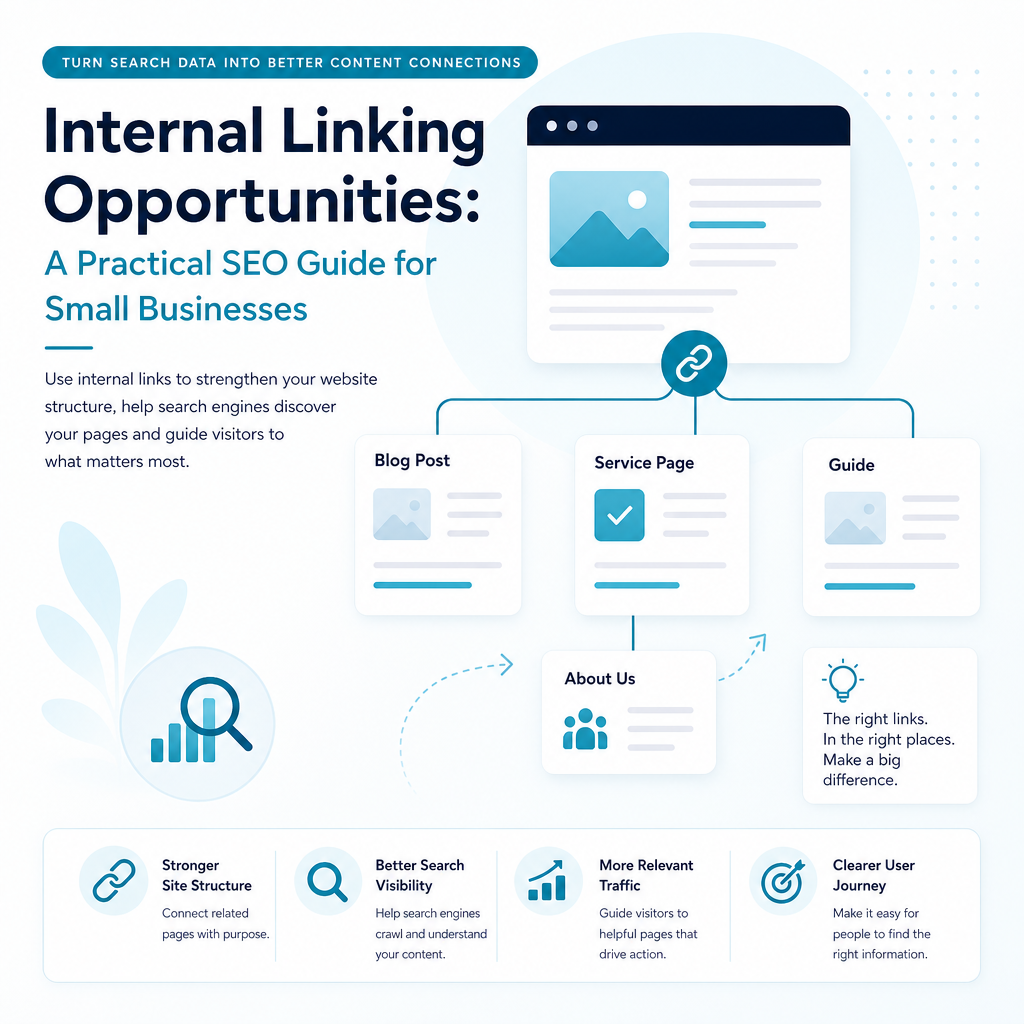
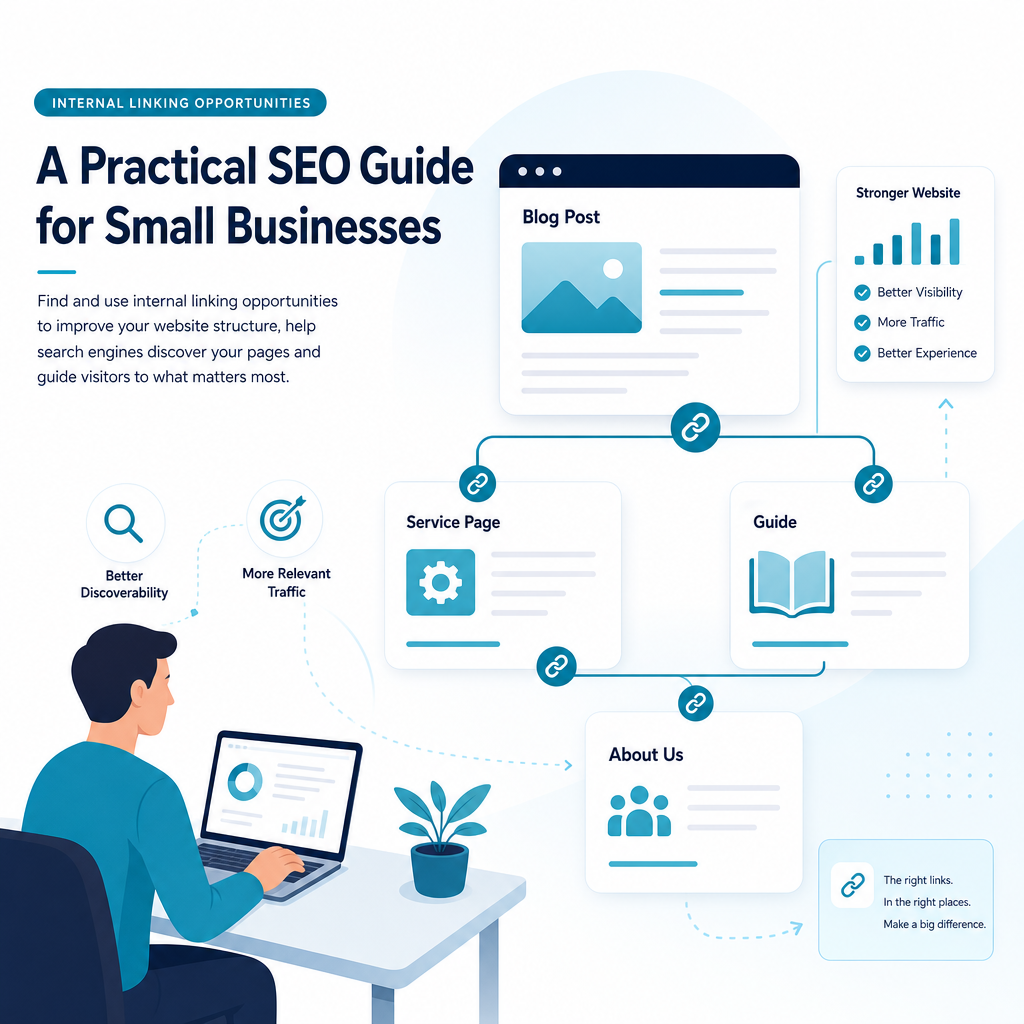
Internal linking opportunities are often hidden in content you already own. By connecting related articles, service pages and priority resources, you can make your website easier to explore and give search engines a clearer view of your expertise.
A practical strategy starts with relevance, useful anchor text, strong site architecture and regular reviews. Ammpli helps small and growing businesses connect Google Search Console and Analytics data with content planning, competitor analysis and AI-powered SEO content creation.
Start your 14-day free trial and find your next ranking opportunity. No credit card required.