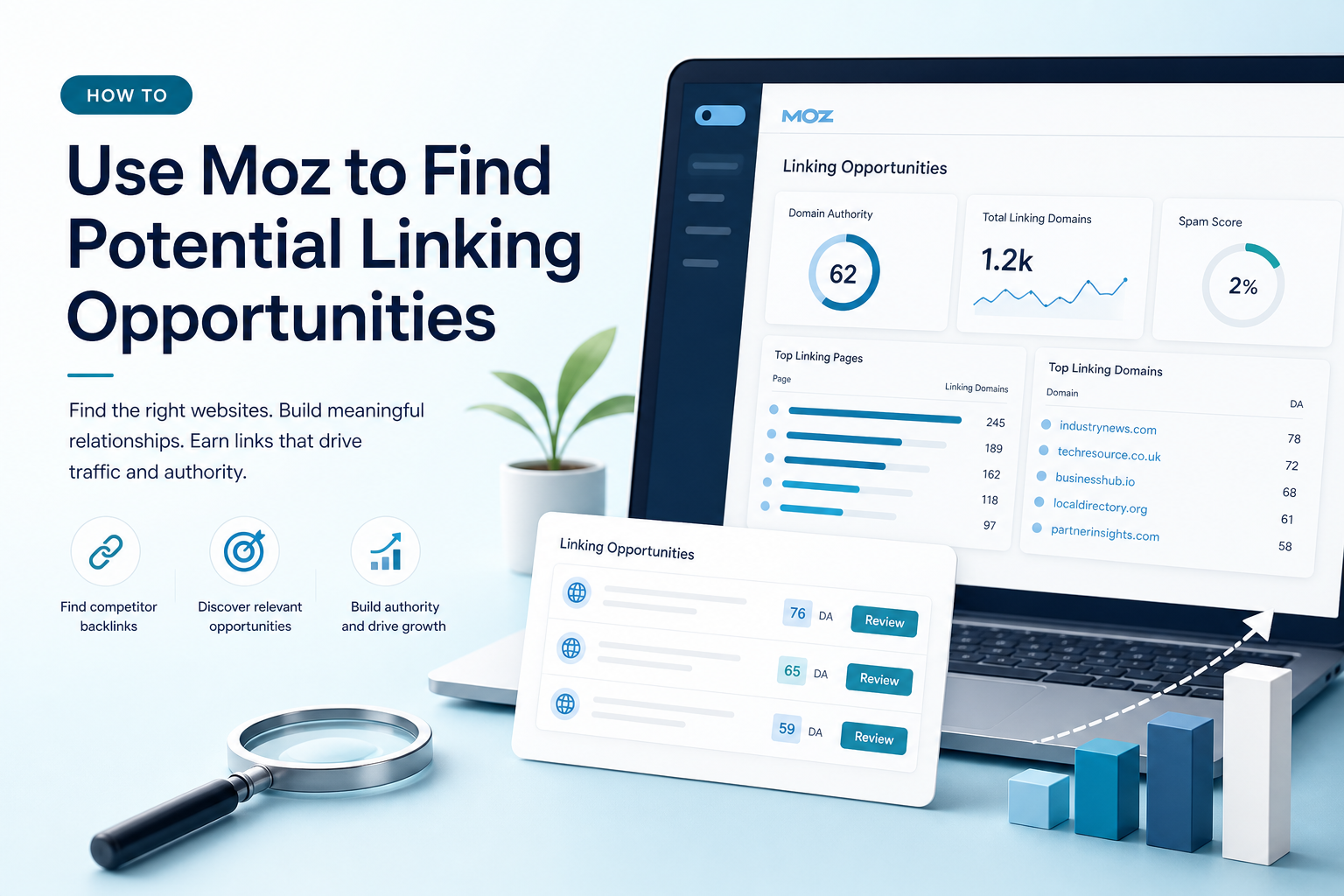
Finding websites that may link to your business can feel like a slow, uncertain process. Moz can make the research clearer by showing which domains link to competitors, which pages attract the most links and where your own backlink profile has gaps.
For a small business, the goal is not to collect as many links as possible. The goal is to identify relevant, credible websites that may reference your expertise, resources or services. This guide explains how to use Moz to find potential linking opportunities and turn the findings into a practical SEO content plan.
What Are Linking Opportunities?
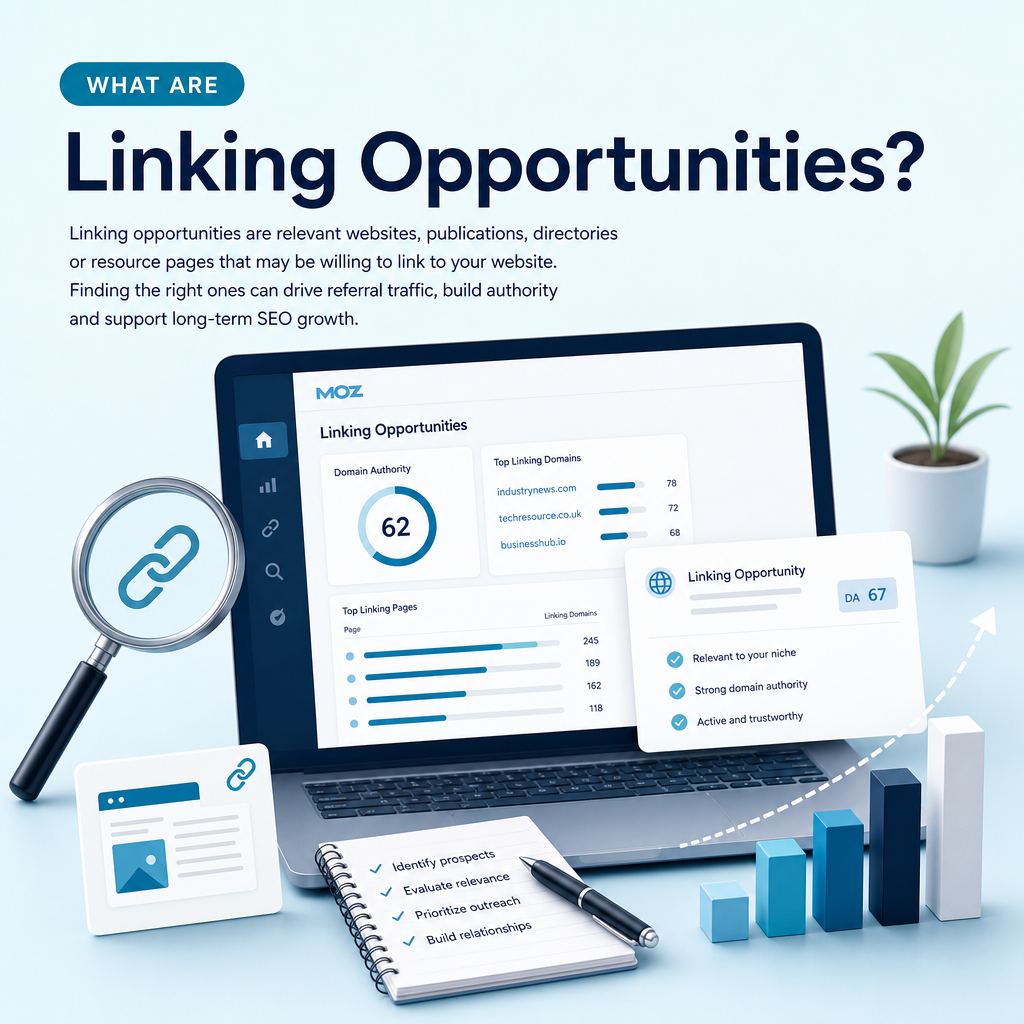
Linking opportunities are relevant websites, publications, directories or resource pages that may be willing to link to your website. A link can support discovery, referral traffic and the perceived relevance of a page, although no link guarantees higher rankings.
Good opportunities usually have a clear connection to your subject, audience or location. For example, a UK technology business might look for industry publications, professional associations, local business resources, partner websites and specialist blogs that already discuss related topics.
Quality matters more than volume
A large number of unrelated links is rarely a sensible objective. A smaller set of relevant links from trusted websites may provide more useful referral traffic and stronger context than a long list of low-value prospects.
Moz metrics can help you compare websites, but they should support human judgement rather than replace it. Check the website’s subject, audience, editorial standards, visible activity and whether the proposed link would genuinely help readers.
What Moz Can Show You
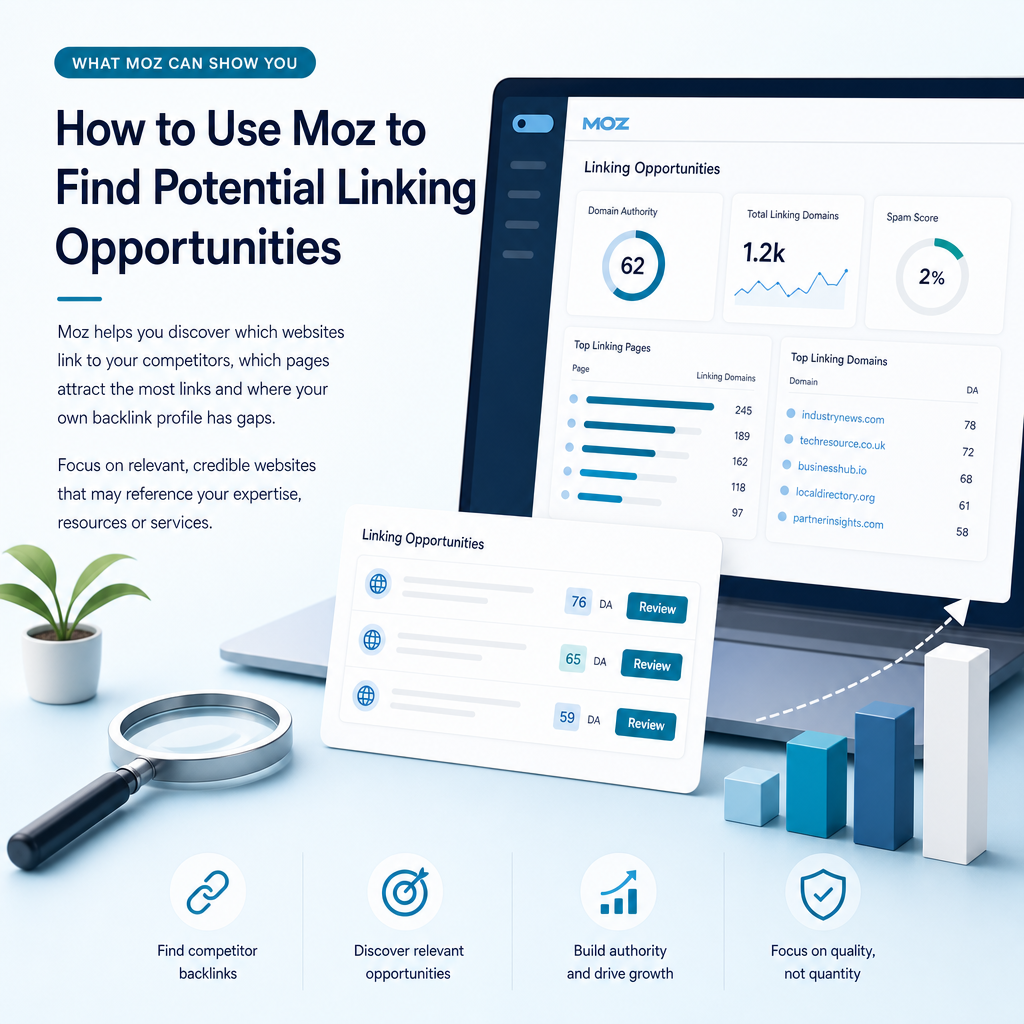
Moz provides several useful views for link research. Link Explorer helps you review backlinks, linking root domains, top linked pages and competitor link profiles. Keyword Explorer adds search-intent and competitive information, while Domain Authority and Page Authority provide comparative indicators of link-profile strength.
These measurements are not Google ranking factors. They are Moz’s own estimates and can change as its index and calculations change. Use them to identify patterns and prioritise research, not as a promise of search performance.
| Moz feature | What it helps you investigate |
|---|---|
| Link Explorer | Backlinks, linking root domains, anchor text and linked pages |
| Link Intersect | Websites linking to competitors but not to your domain |
| Keyword Explorer | Search intent, difficulty and pages ranking for relevant searches |
| Domain Authority | A comparative view of domain-level link strength |
| Page Authority | A comparative view of the strength of an individual page |
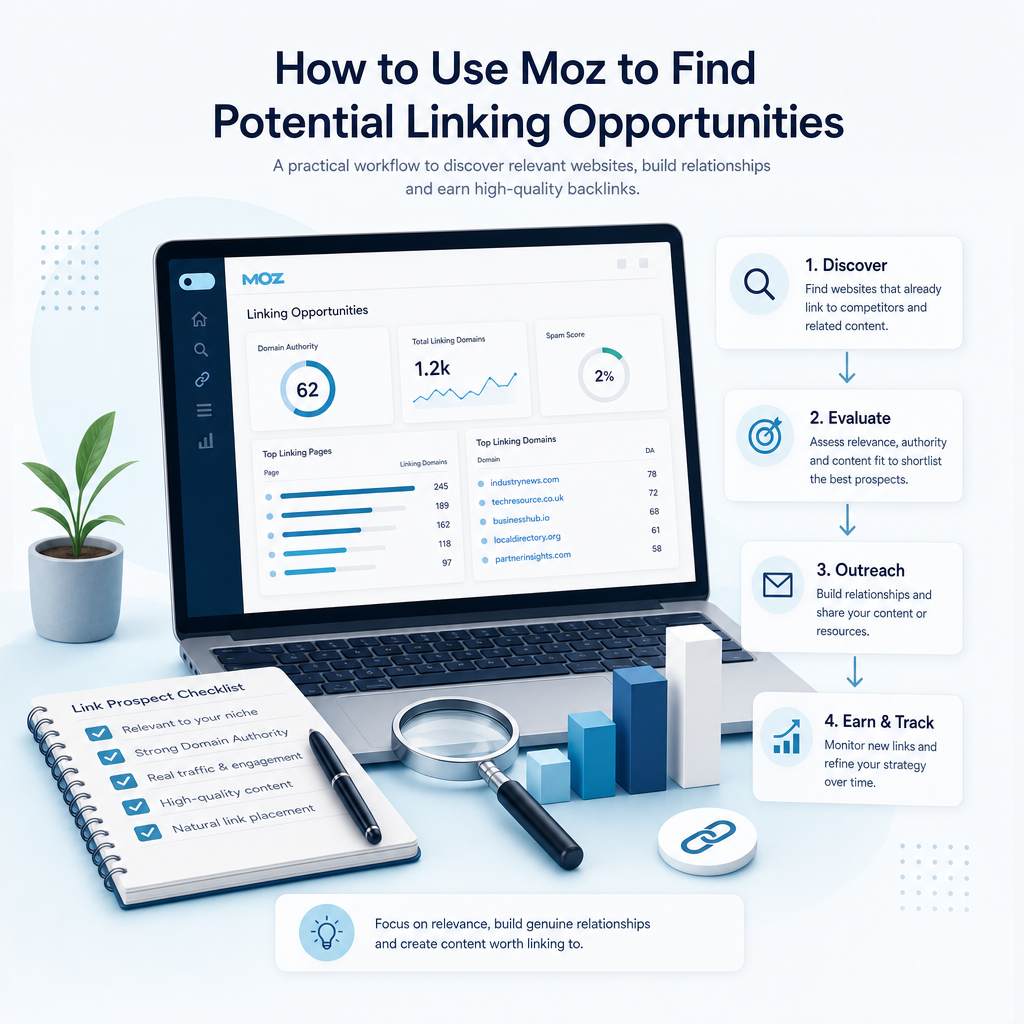
How to Use Moz to Find Potential Linking Opportunities
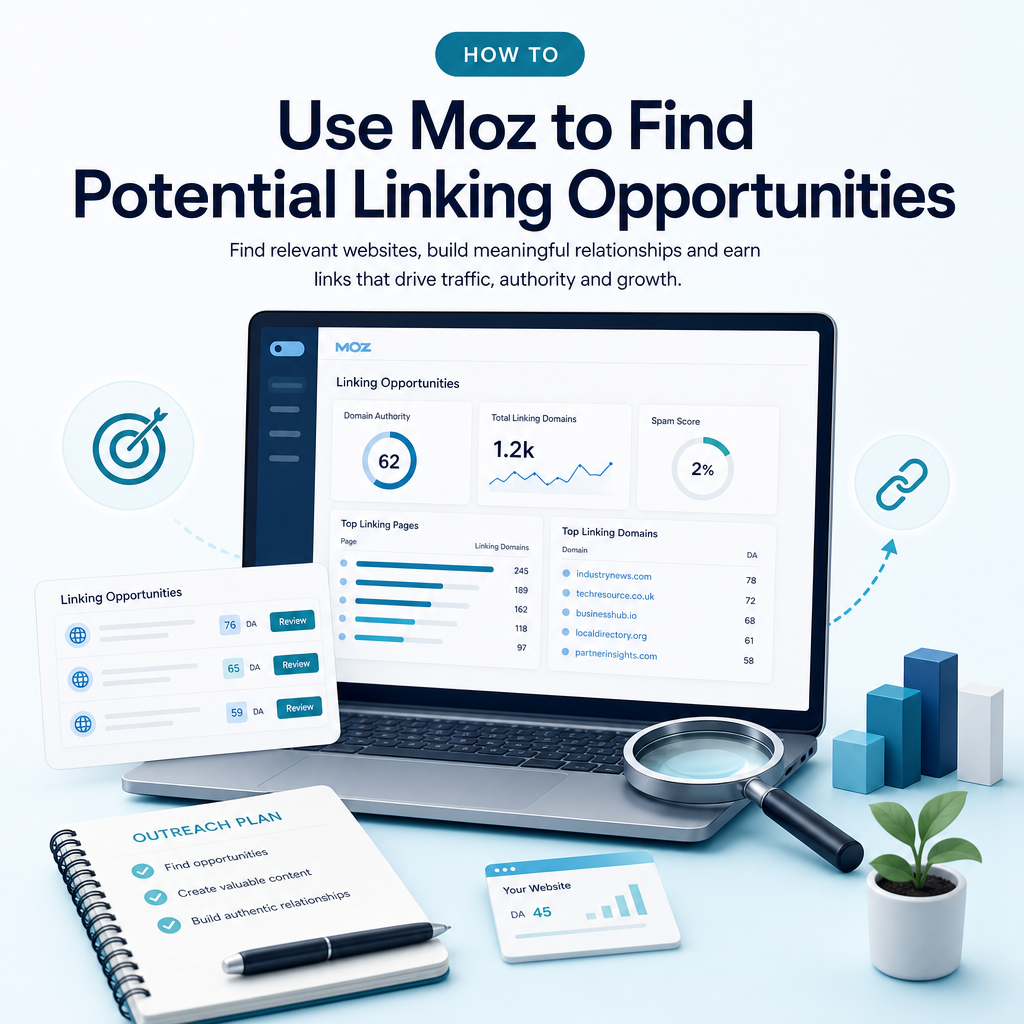
The most productive workflow combines competitor research with your own website data. Start with pages and searches that are relevant to your commercial goals, then use Moz to find websites that already show interest in those subjects.
1. Choose realistic competitors
Begin with businesses that rank for the searches you want to target. They may not be direct commercial competitors. A local service provider, specialist publication or educational resource can also be a useful search competitor if it consistently appears for your audience’s questions.
Record the competitor’s domain and, where relevant, the exact pages ranking for your target searches. Comparing individual pages is often more useful than reviewing an entire domain because it reveals the content that has earned attention.
2. Review your own link profile in Link Explorer
Enter your domain or a specific page into Moz Link Explorer. Review the linking root domains, inbound links, anchor text, top linked pages and recently discovered or lost linking domains where the data is available.
Look for patterns. Are links concentrated on your homepage? Do service pages receive little external attention? Has a useful guide attracted links while your commercial pages have not? These observations can shape both your content plan and your outreach priorities.
3. Compare competitors with Link Intersect
Link Intersect is one of the most practical ways to use Moz for potential linking opportunities. Add your domain and several relevant competitor domains, then compare the websites that link to those competitors but not to you.
Use the appropriate comparison level. A domain-level comparison can reveal broad industry opportunities, while an exact-page comparison can show websites linking to a particular competitor resource. The exact-page view is especially helpful when you are planning a better guide, calculator, research page or local resource.
Export or record the results, then group them by type. Useful categories include industry publications, associations, suppliers, partner sites, local organisations, directories, educational resources and editorial blogs.
4. Study why competitors earned each link
A linking domain is only a prospect. The next task is to understand why it linked to the competitor. Open the referring page and examine the context of the link.
- Was the link included in a research article or expert guide?
- Does the page cite original data, a useful definition or a practical tool?
- Is the competitor mentioned as a service provider, source or example?
- Would a more current or useful resource improve the reader’s experience?
- Does the website accept contributions, expert commentary or resource submissions?
This step prevents generic outreach. It also helps you create content with a clear reason to exist before contacting a publisher.
5. Check authority and relevance
Review Domain Authority, Page Authority, linking root domains and spam-related indicators as part of your screening process. A website with a high metric but little topical relevance may be less useful than a smaller specialist publication with a closely matched audience.
Check whether the site publishes genuine editorial content, links to external sources naturally and appears maintained. Avoid sites that exist mainly to sell links or publish large volumes of unrelated material. The aim is to earn relevant coverage, not to manipulate search results.
6. Find linkable topics with Keyword Explorer
Use Moz Keyword Explorer to investigate the searches connected with your service, audience and competitors’ linked pages. Review search intent, keyword difficulty and search engine results page features where available.
Informational searches often reveal useful subjects for linkable content, such as definitions, comparisons, practical guides, checklists and original research. Commercial searches can help you identify service pages that need stronger supporting content, internal links and brand visibility.
Cross-reference these findings with Google Search Console. Queries already generating impressions for your website may reveal realistic subjects where a well-planned page can improve relevance and attract references over time.
How to Turn Moz Data into Outreach Priorities
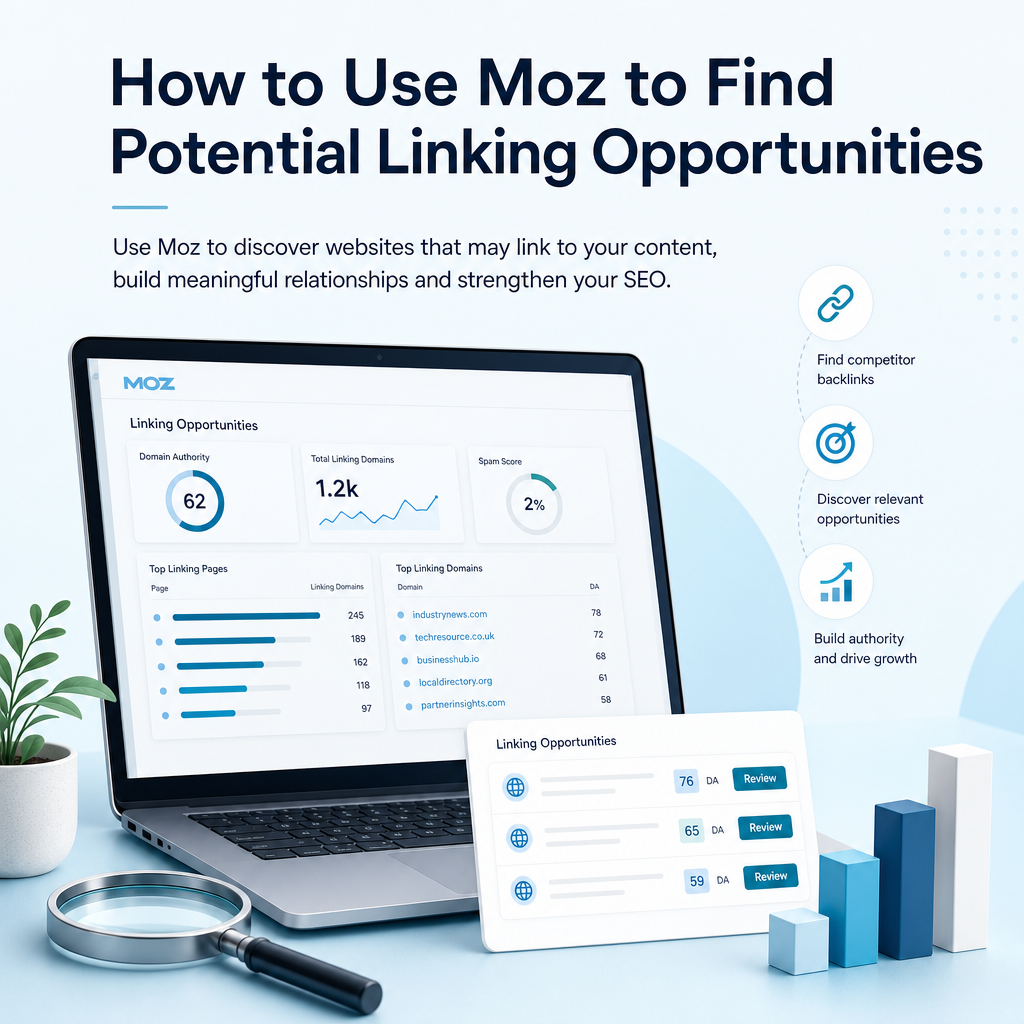
Moz can produce a long list of potential domains. A prioritisation method helps a small team focus on the opportunities with the clearest value and the most realistic route to contact.
Score each prospect against four questions
- Relevance: Does the website serve an audience connected to your business?
- Value: Would its readers benefit from your page or resource?
- Fit: Is there a natural reason for the publisher to mention you?
- Reachability: Can you identify an editor, owner, partner or contributor contact?
Give priority to prospects that score well across all four areas. A relevant local association or respected trade publication may be more valuable than a high-metric site with no connection to your customers.
Create an asset before requesting a link
Outreach works better when you can point to something genuinely useful. Depending on your business, that might be a detailed service guide, original analysis, glossary, local resource, expert commentary, template or data-led article.
Ammpli helps small and growing businesses connect this work to SEO opportunity analysis, competitor content-gap analysis, semantic keyword mapping and SEO content planning. That allows a potential link to support a wider topic cluster rather than becoming an isolated campaign.
Common Mistakes to Avoid
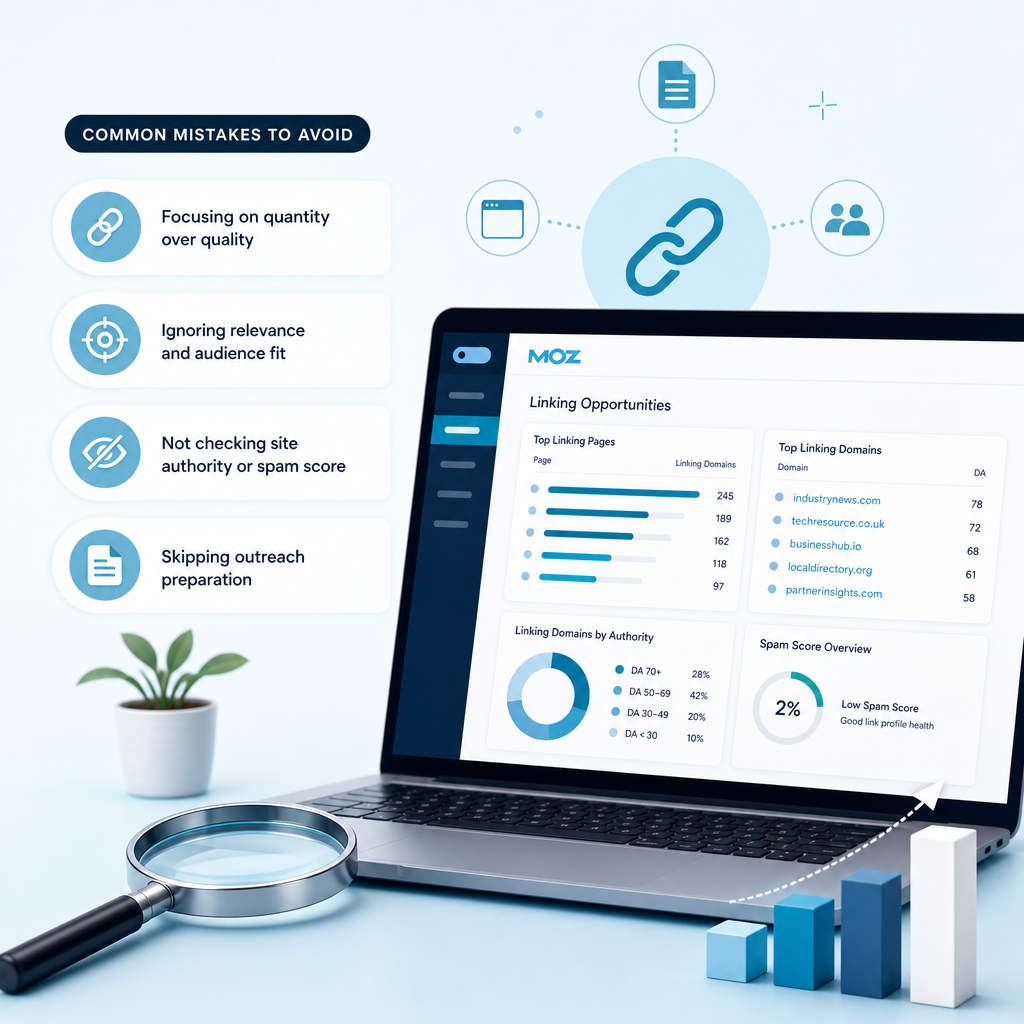
Many link research projects fail because they focus on metrics without enough attention to relevance or reader value. Avoid copying every link from a competitor, sending identical messages to every prospect or creating content solely to include a target phrase.
Do not treat a Domain Authority score as a guarantee. Do not assume that a website linking to a competitor will link to you. The competitor may have earned the mention through a partnership, original research, a personal relationship or a resource that is not easy to replicate.
Finally, do not ignore your existing content. Updating a useful page, improving its structure, adding clear evidence and making it easier to reference may be more productive than publishing a completely new article.
How Ammpli Supports a Data-Led SEO Process
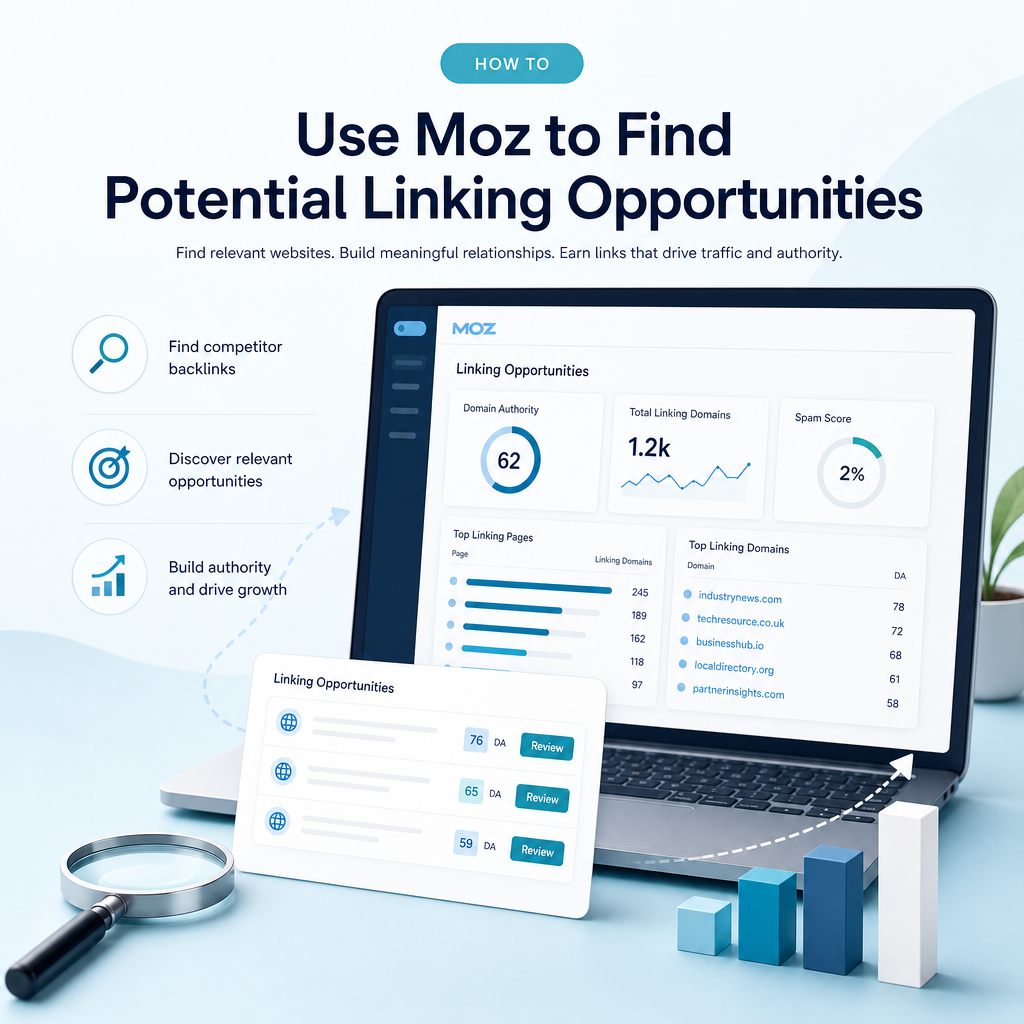
Researching competitors in Moz is useful, but small teams often struggle to turn findings into consistent publishing decisions. Ammpli is an AI SEO content platform that combines Google Search Console and Analytics data with competitor research, search-intent analysis and semantic keyword mapping.
It can help identify realistic ranking opportunities, including relevant searches where a website already receives impressions but has not reached its strongest positions. Those insights can inform content calendars, local SEO content creation, topical authority planning and high-quality SEO content production.
The result is a more connected process: identify a realistic search opportunity, study the competing pages and their link profiles, plan a useful resource, publish it and review performance through SEO reporting. Ammpli is designed for small businesses in the United Kingdom and English-speaking international markets that need practical SEO automation without the cost and complexity of a traditional agency.
Frequently Asked Questions
Does Moz show every website that could link to my business?
No. Moz relies on its own link index, so it may not include every existing backlink or potential publisher. Use its results as a research source, then supplement them with Google searches, industry knowledge, customer relationships and manual review.
What is the best Moz feature for finding linking opportunities?
Link Intersect is often the most direct feature because it identifies websites linking to selected competitors but not to your domain. Link Explorer and Keyword Explorer add context by showing linked pages, link patterns, search intent and competitive conditions.
Should I only target websites with a high Domain Authority?
No. Domain Authority is a comparative Moz metric, not a guarantee of traffic or rankings. Relevance, editorial quality, audience fit and the natural usefulness of the link should influence your decision as much as the metric.
How many competitors should I compare in Link Intersect?
Start with several genuine search competitors rather than adding every visible website. A focused set makes patterns easier to interpret and helps you separate industry-wide opportunities from links earned through a competitor’s unique partnerships or assets.
Can AI create content that earns links automatically?
No content tool can guarantee links. AI can help with research, outlines and drafting, but link-worthy content still needs accurate information, a clear purpose, original value and human review. Ammpli connects data analysis, search intent and content planning so businesses can make more informed publishing decisions.
Find Your Next Linking Opportunity
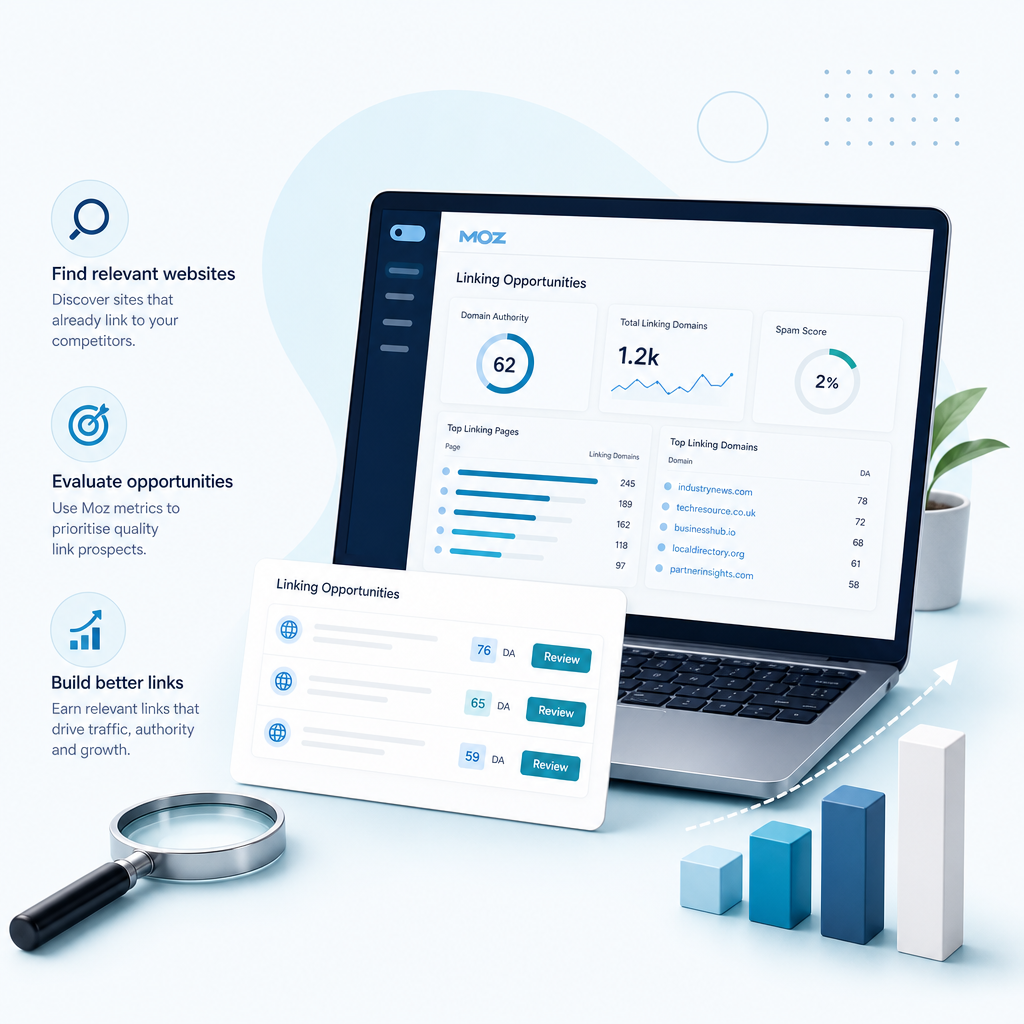
Learning how to use Moz to find potential linking opportunities gives you a practical way to study competitors, identify content gaps and prioritise outreach. The strongest results come from combining link data with search-performance information and a clear understanding of what your audience needs.
Ammpli helps turn those signals into a focused SEO content plan, supported by Google Search Console analysis, competitor research and semantic mapping. Start your 14-day free trial and turn your search data into better content. No credit card required.