SEO Topic Clusters: How to Build a Data-Driven Content Strategy

SEO Topic Clusters: How to Build a Data-Driven Content Strategy

You may already publish blog content, yet still struggle to rank consistently. The problem is often not a lack of effort or writing quality. It is that individual pages are created without a clear relationship to one another, leaving search engines and readers to work out what your website is truly known for.

An SEO topic cluster gives your content a practical structure. It connects one broad pillar page with focused supporting pages, links those pages together and maps each article to a specific search intent. For small businesses, this approach can turn scattered publishing into a focused plan for building organic visibility and topical authority.

This guide explains what SEO topic clusters are, how to create them, how to choose realistic opportunities and how an AI SEO content platform such as Ammpli can reduce the research and planning required.

What is an SEO topic cluster?
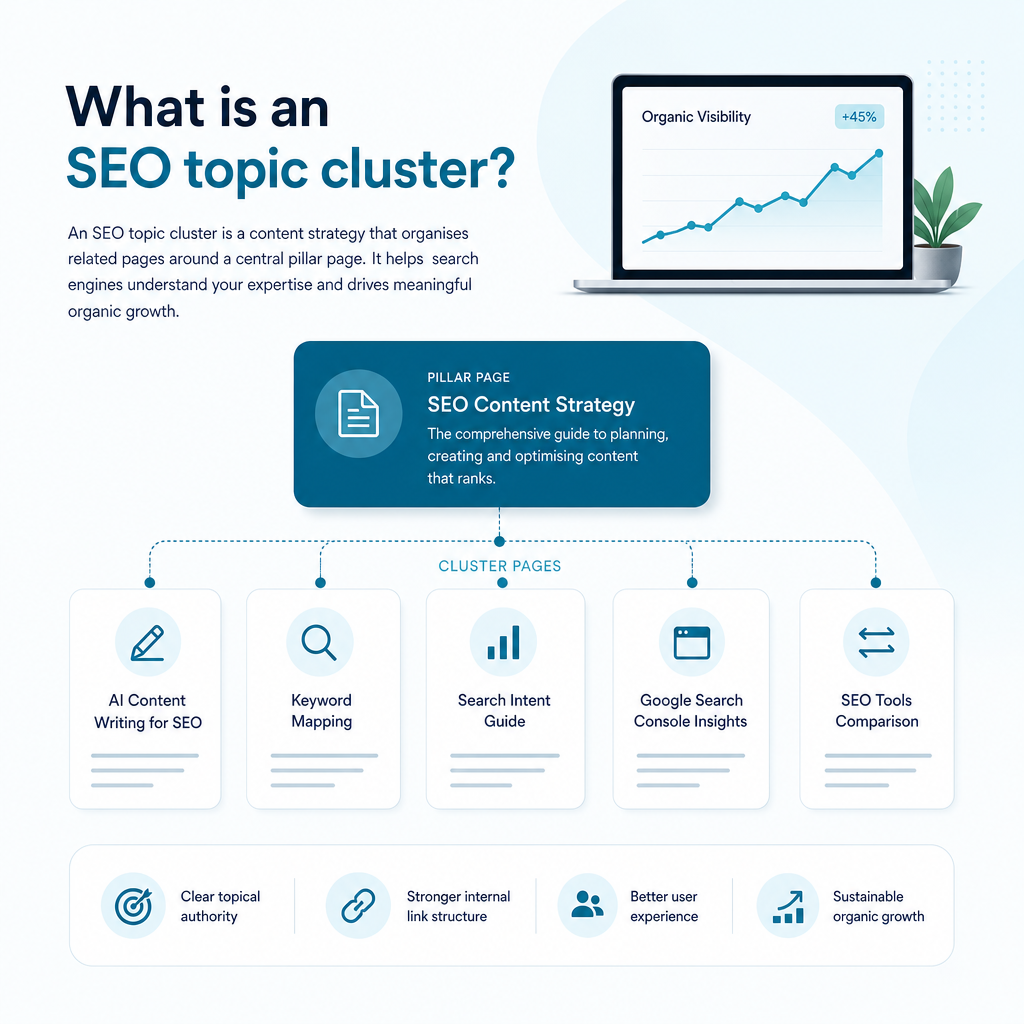
What is an SEO topic cluster?

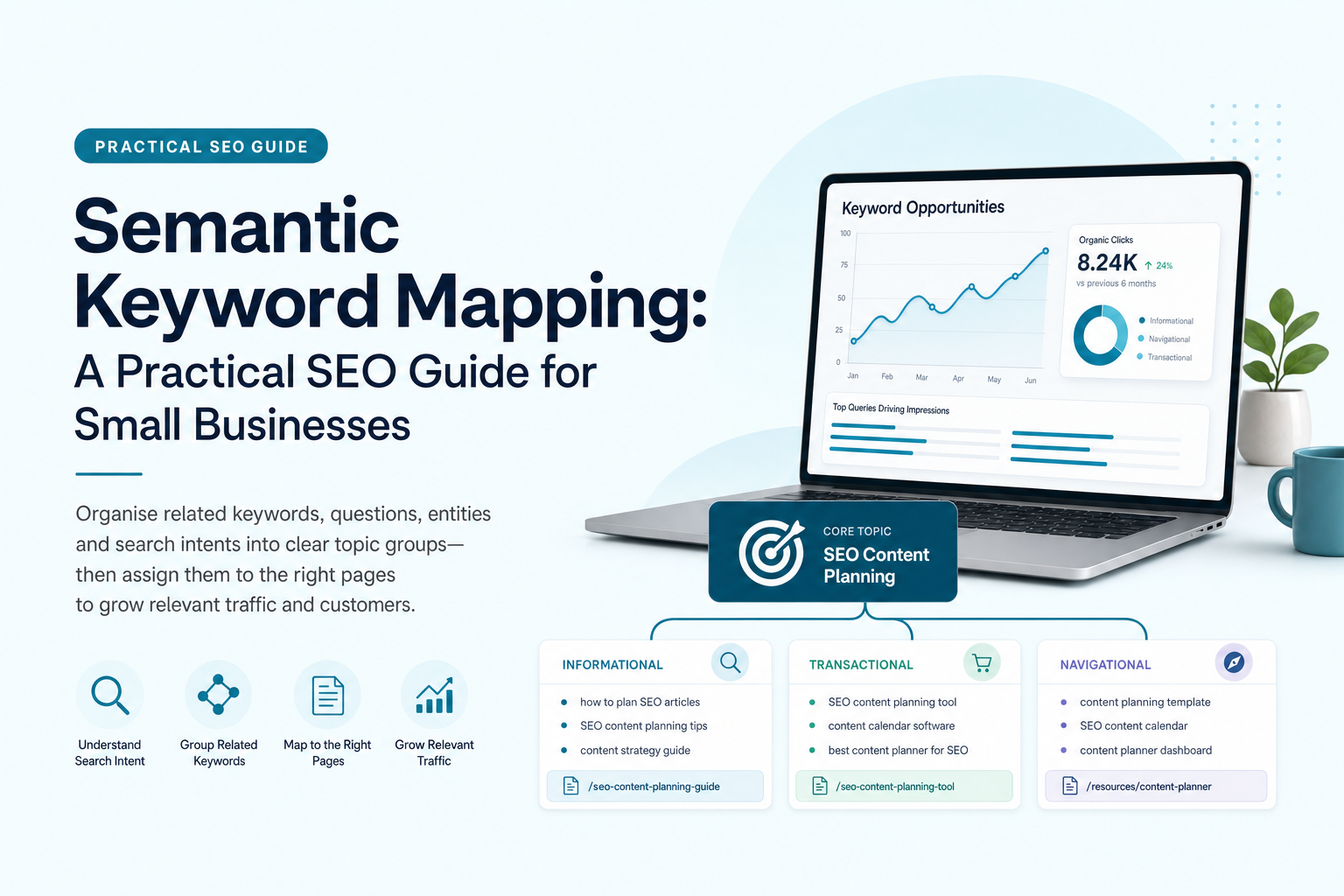
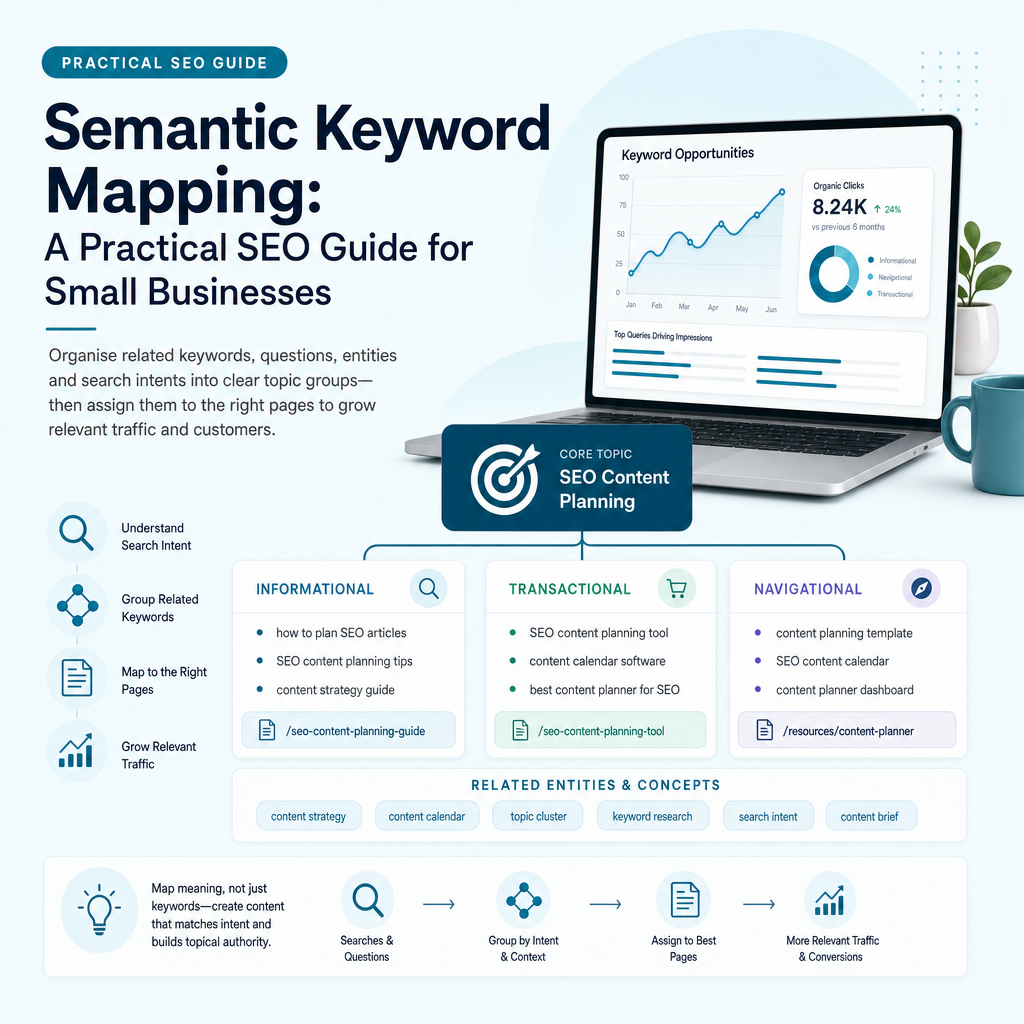
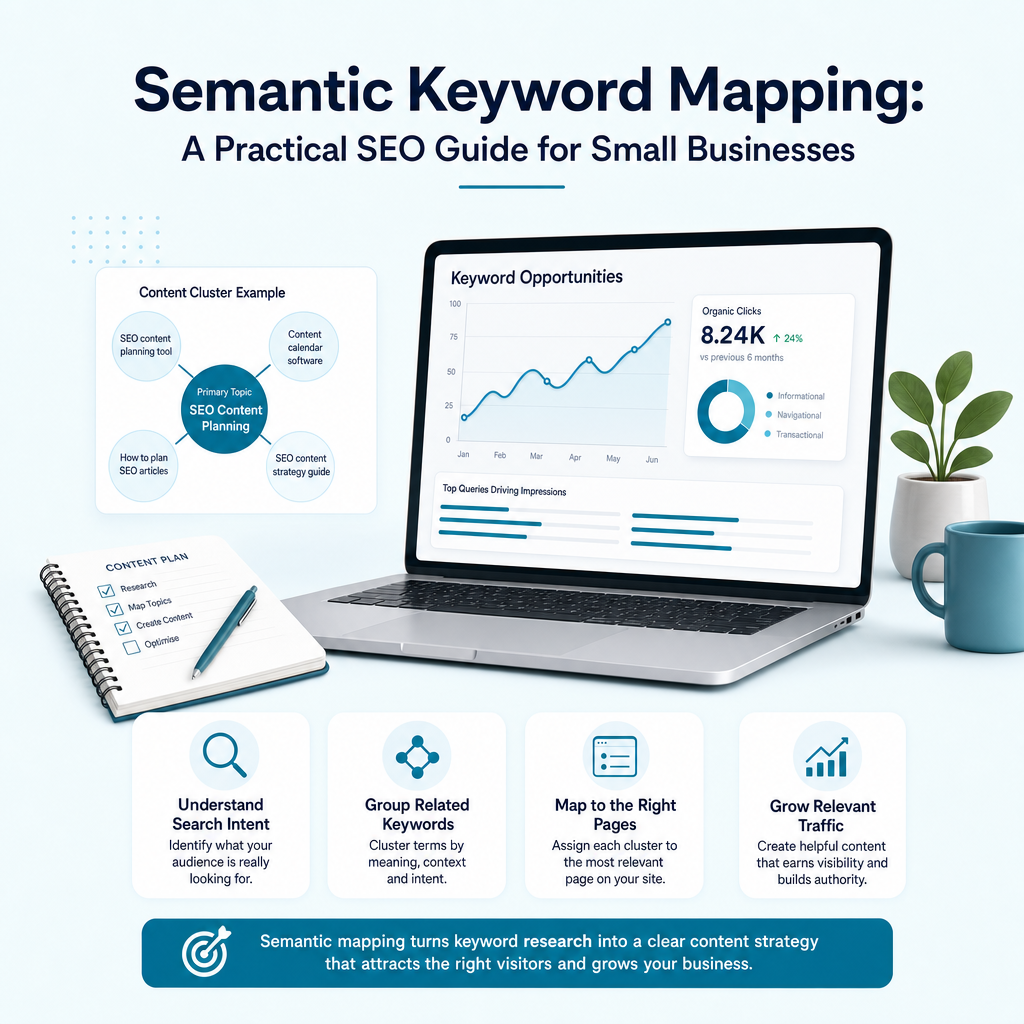
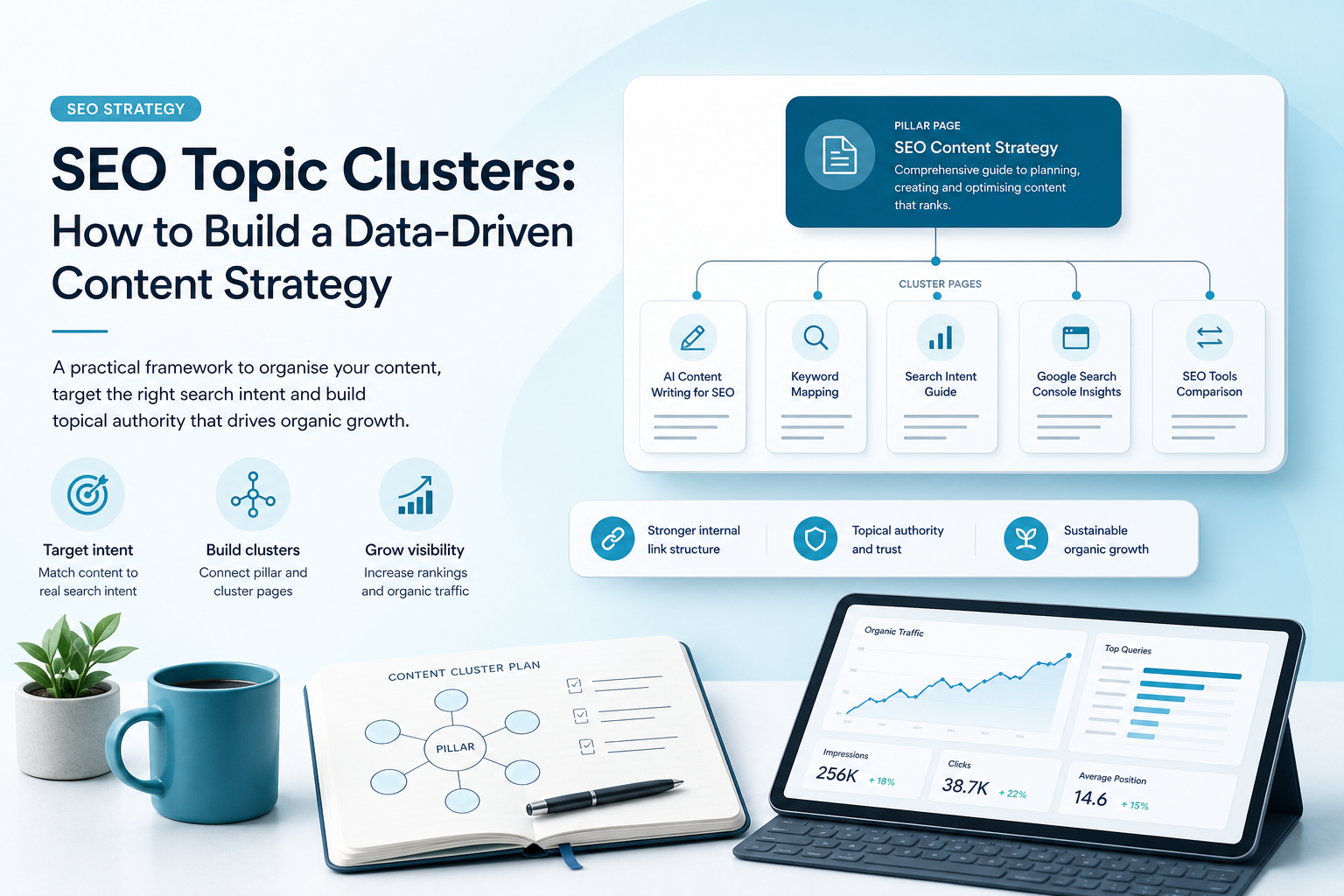
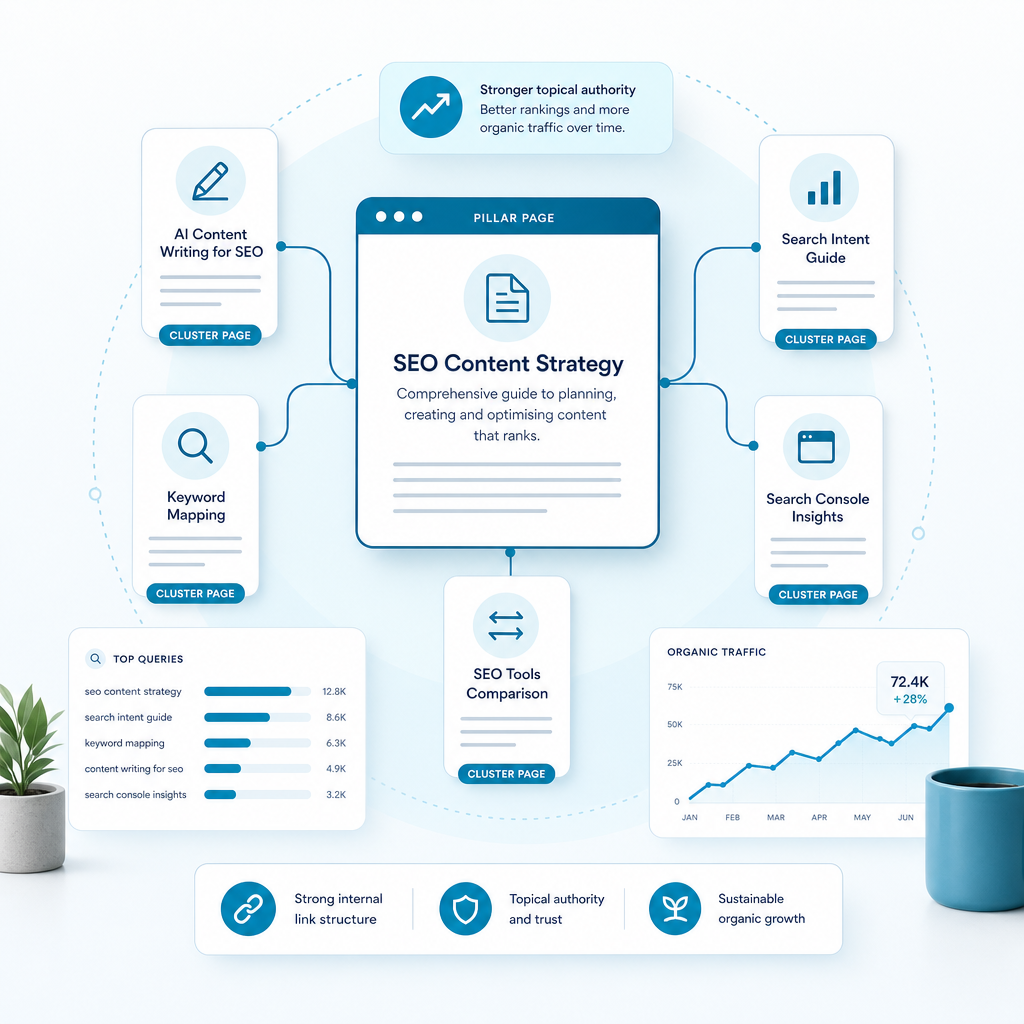
An SEO topic cluster is a group of related pages organised around one central subject. The central page is usually called a pillar page, while the supporting articles are known as cluster pages. Internal links connect the pages so users and search engines can understand how the information fits together.

The pillar page provides a broad overview. Each cluster page explores one specific question, use case, comparison or subtopic in greater detail. For example, a technology business could create a pillar page about SEO content software, supported by pages about AI content writing for SEO, semantic keyword mapping, Google Search Console content strategy and local SEO content creation.

The model is also called the hub-and-spoke approach. The hub is the central page, and the spokes are the supporting pages that expand coverage around it.

How a topic cluster is structured
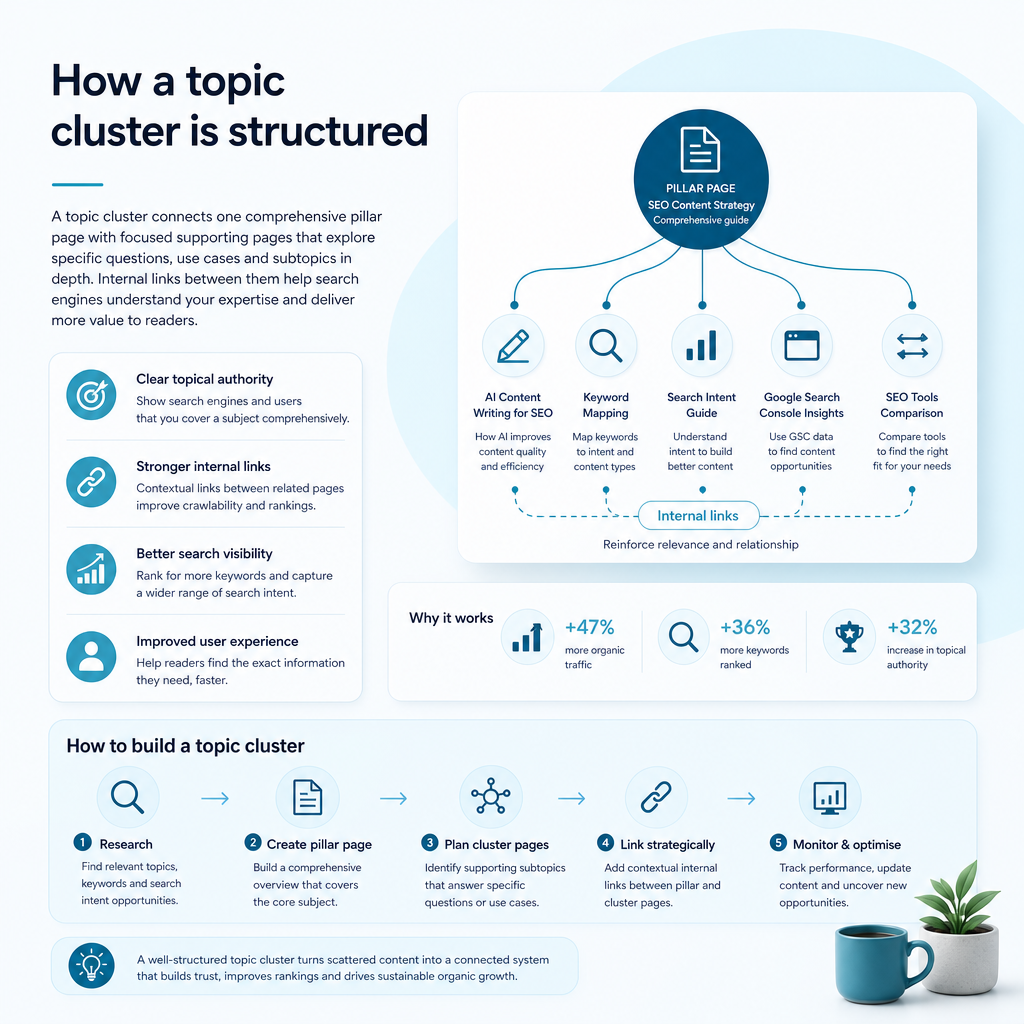
How a topic cluster is structured

A useful cluster has three core components: a clear pillar topic, focused supporting content and intentional internal linking. Each part has a different job, but the value comes from how they work together.

Key parts of an SEO topic cluster
Component Purpose Example
Pillar page Explains the main topic broadly and links to relevant supporting pages. SEO content strategy for small businesses
Cluster page Answers a focused question or addresses a specific search intent. How to use Google Search Console for content planning
Internal links Connect pages and clarify their relationship. Descriptive links between the pillar and supporting articles

Every cluster page should link back to the pillar page where it is relevant. The pillar should link to its main supporting pages, and related cluster pages can link to one another when the connection helps the reader. Links should be natural and use descriptive wording rather than repetitive, forced phrases.

Why SEO topic clusters matter for small businesses

Small businesses rarely have unlimited time, budget or content resources. Publishing random articles can consume those resources without creating a clear path towards stronger visibility. Topic clusters help you prioritise content that supports your services and addresses the questions your prospective customers actually ask.

Search engines increasingly interpret meaning, context and relationships between subjects. A connected group of useful pages gives clearer evidence that your website covers a topic in depth. It can also help readers move from an educational question to a commercial decision without returning to the search results.

Topic clusters can support:

  • Stronger topical authority across relevant subjects.
  • Better internal linking and site structure.
  • More visibility for broad and long-tail searches.
  • Clearer content planning and fewer overlapping articles.
  • More relevant journeys from informational content to enquiries.
  • Improved opportunities to appear in traditional and AI-assisted search experiences.

How to choose the right topic cluster
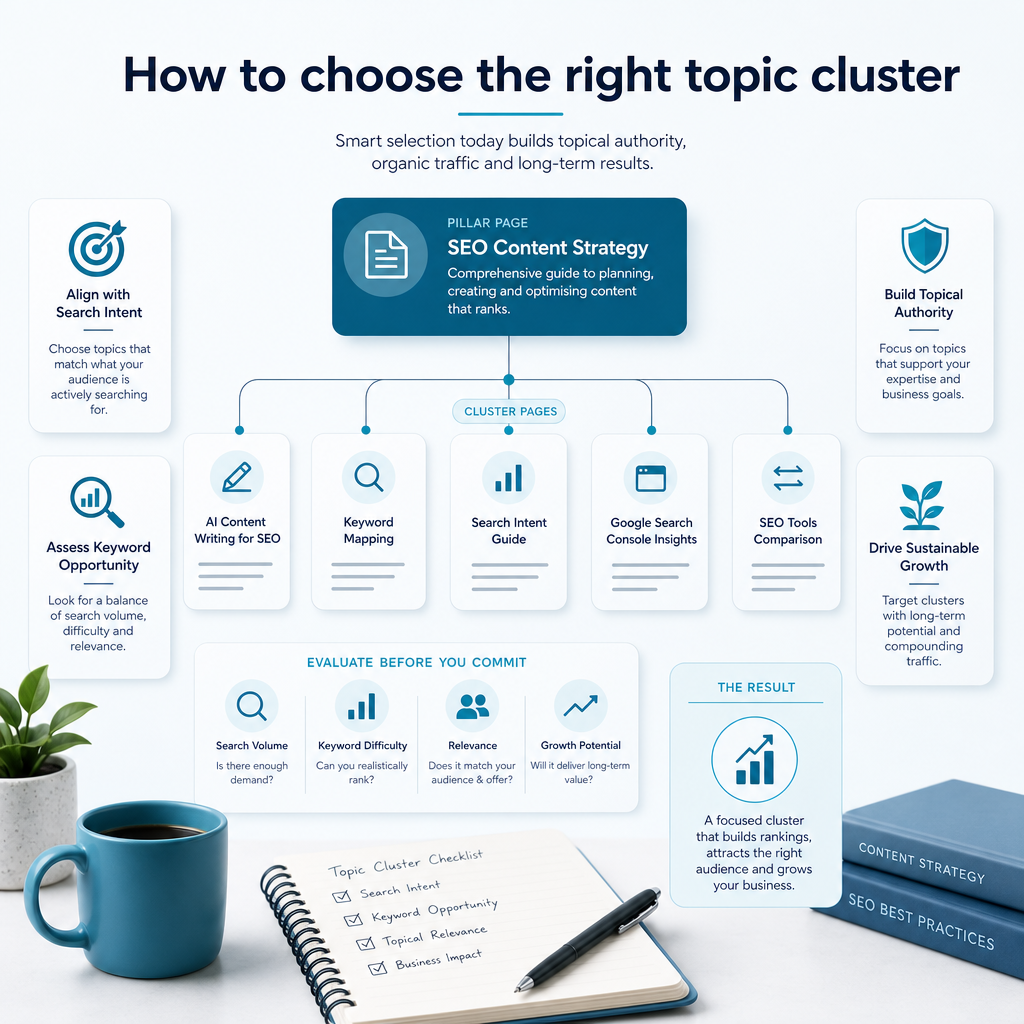
How to choose the right topic cluster

The strongest cluster is not always the topic with the highest search volume. A broad keyword may attract attention but still be difficult to rank for or poorly aligned with your services. A more specific topic with clear business relevance can attract fewer searches while producing more qualified visitors.

Start with the problems your business solves. For Ammpli, relevant cluster themes could include SEO for small businesses, AI SEO tools, SEO content planning, keyword opportunity discovery and topical authority software. These subjects connect directly to the needs of founders and marketing managers who want better visibility without the cost of a traditional agency.

Use the following checks before committing to a cluster:

  • Does the topic relate directly to your services and ideal customers?
  • Can you identify several meaningful subtopics?
  • Do the subtopics represent different search intents?
  • Does your website already receive impressions or clicks around the subject?
  • Are there content gaps competitors cover that your website does not?
  • Can the cluster support useful commercial next steps?

Use Google Search Console to find realistic opportunities

Google Search Console can reveal opportunities that generic keyword research may miss. Look for queries where your website already receives impressions but has limited clicks or sits outside the strongest positions. These searches show that Google already associates your website with the topic, giving you a useful starting point for a cluster.

Review the pages and queries together. Several queries may relate to one broader subject, or one existing page may be attracting impressions for questions it does not answer fully. That can indicate an opportunity to improve the current page, create supporting content or build a new pillar page.

Google Search Console analysis can help you identify:

  • Queries where your website has visibility but weak click-through.
  • Pages ranking for related terms that are not covered in depth.
  • Search themes generating impressions across multiple pages.
  • Content that could become a pillar or supporting resource.
  • Topics where new content may strengthen existing rankings.

This data-led approach is more practical than starting with a blank keyword list. It focuses your resources on opportunities connected to your current search performance.

Map search intent before creating content
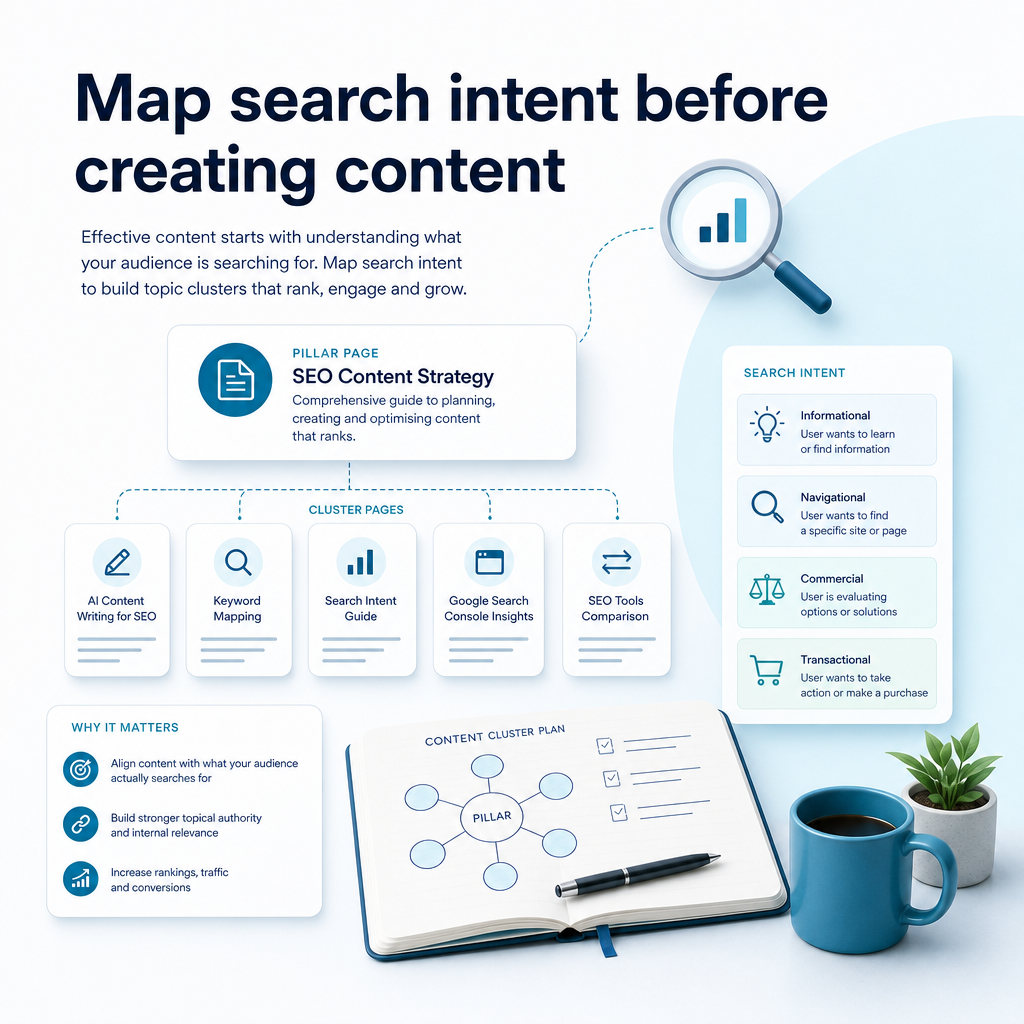
Map search intent before creating content

Search intent describes what a person wants to accomplish with a search. Two keywords may appear similar but require very different pages. Understanding intent before writing helps prevent thin content, mismatched formats and pages that compete with one another.

Informational intent

The searcher wants to understand a subject. Suitable content includes definitions, explainers and educational guides, such as “what is semantic keyword mapping?”

Commercial investigation intent

The searcher is comparing options or deciding whether a solution is suitable. Useful formats include comparison guides, feature breakdowns and pricing explanations.

Transactional intent

The searcher is close to taking action. Service pages, product pages, free trials and clear next steps are suitable for this intent.

Local intent

The searcher wants a relevant provider or solution in a particular area. Local SEO content creation can address location-specific needs for businesses serving the United Kingdom or English-speaking international markets.

A good cluster includes a mix of intents, but every page should have one clear primary purpose.

How to create an SEO topic cluster step by step
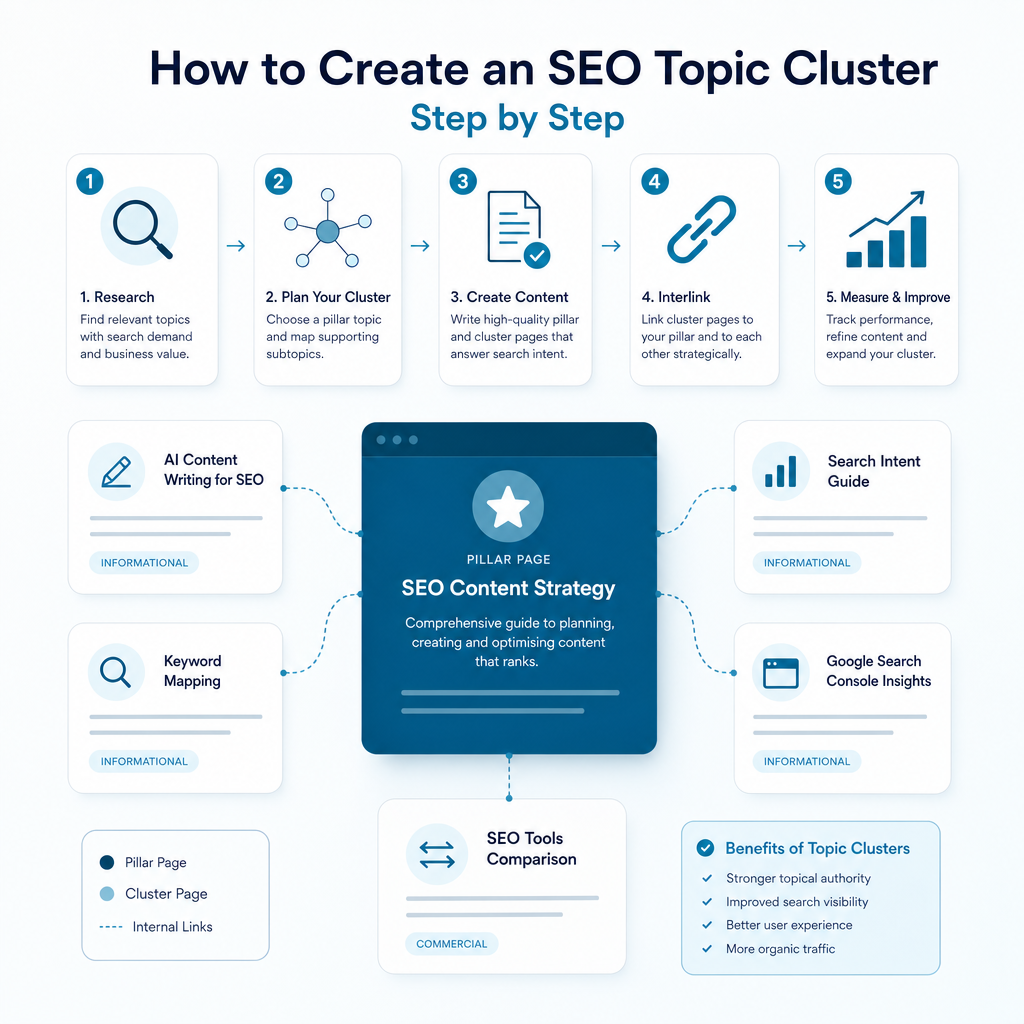
How to create an SEO topic cluster step by step

Creating a cluster becomes easier when planning, writing, linking and measurement are treated as one process. You do not need to publish every page at once. A small business can begin with one pillar and a handful of high-value supporting pages.

1. Select the pillar topic

Choose a broad subject that aligns with your expertise and services. It should be specific enough to have a clear audience but broad enough to support several related pages.

2. Audit existing content

Review current articles, service pages and landing pages. Identify pages that already address part of the topic, pages that overlap and gaps that require new content. Updating and connecting existing content can be more efficient than starting again.

3. Find supporting subtopics

Use Google Search Console data, competitor content-gap analysis, customer questions and keyword research to identify supporting pages. Include practical guides, FAQs, comparisons, use cases and objection-handling content.

4. Group keywords by shared intent

Several related keywords may belong on one page if Google shows similar results for them. Separate pages are usually more appropriate when the searcher’s goal, format or expected answer differs.

5. Write useful, focused content

The pillar should provide a clear overview without attempting to answer every subtopic in full. Cluster pages should add genuine depth, examples and practical guidance. Automated SEO content should still be reviewed for accuracy, clarity, brand fit and usefulness.

6. Add internal links

Link the pillar to important cluster pages and link each supporting page back to the pillar. Add cross-links where they help the reader continue their research. Avoid adding links simply to increase the number of links on a page.

7. Publish and measure

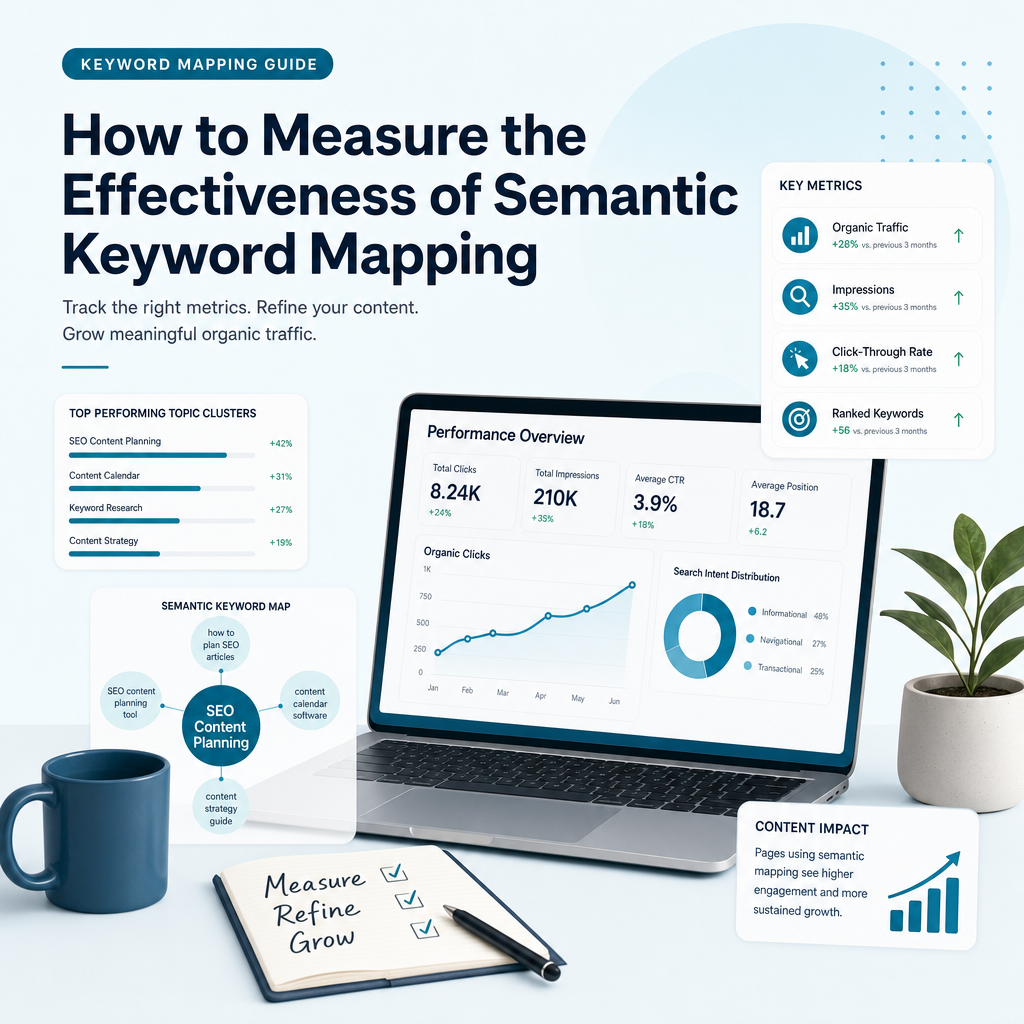
Track impressions, clicks, rankings, engagement and enquiries at both page and cluster level. Review which pages are gaining visibility, which questions remain unanswered and where content needs to be expanded or consolidated.

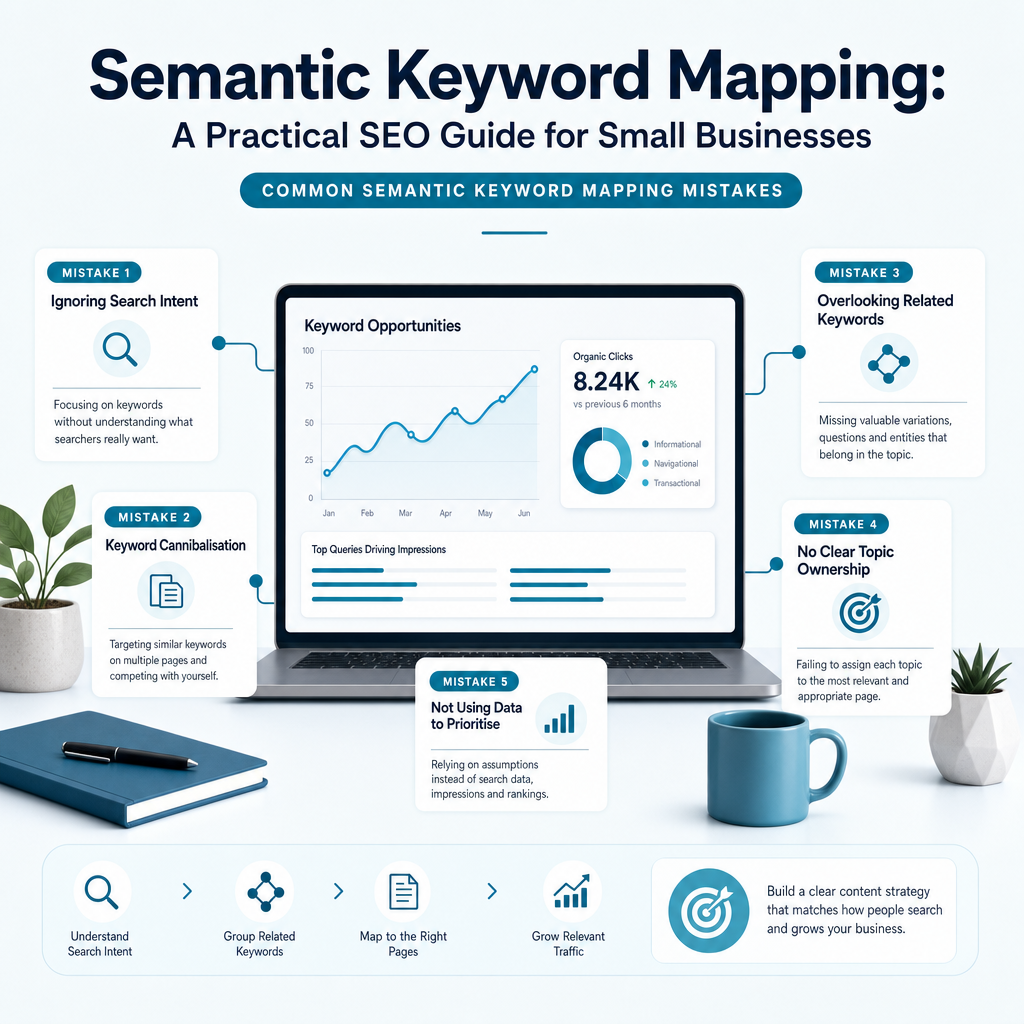
Common SEO topic cluster mistakes
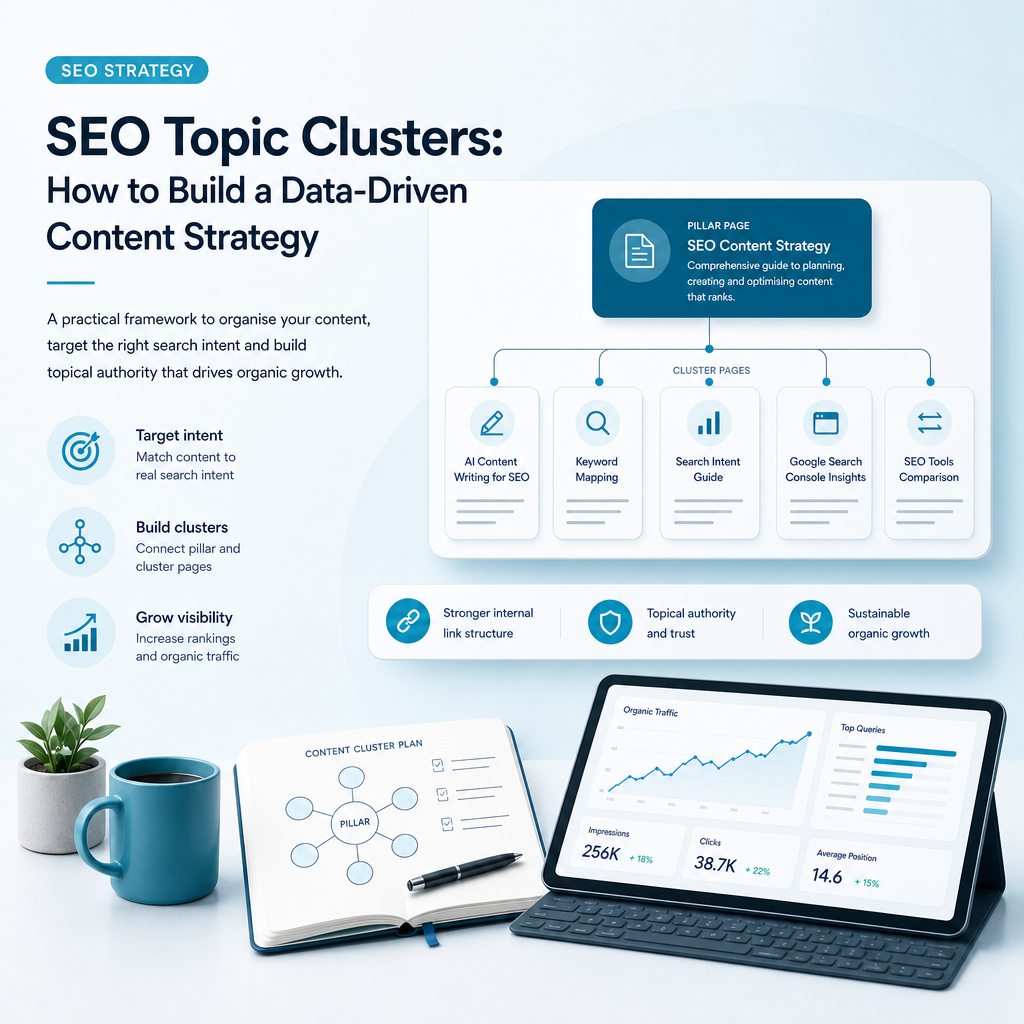
Common SEO topic cluster mistakes

A topic cluster can lose value when the structure is created without clear editorial decisions. More pages do not automatically create more authority. Each page needs a distinct role and a reason to exist.

Choosing a topic unrelated to your services

High-volume traffic is not useful if it comes from people who will never need your solution. Build clusters around problems your business can genuinely help solve.

Creating overlapping pages

Multiple pages targeting the same intent can compete with one another. Combine similar content or give each page a clearly different purpose.

Publishing thin supporting articles

A cluster page should answer a specific question properly. Short filler pages can weaken the overall quality of the cluster and provide little value to readers.

Adding internal links as an afterthought

Plan links during content creation. A simple content map can show which page is the pillar, which pages support it and where relevant cross-links belong.

Ignoring updates

Search behaviour, competitors and business priorities change. Review important clusters regularly, update outdated information and add new pages when meaningful gaps appear.

In-house planning, generic AI tools or an AI SEO content platform?

Small businesses often compare manual research, generic AI writing tools and specialist SEO software. Each approach can have a place, but they provide different levels of insight and control.

Comparing approaches to SEO topic cluster planning
Approach Strength Common limitation
Manual research Offers direct control and useful business context. Can take considerable time and may miss patterns in search data.
Generic AI writing Can produce drafts quickly. May not understand existing rankings, search intent or content gaps.
Traditional specialist provider Can provide strategic expertise and ongoing support. May be beyond the budget of a small or growing business.
AI SEO content platform Combines data analysis, planning and content production in one workflow. Still requires business review and editorial judgement.

Ammpli is designed for businesses that need a practical middle ground. It combines Google Search Console and Analytics data with competitor research, search-intent analysis and semantic keyword mapping. This helps identify realistic ranking opportunities and turn them into a usable content calendar.

Its services include SEO opportunity analysis, AI-powered SEO content creation, competitor content-gap analysis, topical authority planning, local SEO content creation, SEO performance reporting and direct CMS publishing. The aim is to reduce guesswork without removing the human understanding needed to represent a business accurately.

How Ammpli supports an SEO topic cluster strategy
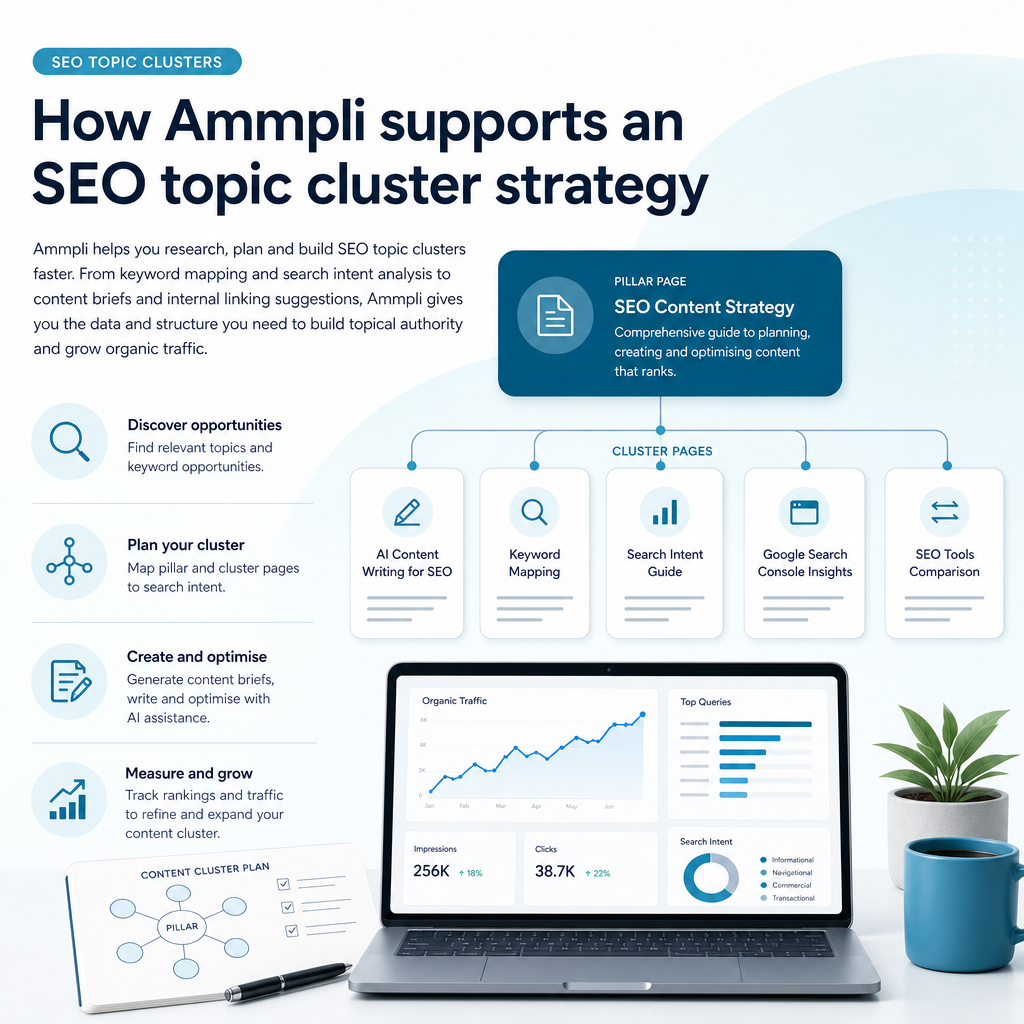
How Ammpli supports an SEO topic cluster strategy

Ammpli helps you move from “we should publish more content” to a clearer decision about what to create next. The platform can surface queries where your website is already gaining visibility, identify gaps against competitors and organise related terms through semantic keyword mapping.

It can then turn those findings into data-driven SEO content and a practical publishing plan. For a small service business, this means less time spent moving between spreadsheets, keyword tools, analytics reports and writing platforms.

Ammpli is suitable for small-business owners, founders and marketing managers across service businesses, B2B SaaS, e-commerce, healthcare, education and property. It supports customers in the United Kingdom and English-speaking international markets who want to build organic visibility without committing to the cost or complexity of a traditional SEO agency.

Frequently Asked Questions
Frequently Asked Questions

How many pages should an SEO topic cluster include?

There is no fixed number. Begin with one useful pillar page and several supporting pages that answer distinct, relevant questions. Add pages when they provide meaningful coverage, not simply to reach a target count.

Do topic clusters guarantee higher Google rankings?

No. Topic clusters improve structure, relevance and content planning, but rankings depend on many factors, including content quality, competition, technical performance, authority and search intent. A cluster creates a stronger foundation without guaranteeing a particular position.

Can a small business create topic clusters without an SEO agency?

Yes. A small business can start with Google Search Console, existing content and a simple content map. An AI SEO content platform such as Ammpli can reduce manual research and help identify realistic opportunities when internal time or expertise is limited.

Should every cluster page link to every other page?

No. Cluster pages should link to the pillar and to related pages when the connection is useful. Excessive or forced linking can make content harder to read. Relevance and context should guide the linking decisions.

How does Google Search Console help with topic clusters?

Google Search Console shows the queries and pages already generating impressions and clicks. This data can reveal content gaps, emerging themes and pages that may benefit from stronger supporting content or internal links.

When should a business start building an SEO topic cluster?

Start when you have a clear business topic, an established website and enough customer insight to identify useful questions. If your site already receives Google impressions, that data can help you choose a realistic first cluster rather than relying on guesswork.

Build your next SEO topic cluster with Ammpli

SEO topic clusters work best when they connect genuine customer needs with realistic search opportunities. The right process combines search data, competitor research, search intent, semantic relationships, useful content and consistent internal linking.

Ammpli brings those activities into one AI SEO content platform, helping small businesses plan and create content with less manual research. Start your 14-day free trial, find your next ranking opportunity and turn your search data into better content. No credit card is required.
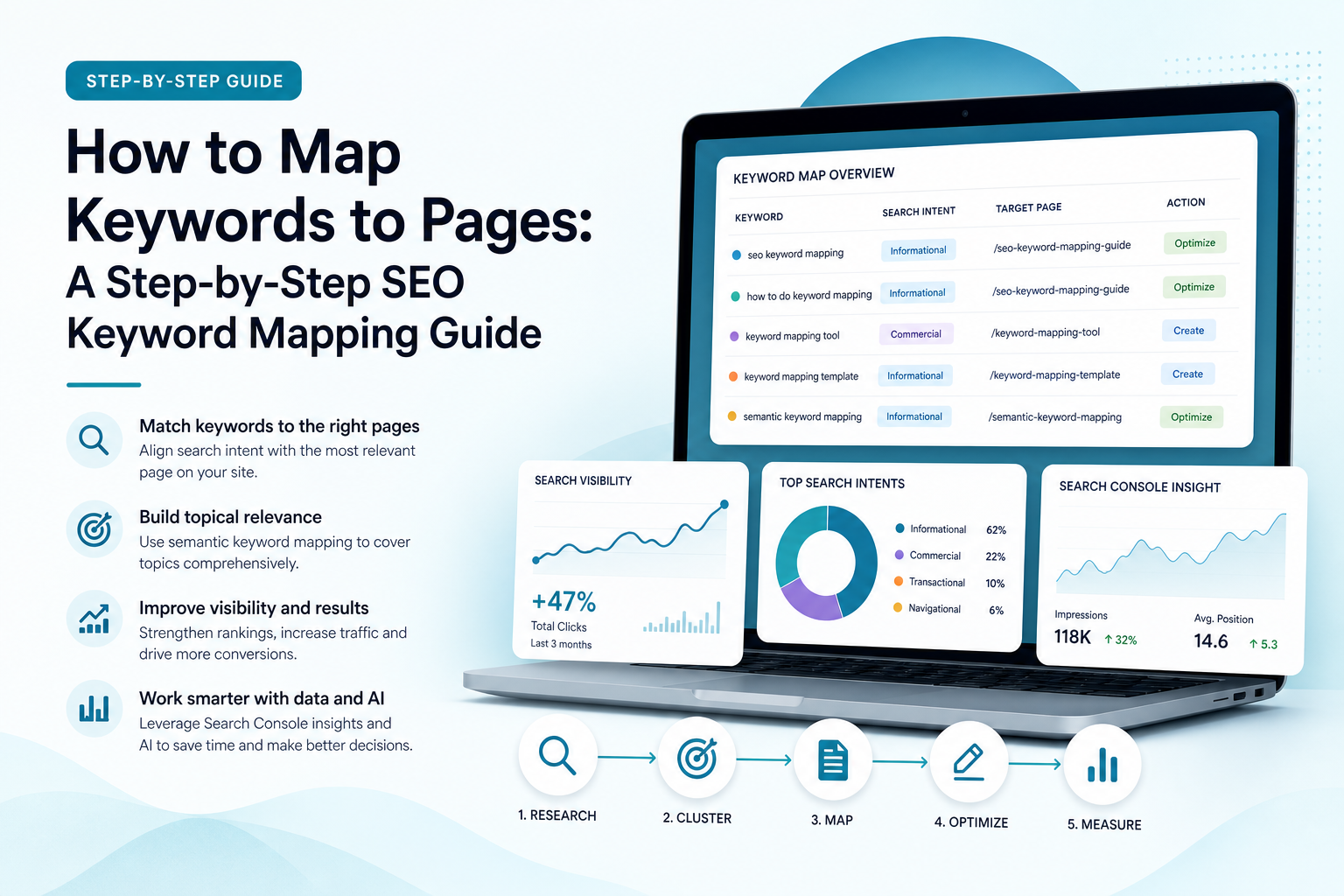
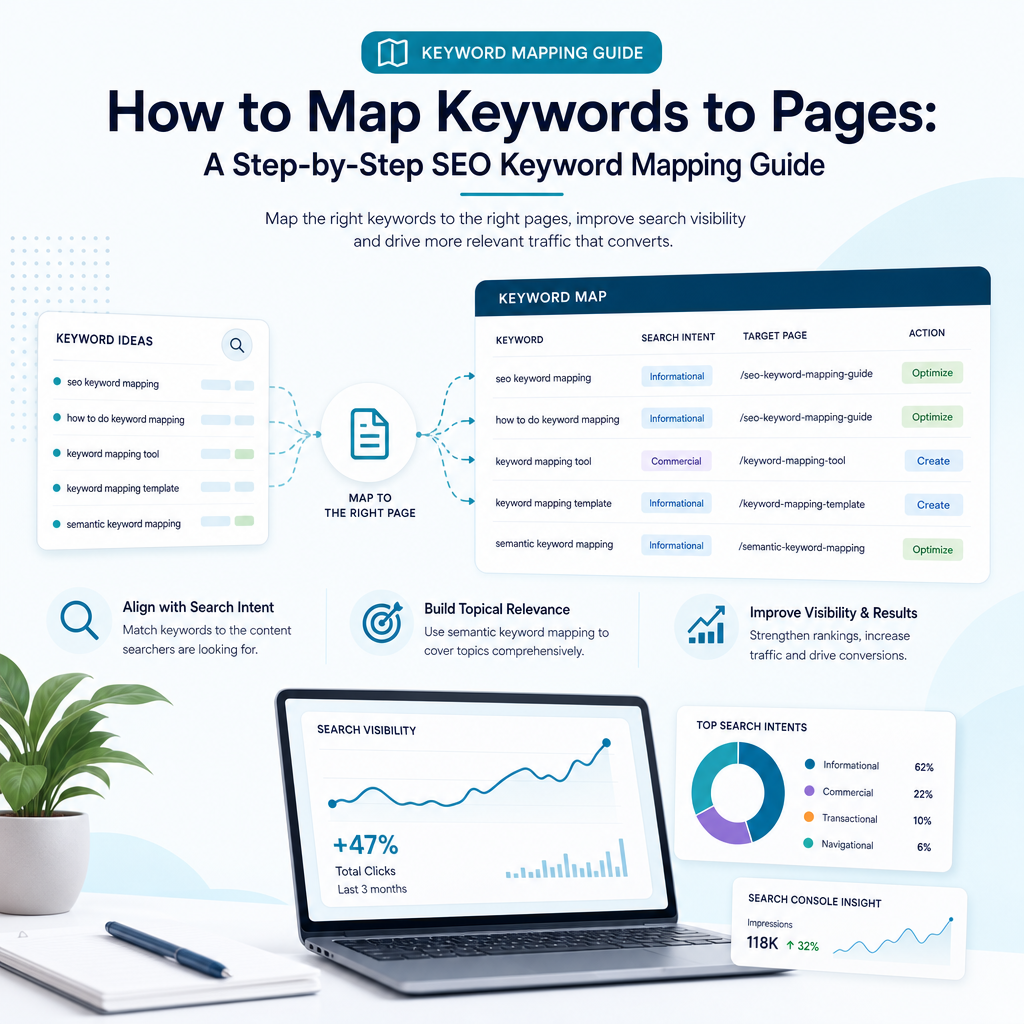
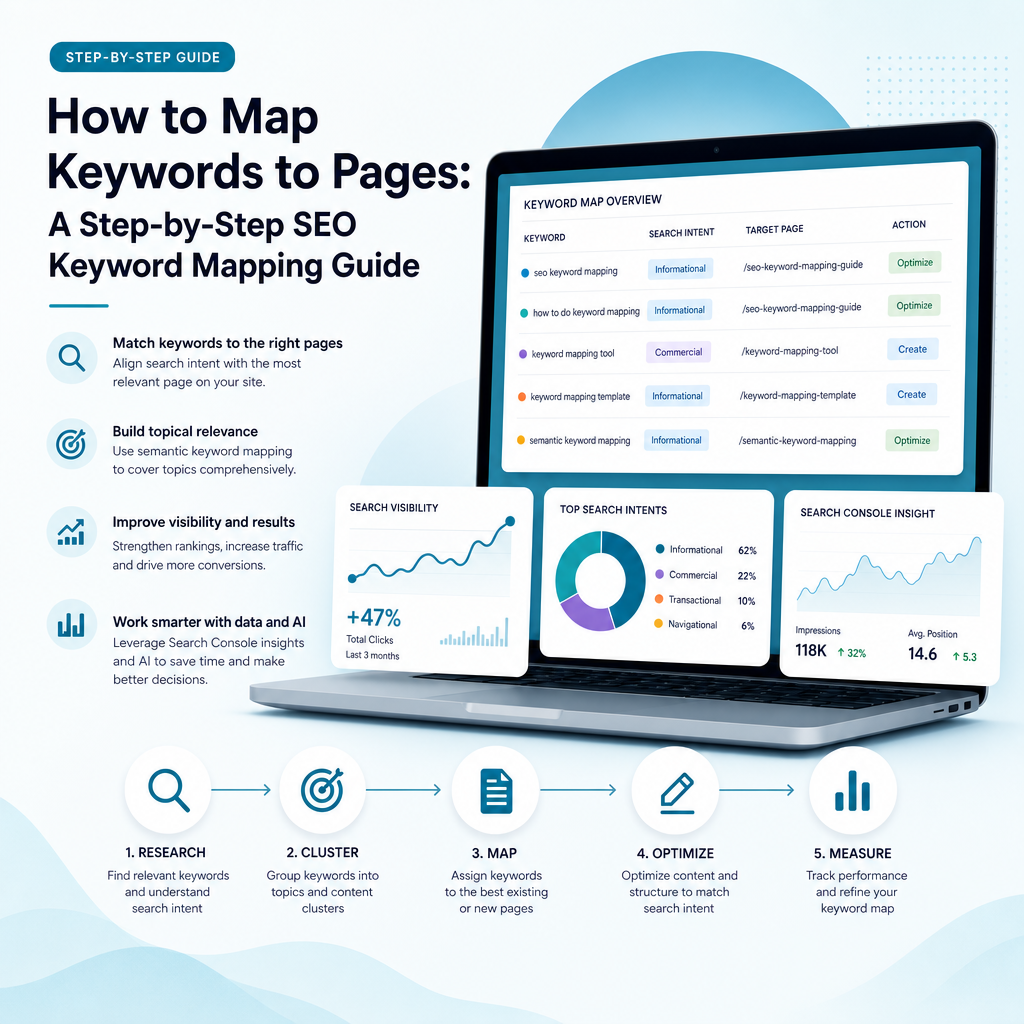
How to Map Keywords to Pages: A Step-by-Step SEO Keyword Mapping Guide

How to Map Keywords to Pages: A Step-by-Step SEO Keyword Mapping Guide

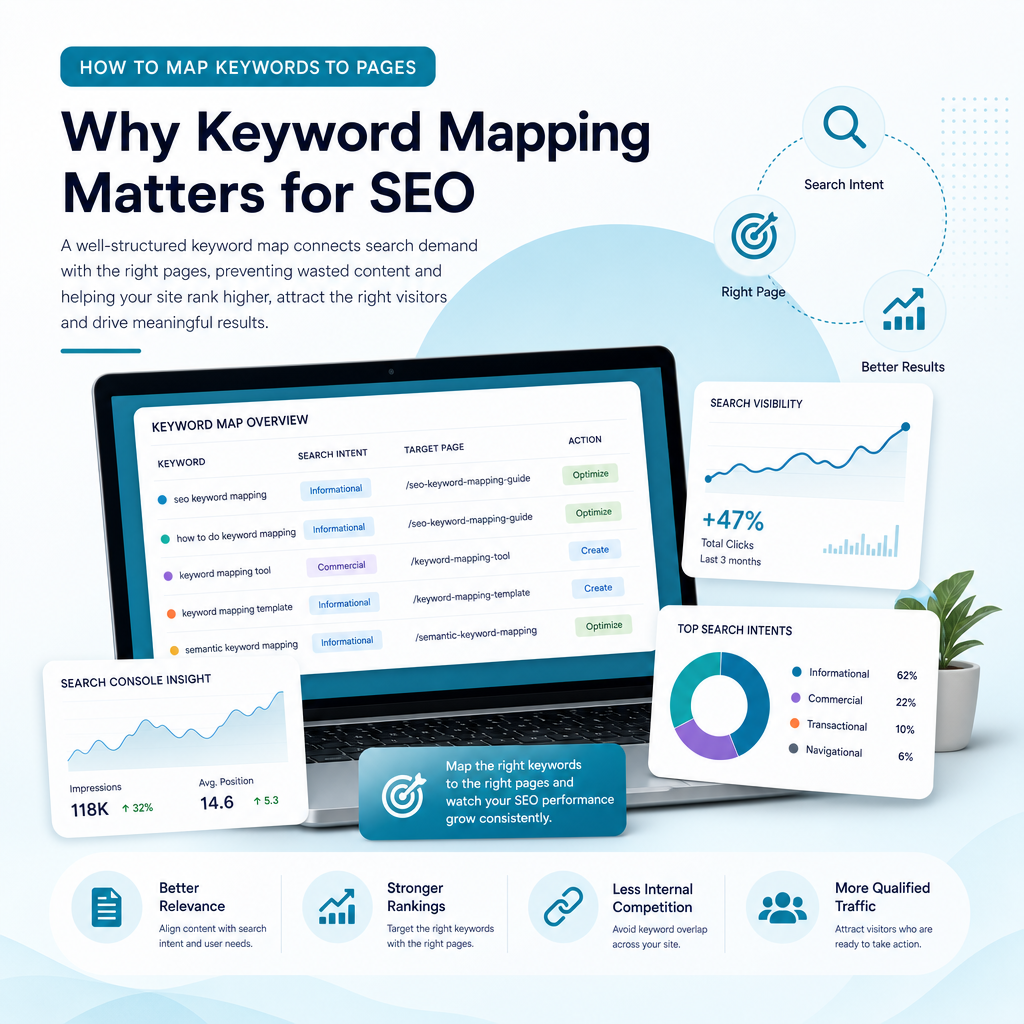
You may already have a long list of keywords, but a spreadsheet full of search terms will not improve your visibility on its own. The real challenge is deciding which keyword belongs on which page, whether an existing page should be updated, and when a new page is justified.

That process is called keyword mapping. It connects search demand with your website structure, page purpose and content plan. For small businesses with limited time and budget, effective keyword mapping helps prevent wasted content, reduces internal competition and creates a clearer route from search visibility to enquiries, sign-ups or sales.

This guide explains how to map keywords to pages step by step, using search intent, semantic keyword mapping, competitor research and Google Search Console data. It also shows how an AI SEO content platform such as Ammpli can reduce the manual work involved.

What is keyword mapping?

What is keyword mapping?

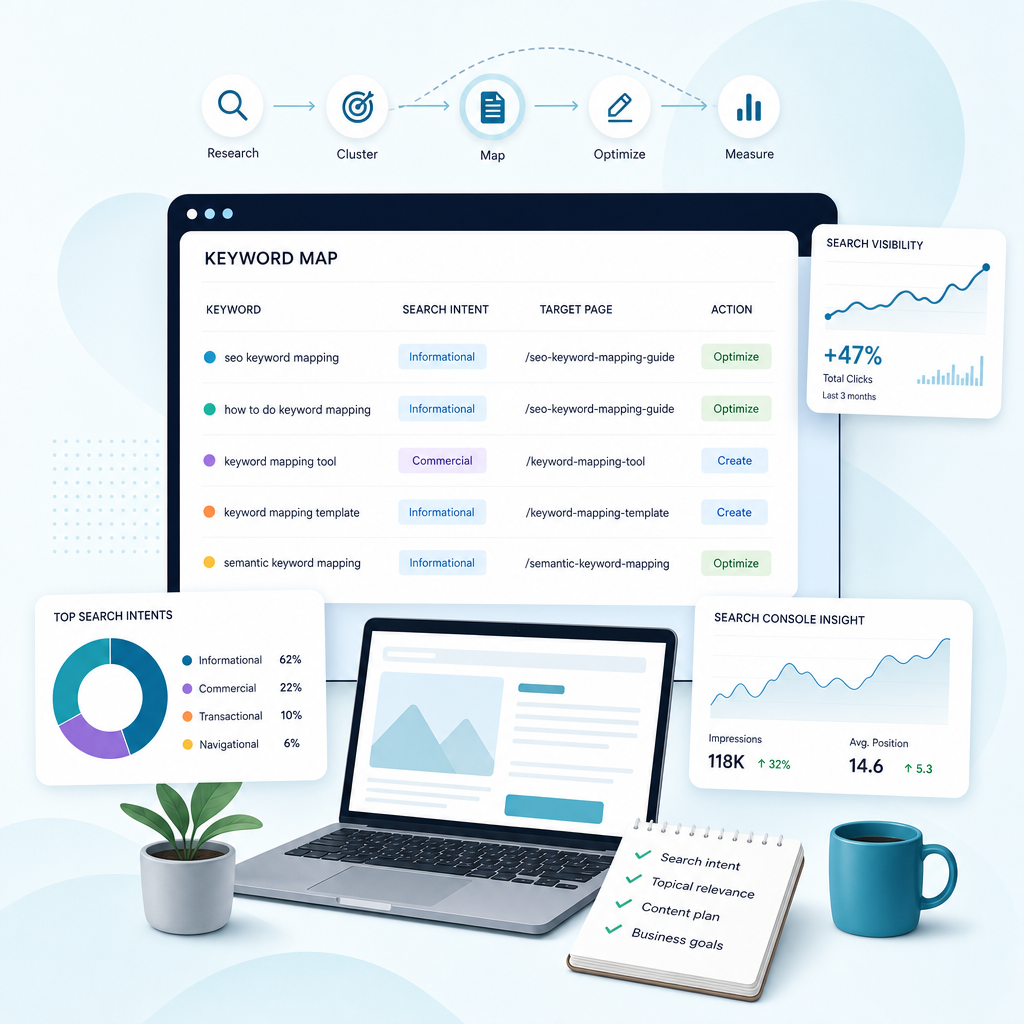
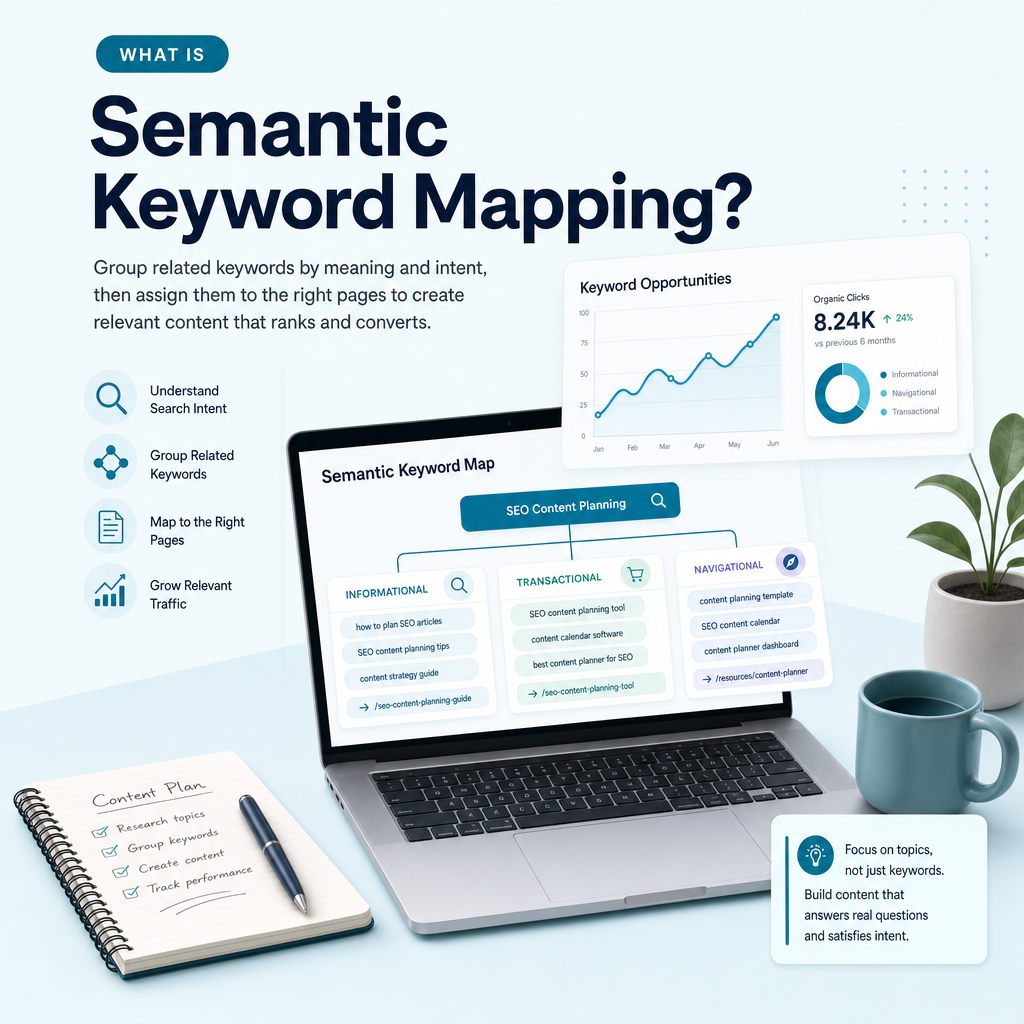
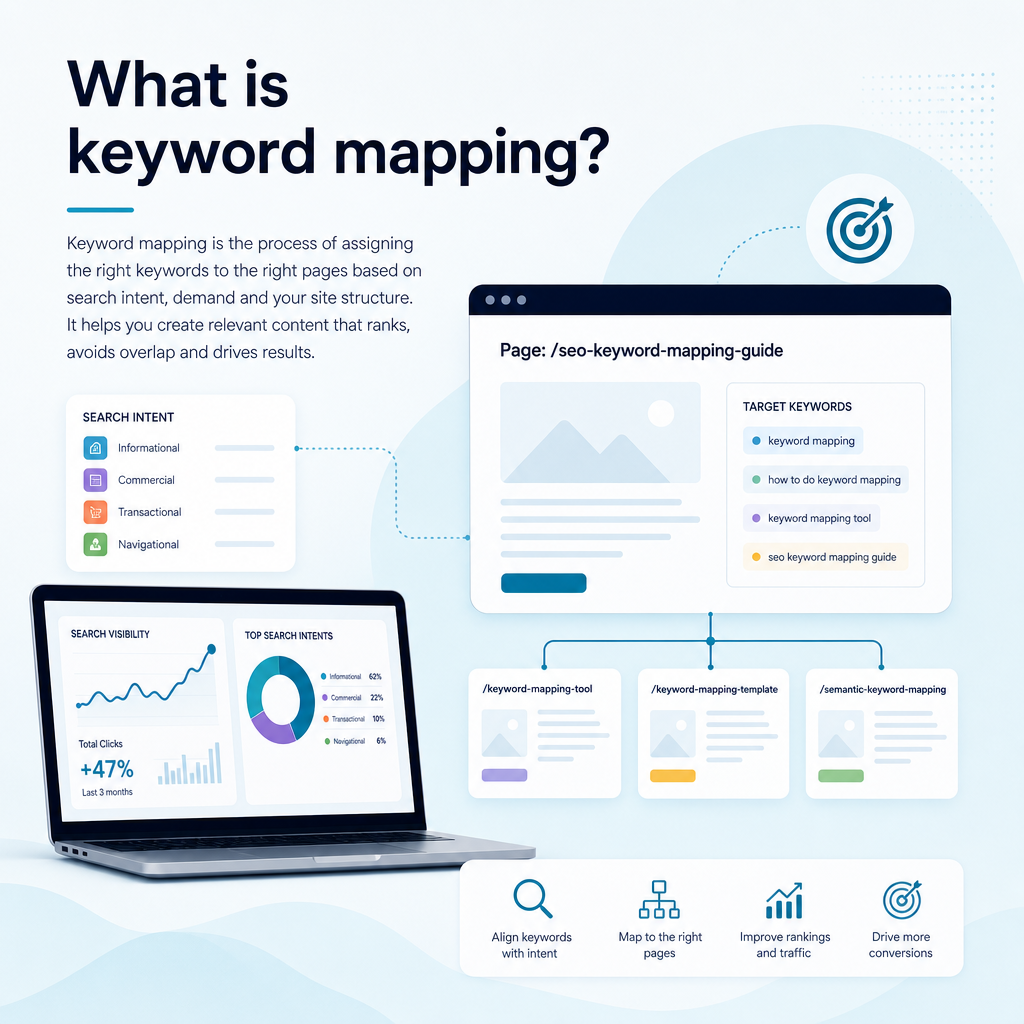
Keyword mapping is the process of assigning relevant keywords to specific pages on a website. Each page receives a clear primary topic and a group of closely related secondary terms that share the same search intent.

A keyword map usually records the keyword, its topic, search intent, estimated demand, ranking difficulty, target URL and the action required. The action may be to create a new page, optimise an existing page, merge overlapping content or monitor an opportunity later.

The aim is not to place every possible phrase on every page. It is to create a logical relationship between what people search for and the page that best answers their needs.

Why keyword mapping matters for SEO

Why keyword mapping matters for SEO

Without a map, content planning often becomes reactive. A business publishes articles based on ideas that sound useful, while important service pages remain poorly targeted or several articles cover almost the same subject.

A structured map gives your SEO activity direction. It helps search engines interpret your website and helps visitors reach the most relevant page without unnecessary clicks.

It prevents keyword cannibalisation

Keyword cannibalisation occurs when several pages target the same topic or search intent. Search engines may struggle to decide which page should appear, while your own pages compete for relevance and links.

For example, a technology consultancy might publish separate pages targeting “SEO content software”, “SEO content platform” and “AI SEO content tool” without differentiating their purpose. If the pages answer the same question, consolidating them or assigning distinct intents may be more effective than publishing more content.

It improves website structure

Keyword mapping reveals how pages should relate to one another. A broad pillar page can introduce a subject, while supporting pages answer narrower questions. Internal links then connect these pages into a meaningful topic cluster. A clear keyword-to-page map makes this process easier because each topic has a defined destination before internal links are added.

This structure supports topical authority and makes it easier for users to move from general information to a relevant service page.

It exposes content gaps

When you compare your keyword map with competitor pages and real search queries, you may find important topics that your website does not cover. These gaps can include service explanations, comparison pages, local variations, cost questions and practical guides.

A gap is not automatically a reason to publish. It still needs to match your audience, business goals and realistic ranking opportunity.

It supports better content decisions

Keyword mapping helps small teams decide whether to create, optimise, merge or leave a page alone. That distinction matters when your resources are limited.

How keyword mapping turns an SEO problem into an action
Situation Recommended action
An existing page ranks for related queries but sits below stronger results Optimise and expand the existing page
Several pages serve the same intent Differentiate, consolidate or redirect where appropriate
A valuable topic has no relevant page Create a new page or article
A keyword has little business relevance Remove it from the priority list
A query has local intent Map it to a relevant local or service-area page

Keyword mapping begins with business goals

Keyword mapping begins with business goals

Before collecting keywords, decide what the website needs to achieve. A useful map is not built around search volume alone. It should support the pages, services and audiences that matter to the business.

A small business may want more enquiries for one service, stronger visibility in a particular region, more sign-ups for a software product or better discovery among a specific type of customer. These goals affect which keywords deserve priority.

For Ammpli, the relevant audience includes small-business owners, founders and marketing managers in the United Kingdom and English-speaking international markets. Their needs may include finding realistic ranking opportunities, creating content consistently and improving organic visibility without the cost of a traditional SEO agency.

Set practical mapping priorities

Write down the outcomes you want your content to support. Then divide your potential keywords into useful groups such as:

  • Service and product terms that can support enquiries or sign-ups
  • Commercial research terms used when comparing solutions
  • Informational terms that answer relevant customer questions
  • Local terms connected to a town, city, region or service area
  • Existing ranking opportunities that may improve through optimisation

This keeps the map connected to business value. A keyword with modest demand but strong relevance may be more useful than a broad term that attracts visitors unlikely to become customers.

Step 1: Create a keyword mapping template

Step 1: Create a keyword mapping template

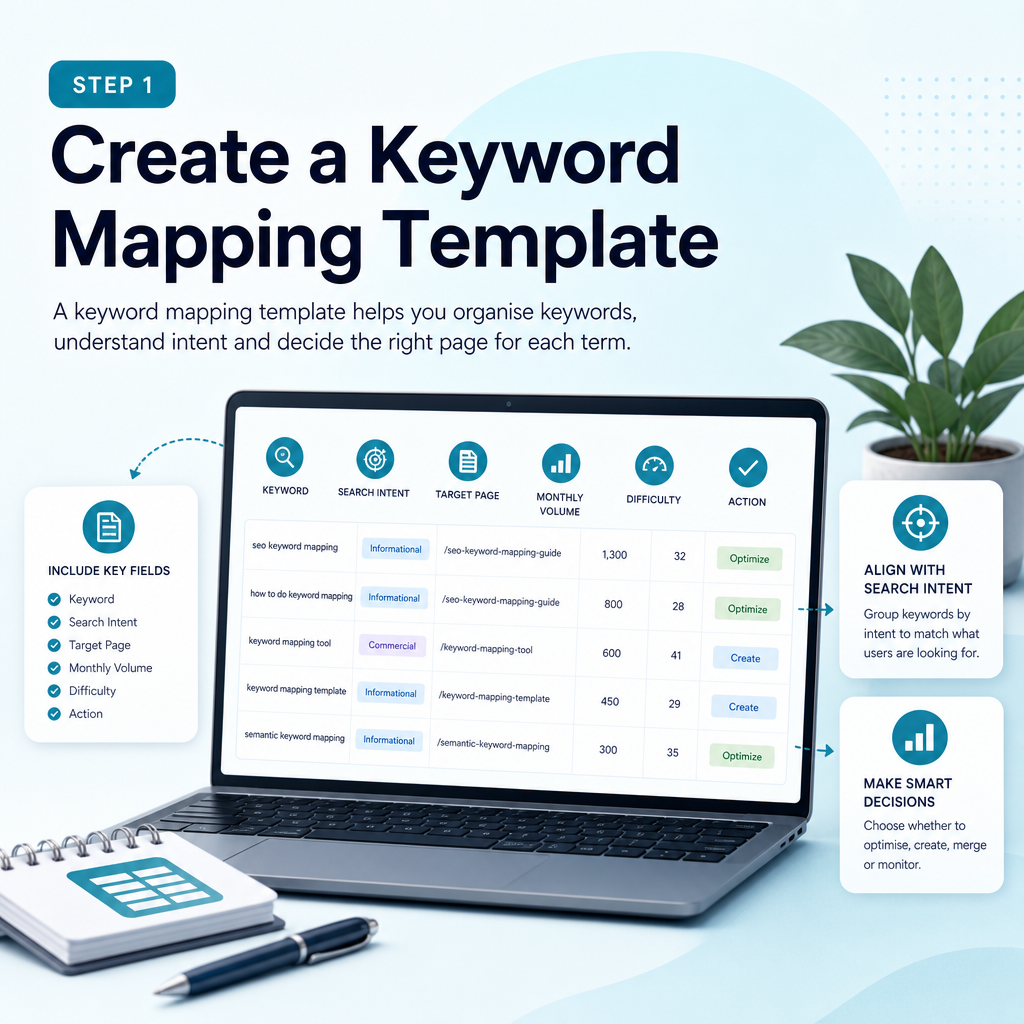
You can build a keyword map in Google Sheets, Microsoft Excel or another spreadsheet tool. The software matters less than the fields you record and the decisions your map supports.

Start with one row per keyword or keyword cluster. Avoid creating a separate row for every minor variation when several phrases clearly represent the same intent.

Recommended keyword map columns

  • Primary keyword
  • Secondary and related keywords
  • Topic or cluster
  • Search intent
  • Target audience
  • Search volume or demand estimate
  • Keyword difficulty or competition
  • Current ranking URL
  • Target URL
  • Page type
  • Action: create, optimise, merge or monitor
  • Priority
  • Content owner
  • Publication or review date
  • Performance notes

The target URL field identifies where the content exists or will exist. The action field prevents uncertainty by making the next step explicit.

Step 2: Find keywords from multiple sources

Effective keyword research combines first-party performance data with customer language, competitor analysis and keyword research tools. Relying on a single source can produce an incomplete picture of what your audience searches for.

Start with terms connected to your services, common customer problems and the language used in sales conversations. Then expand the list with data.

Use Google Search Console

Google Search Console is one of the most useful sources for an established website. It shows the queries that already generate impressions and clicks, even when the site does not rank strongly.

Look for pages that receive impressions for relevant terms but have a low click-through rate or average positions outside the strongest results. These may be optimisation opportunities rather than reasons to create new content.

For example, a small B2B software company may discover that an existing article receives impressions for “SEO content planning tool” and several related phrases. The article might need clearer intent alignment, better coverage or stronger internal links.

Use analytics data carefully

Analytics data can show what visitors do after arriving on a page. Review engagement, conversions and assisted actions alongside search performance. Traffic alone does not tell you whether a keyword attracts the right audience.

A page that receives fewer visits but generates relevant enquiries may deserve more attention than a high-traffic article with no meaningful business outcome.

Study competitors and content gaps

Competitor research can reveal topics that similar businesses cover well and areas where your website is absent. The goal is not to copy another site. It is to identify relevant opportunities, understand the expected content format and find ways to provide a more useful answer.

Compare the pages ranking for your priority topics. Record the subjects they cover, the questions they answer, the page types they use and any important gaps. Ammpli’s competitor content-gap analysis can help organise this research alongside your own search-performance data.

Use keyword tools and customer language

Keyword research tools can provide related phrases, demand estimates and competition indicators. Customer emails, support questions, sales calls, online communities and internal search data can add language that tools may not surface.

AI can help generate initial ideas, but generated suggestions should be checked against real search results and business relevance. Generic AI content writing for SEO is not a substitute for understanding the site, audience and existing performance.

Step 3: Group keywords by topic and search intent

Step 3: Group keywords by topic and search intent

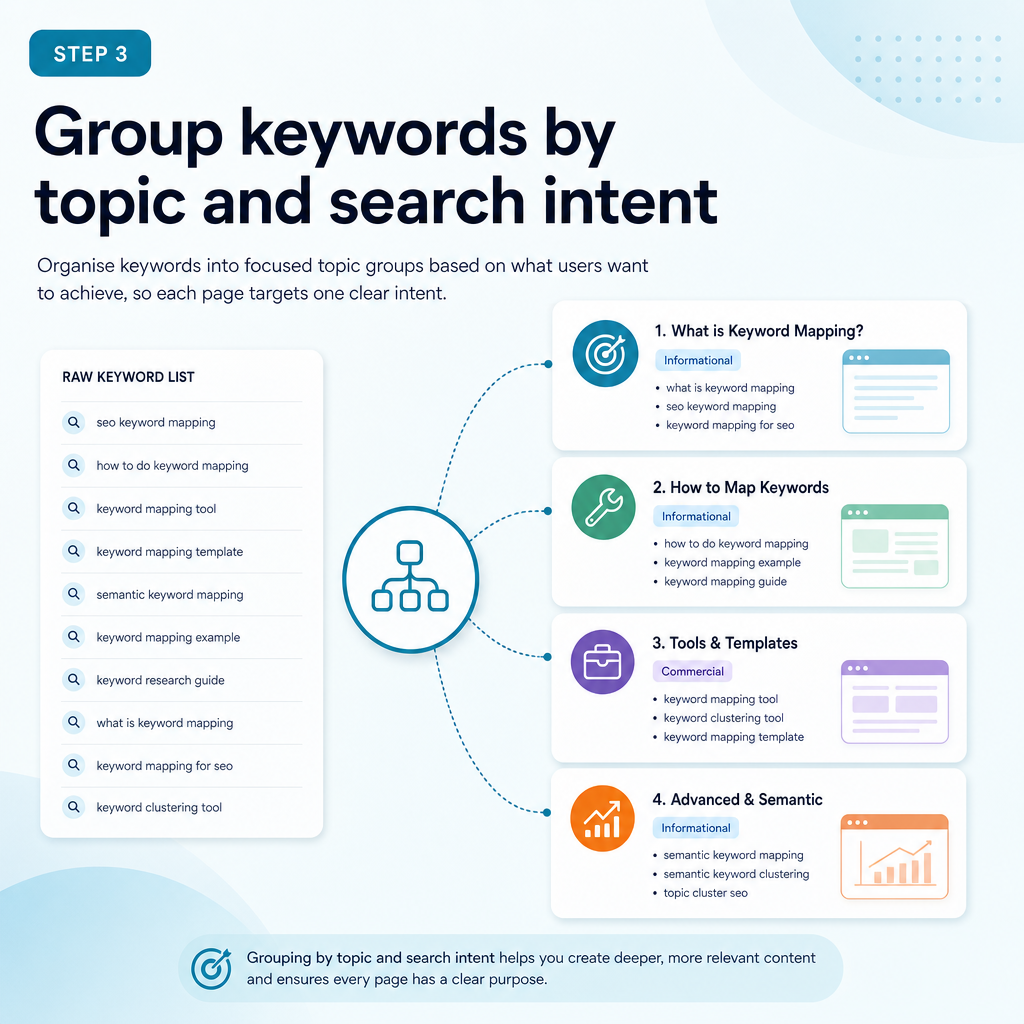
Once you have a working list, group related keywords into clusters. The central question is whether one page could satisfy the intent behind several queries without becoming confusing or unfocused.

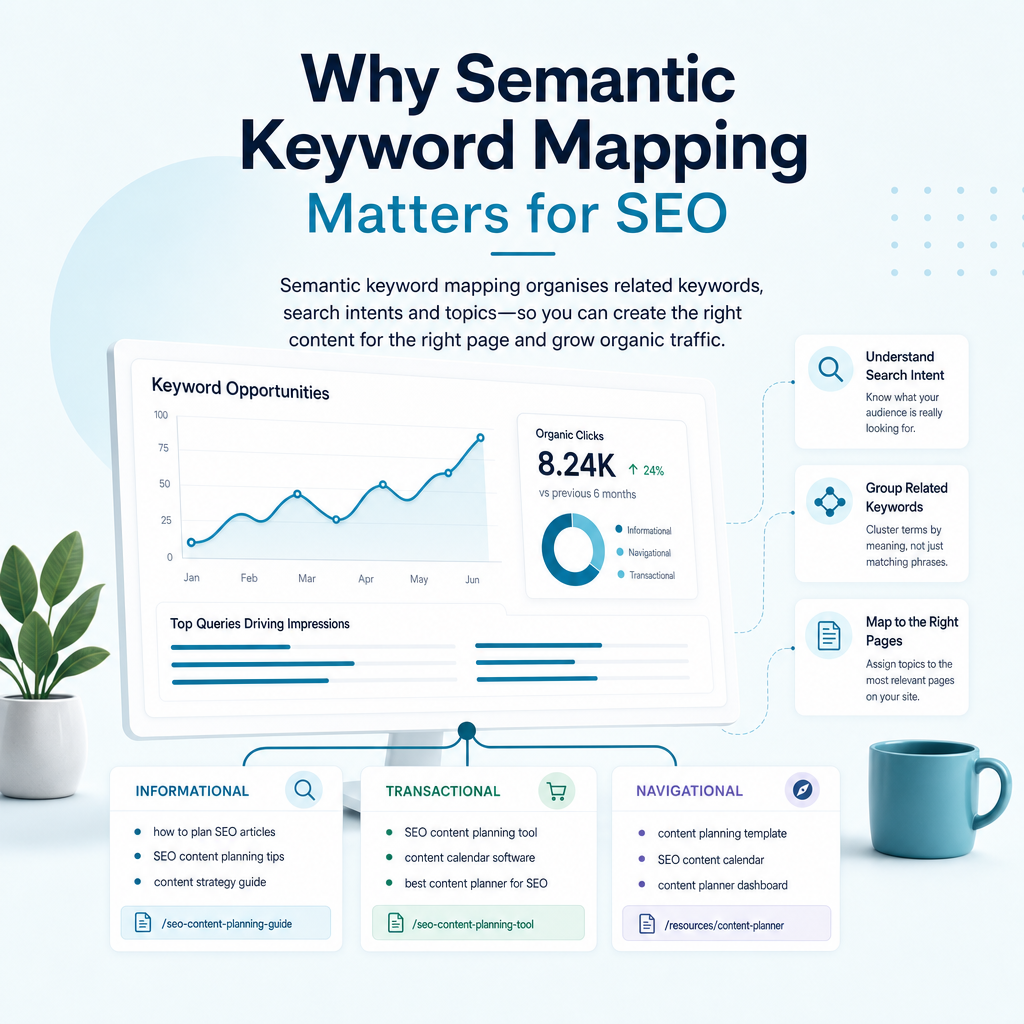
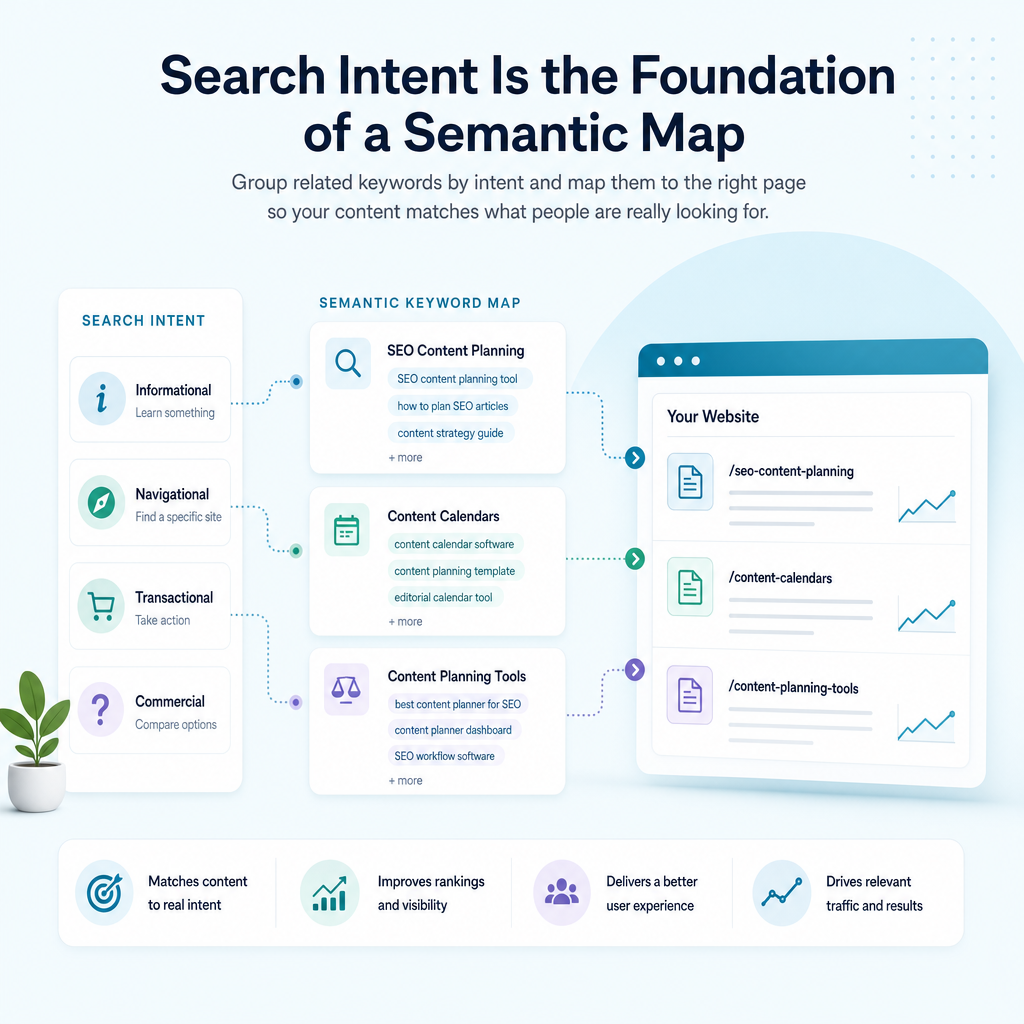
Search intent describes the reason behind a query. The main categories are informational, navigational, commercial and transactional, although real searches can overlap.

Informational intent

The searcher wants to learn, solve a problem or understand a concept. Examples include “how to map keywords to pages”, “what is semantic SEO” and “how does Google Search Console work”. These searches usually suit guides, tutorials and explanatory articles.

Commercial intent

The searcher is researching options before making a decision. Examples include “best SEO content software”, “AI SEO tools for small businesses” and “SEO content platform comparison”. These searches may suit comparison guides, feature pages or detailed product explanations.

Transactional intent

The searcher is ready to take action. Examples include “start SEO content trial”, “SEO content platform pricing” or “local SEO content service”. These terms normally belong on service, pricing, sign-up or product pages rather than general blog articles.

Navigational intent

The searcher is trying to reach a particular business, product or page. Branded queries such as “Ammpli SEO platform” should usually map to the brand or product page that provides the clearest destination.

Check the search results

The live search results are often the best practical guide to intent. Search a keyword and review the dominant page types, titles, formats and features. If most results are detailed guides, a short sales page may not match the expectation. If results are service pages, a general article may struggle to satisfy the query.

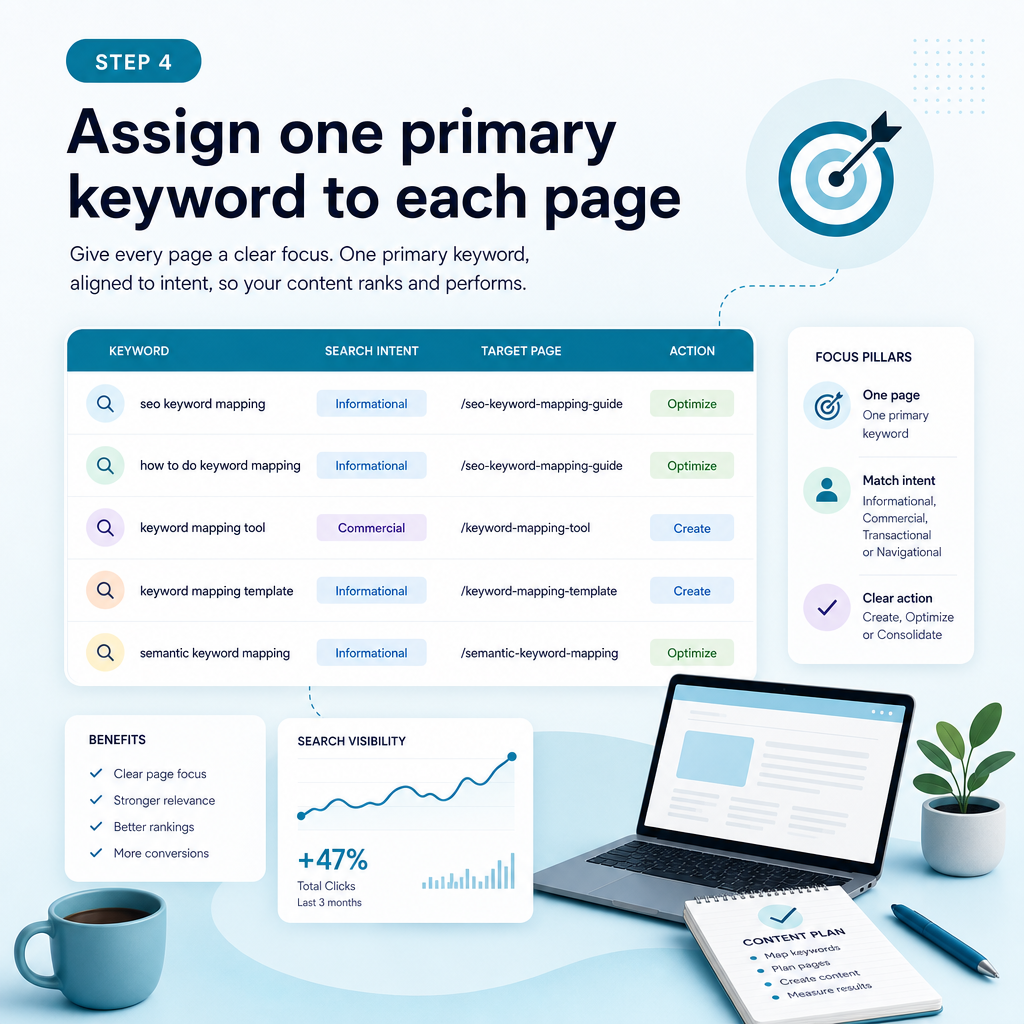
Step 4: Assign one primary keyword to each page

Step 4: Assign one primary keyword to each page

Each important page should have one clear primary keyword or topic. It can rank for many related phrases, but its main purpose should be easy to identify.

Choose the primary keyword by balancing relevance, search intent, demand, competition and business value. Do not automatically select the phrase with the highest search volume.

Secondary keywords should support the main topic naturally. They may become headings, examples, FAQs or internal-link anchor text, but they should not force awkward repetition.

Example of a useful keyword assignment

Suppose a service business offers SEO opportunity analysis, AI-powered SEO content creation and topical authority planning. A sensible structure might include:

  • Primary topic: AI SEO content platform — product or service page
  • Primary topic: How to map keywords to pages — educational article
  • Primary topic: Google Search Console content strategy — educational guide
  • Primary topic: Local SEO content creation — service or local landing page
  • Primary topic: Semantic keyword mapping — educational article or feature page

The pages are related, but their purposes differ. The educational article explains a process, while the product page explains the platform and the service page addresses a particular commercial need.

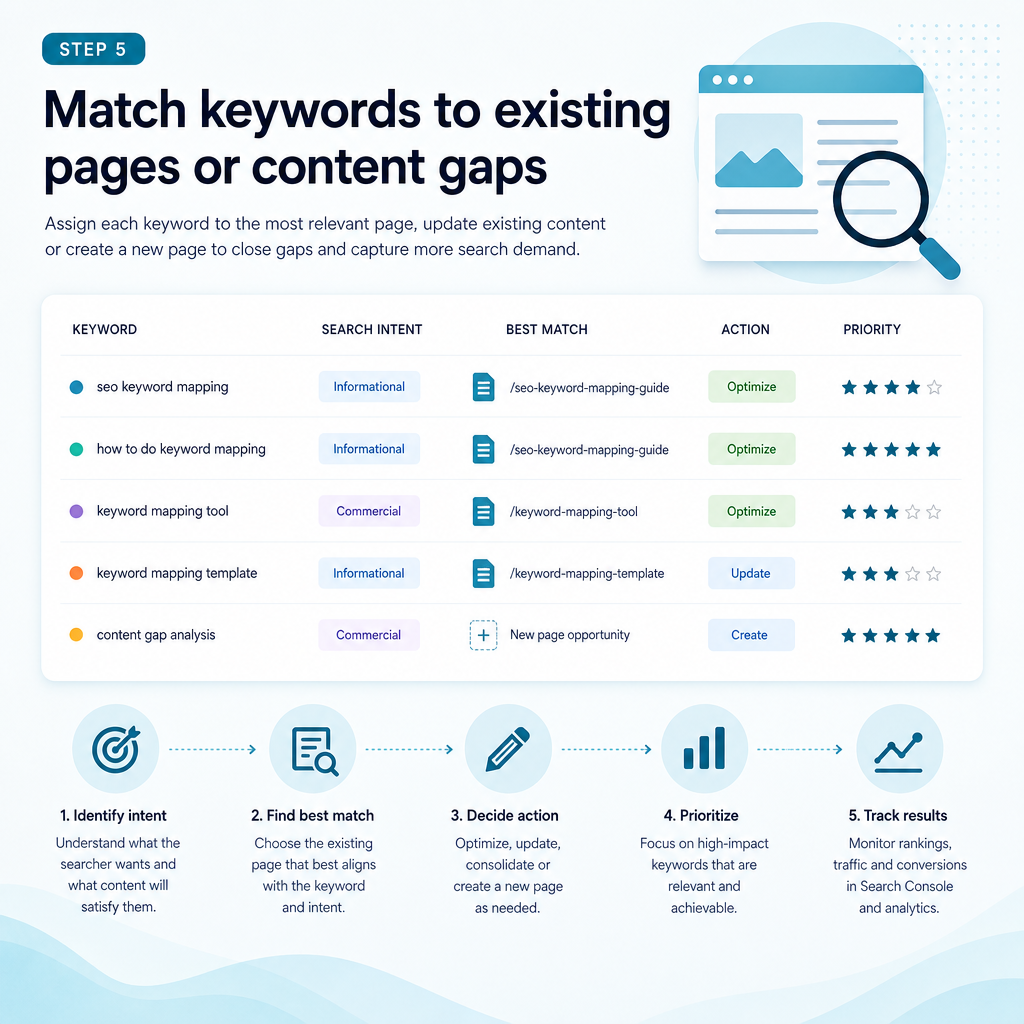
Step 5: Match keywords to existing pages or content gaps

Step 5: Match keywords to existing pages or content gaps

Now compare your keyword clusters with the pages already on your website. For every cluster, decide whether a suitable page exists and whether it genuinely matches the intent.

Do not create a new page simply because a keyword has not yet been assigned. First check whether an existing page can be improved. Creating several pages around similar phrases can create duplication and internal competition.

When to optimise an existing page

Optimisation is usually suitable when the current page already covers the topic, has relevant backlinks or receives impressions for related queries. Improvements may include clearer headings, better examples, stronger internal links, updated information and a more direct answer to the searcher’s question.

When to create a new page

A new page may be appropriate when the keyword represents a distinct intent, audience or service. For example, an article explaining semantic keyword mapping should not be forced into a pricing page if the searcher is looking for an educational explanation.

When to merge pages

If two pages answer the same question and neither has a clear advantage, combining them may create a stronger resource. Review traffic, rankings, links and conversions before making changes, and implement redirects carefully where needed.

When to leave a keyword unmapped

Some keywords are too broad, too competitive, irrelevant to the business or disconnected from the audience. Leaving them out is a valid strategic decision. A useful keyword map is selective rather than exhaustive.

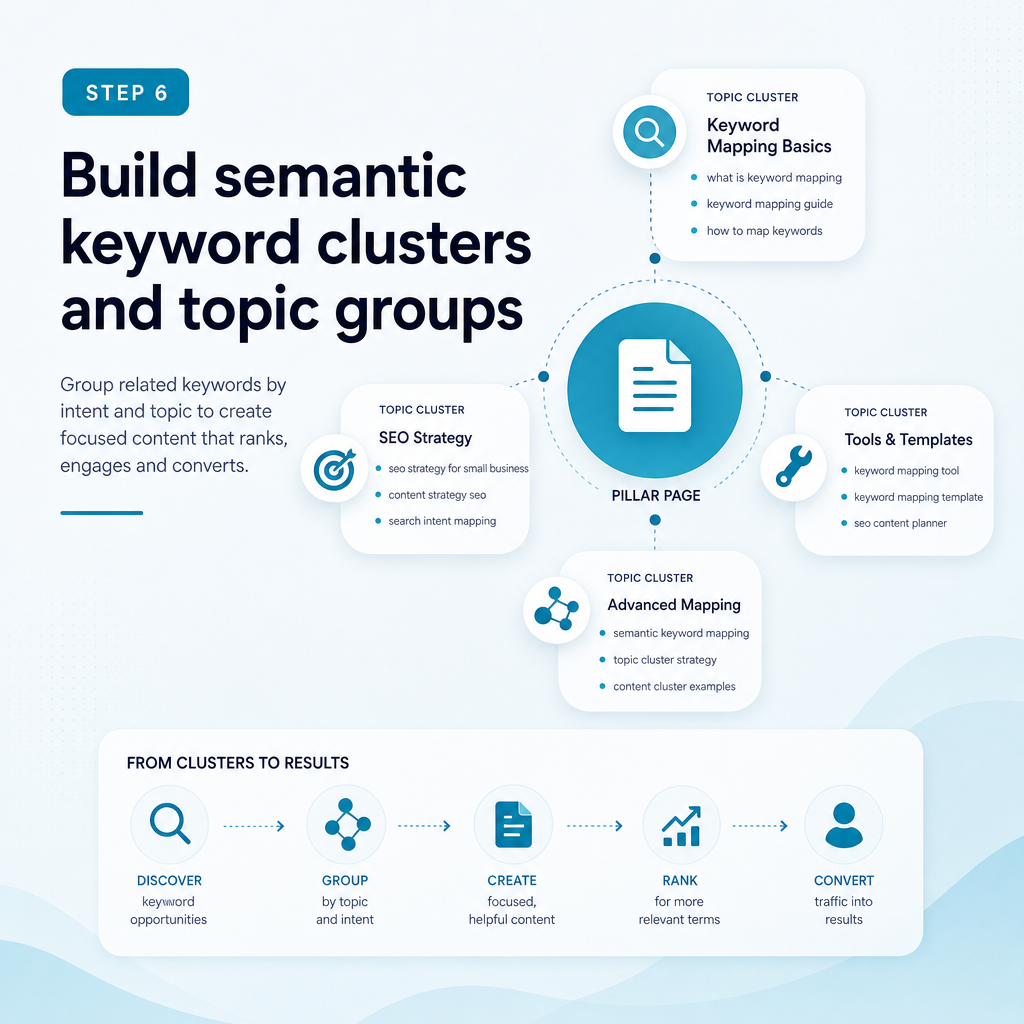
Step 6: Build semantic keyword clusters and topic groups

Step 6: Build semantic keyword clusters and topic groups

Modern search engines interpret meaning, relationships and context rather than relying only on exact keyword matches. Semantic keyword mapping helps you cover the concepts that make a page genuinely useful.

For the topic “how to map keywords to pages”, related concepts may include search intent, keyword clusters, target URLs, content gaps, internal linking, keyword cannibalisation, Google Search Console, pillar pages and content calendars.

These terms should appear only when they help answer the reader’s question. Semantic SEO is not a reason to add unrelated phrases or repeat variations mechanically.

Use pillar and supporting pages

A pillar page provides a broad overview of a subject. Supporting pages address narrower questions and link back to the main resource. This creates a clear topic hierarchy and gives readers useful next steps.

For a small business, a topical authority plan might include a central guide to SEO content planning, supported by articles on search intent, content gaps, local SEO content creation and Google Search Console analysis.

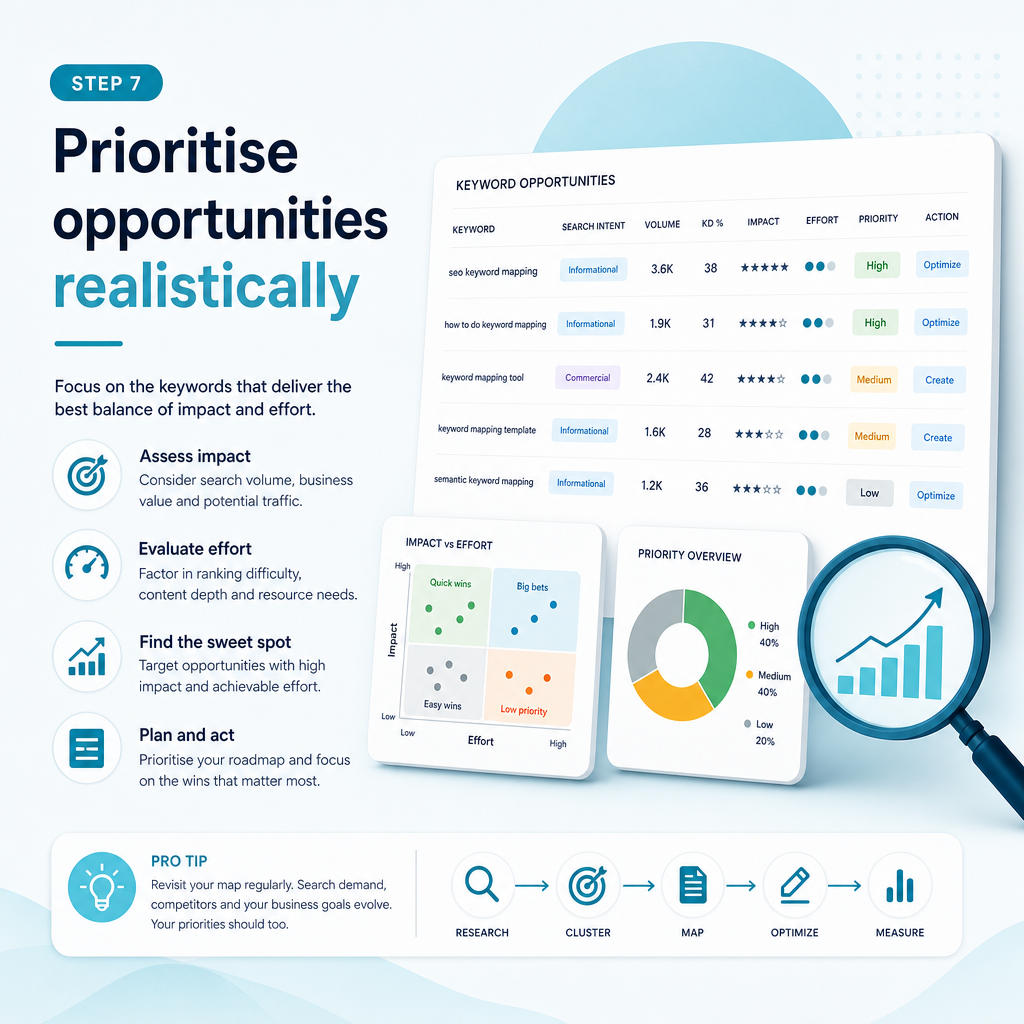
Step 7: Prioritise opportunities realistically

Step 7: Prioritise opportunities realistically

A keyword map can contain more opportunities than your team can action. Prioritisation helps you focus on work that fits your resources and has a credible connection to business value.

Use a simple scoring system based on relevance, intent, potential value, ranking opportunity, effort and existing performance. You can use numerical scores, priority labels or both.

Look for practical quick wins

Pages ranking on the lower half of the first results page or near it may offer optimisation opportunities. A page already receiving impressions can be a more practical starting point than a completely new page targeting a highly competitive topic.

Quick wins should not replace long-term planning, but they can help a small team create momentum while building broader topical authority.

Balance demand with business value

A keyword with high demand may attract a wide audience but have limited relevance. A more specific phrase may attract fewer people yet align closely with a service or buying decision.

For Ammpli’s audience, a phrase such as “Google Search Console content strategy” may be more useful than a broad term because it connects directly with a problem the platform helps businesses solve.

Plan around production capacity

Do not create a content calendar that your team cannot maintain. A smaller number of well-researched, useful pages is usually more practical than a large batch of generic articles.

Step 8: Use the map to brief and create content

A keyword map becomes valuable when it guides production. Each row should provide enough information for the writer or subject-matter expert to understand the page’s purpose.

A useful brief can include the primary keyword, search intent, audience, questions to answer, related terms, recommended format, internal-link targets and conversion path.

AI-powered SEO content creation can speed up drafting, but the content still needs human review for accuracy, usefulness, originality and brand fit. Automated SEO content without context can produce pages that sound plausible but fail to answer the actual customer need.

Keep content aligned with the page purpose

An informational article should educate before presenting a commercial next step. A service page should explain the service, who it suits, what the process involves and what the visitor can do next.

For Ammpli, an educational article may explain keyword mapping in detail before inviting readers to find their next ranking opportunity. This approach supports early-stage research without making the page feel like an advert.

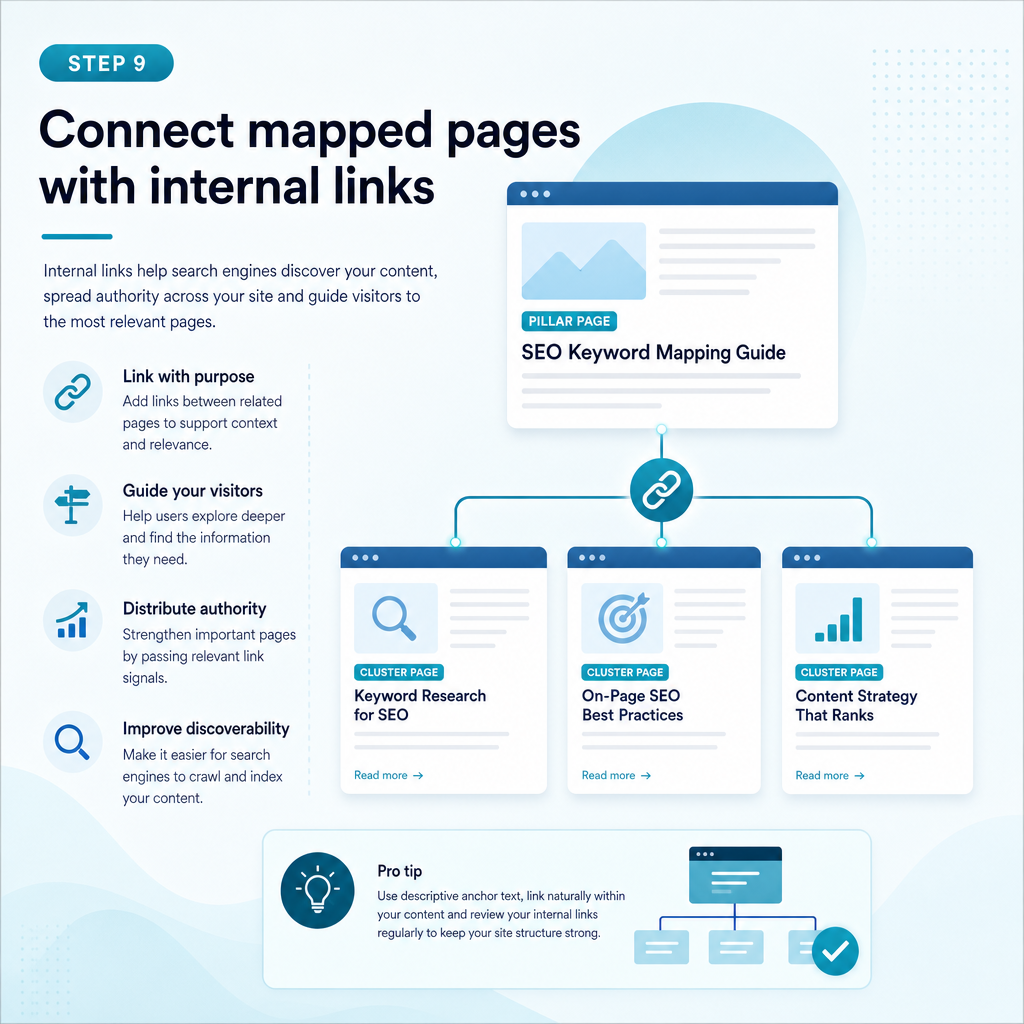
Step 9: Connect mapped pages with internal links

Step 9: Connect mapped pages with internal links

Internal linking helps users and search engines understand how your pages relate. Use descriptive, natural anchor text that reflects the destination page without repeating the same phrase excessively.

Link from broad guides to relevant service pages, from supporting articles to pillar pages and between related resources where the reader benefits. Review orphan pages that have few or no internal links.

Internal links should support navigation, not create a forced network of references. A link is useful when it provides the next piece of information a reader is likely to need.

Step 10: Monitor, update and refine the map

Keyword mapping is an ongoing process. Search behaviour changes, competitors publish new content and pages may begin ranking for queries you did not originally target.

Review your map alongside Google Search Console and analytics data. Look for new queries, changes in impressions, pages gaining or losing visibility, and keywords that attract the wrong audience.

Update the action field when work is complete. Record the date, changes made and performance observations so your next decision is based on evidence rather than memory.

Useful review questions

  • Is the current page still the best result for this intent?
  • Has another page started competing for the same topic?
  • Are impressions increasing without corresponding clicks?
  • Does the page answer the questions shown in current search results?
  • Is the keyword attracting a relevant audience?
  • Would a new supporting page strengthen the topic cluster?
  • Is the page connected to an appropriate service or business goal?

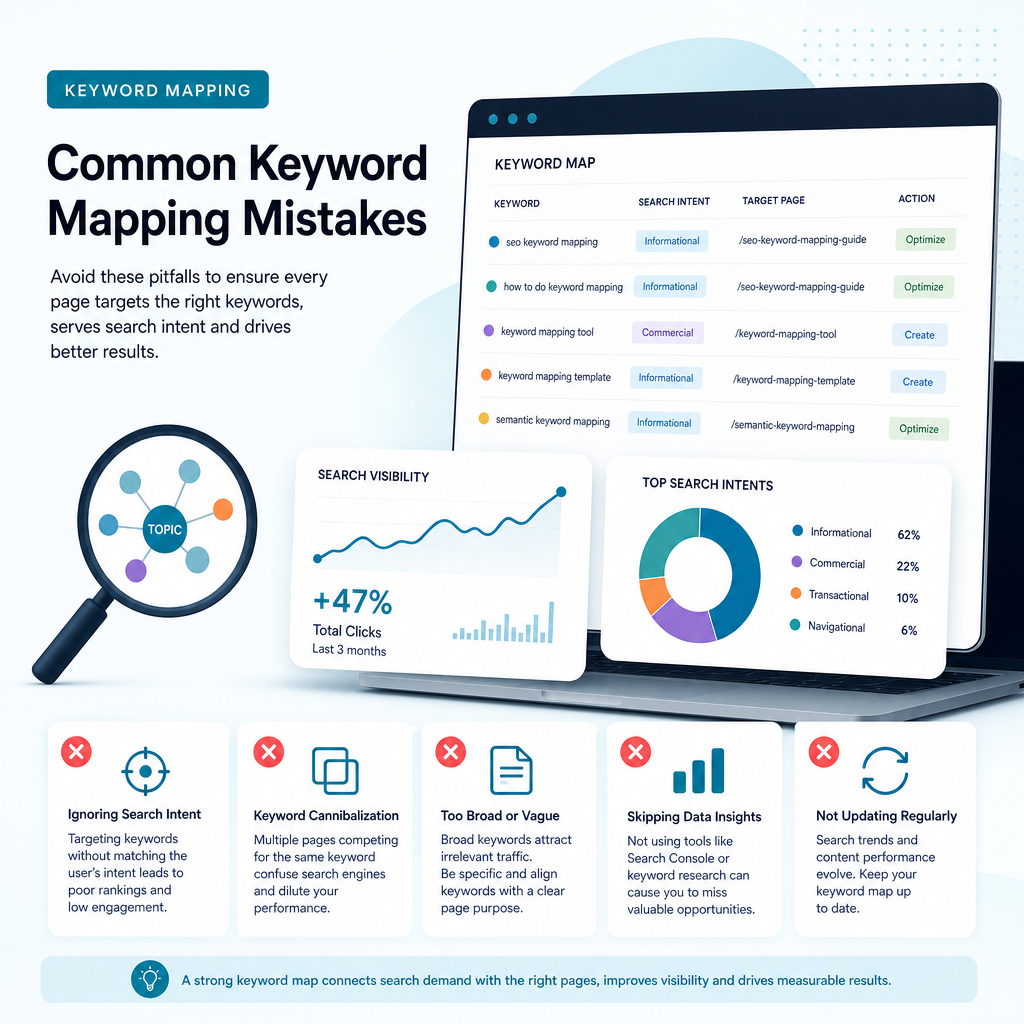
Common keyword mapping mistakes

Common keyword mapping mistakes

Most mapping problems come from treating keywords as isolated strings instead of signals of customer needs. Avoiding these mistakes can save a small business substantial time.

Choosing search volume over relevance

High-volume terms are attractive, but they may be broad, competitive or unrelated to the services you provide. Relevance and intent should guide the decision.

Mapping different intents to one page

A single page may not satisfy someone looking for a definition, a comparison and a service quote. Separate pages can be appropriate when the searcher’s needs and expected formats differ.

Creating a page for every keyword variation

Close variations often belong in one well-structured page. Creating separate pages for every wording can dilute authority and create internal competition.

Ignoring existing performance data

Starting from a blank keyword list can make you overlook valuable queries where your website already appears. Google Search Console can reveal realistic opportunities that generic keyword tools do not show.

Publishing without a review process

A keyword map should guide ongoing decisions. If nobody checks whether pages were created, optimised or measured, the map becomes another unused spreadsheet.

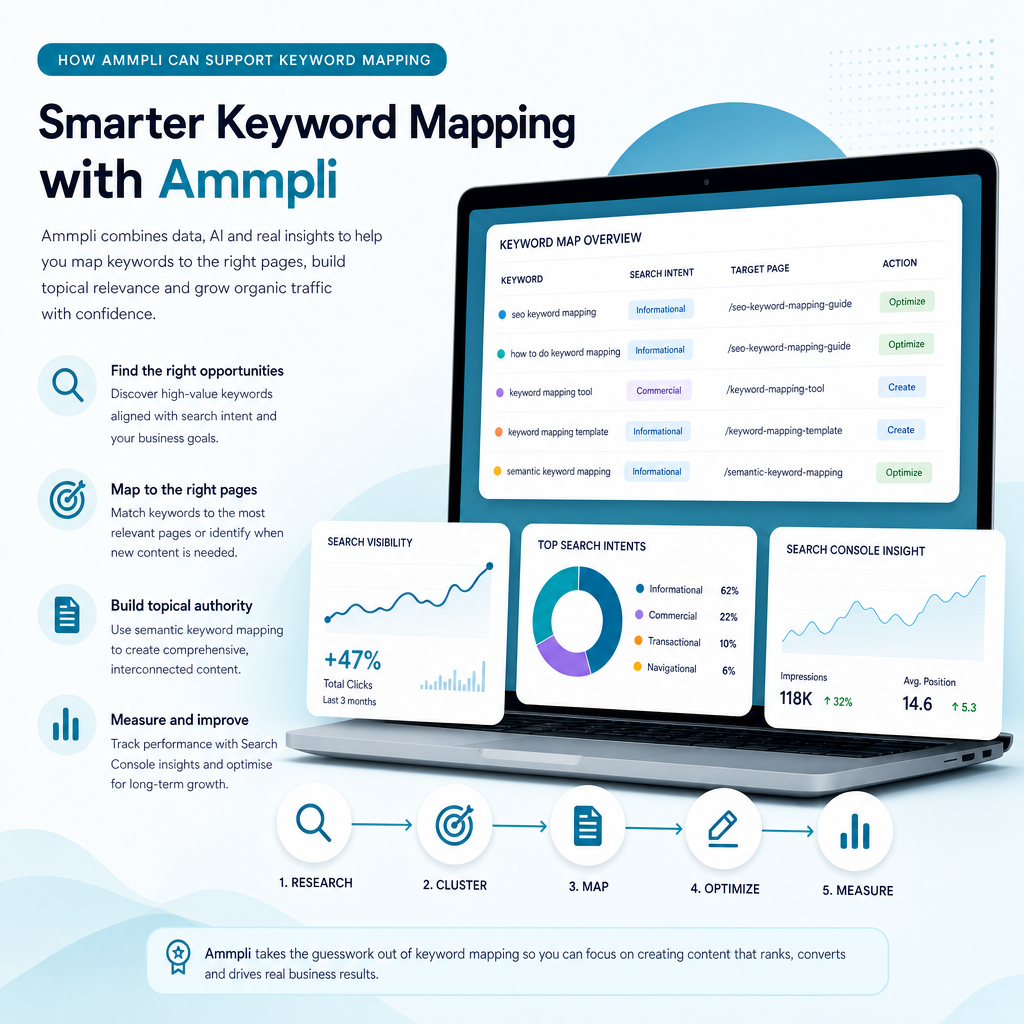
How Ammpli can support keyword mapping

How Ammpli can support keyword mapping

Ammpli is an AI SEO content platform designed for small and growing businesses that need a practical way to plan and create content. It combines Google Search Console and Analytics data with competitor research, search-intent analysis and semantic keyword mapping.

This helps identify relevant searches where a website is already gaining visibility but has not yet reached its strongest positions. Those insights can then inform an SEO content calendar, page optimisation plan or new article brief.

Ammpli also supports SEO opportunity analysis, AI-powered SEO content creation, competitor content-gap analysis, topical authority planning, local SEO content creation, direct CMS publishing and SEO performance reporting. It is intended to reduce guesswork and manual research rather than replace sound editorial judgement.

Whether you manage a B2B SaaS company, ecommerce brand, healthcare practice, education provider, property business or local service company in the United Kingdom or another English-speaking market, the same principle applies: map content to genuine customer needs and realistic opportunities.

Frequently Asked Questions

Frequently Asked Questions

What is keyword mapping in SEO?

Keyword mapping is the process of assigning keywords and keyword clusters to specific website pages based on search intent, page purpose and business relevance. It helps guide content creation, page optimisation, internal linking and content-gap decisions.

How many keywords should one page target?

There is no fixed number. One page should have a clear primary topic and a reasonable group of closely related terms that share the same intent. Avoid adding keywords that require a different page type or answer a different question.

Should I create a new page for every keyword?

No. Several keyword variations may represent the same search intent and can be addressed by one useful page. Create a separate page when the keyword reflects a distinct audience, purpose, service or content format.

How does Google Search Console help with keyword mapping?

Google Search Console shows the queries that generate impressions and clicks for your website. It can reveal existing pages with ranking potential, unexpected related searches, low-click opportunities and terms that may need a dedicated page.

What is the difference between keyword mapping and keyword research?

Keyword research identifies search terms, demand, competition and intent. Keyword mapping decides which terms belong to which pages and what action should follow. Research supplies the evidence; mapping turns it into an organised content and optimisation plan.

Can AI tools create a keyword map?

AI tools can help organise data, identify semantic relationships, analyse opportunities and generate content briefs. Human review is still needed to confirm business relevance, intent, accuracy and whether a new page is genuinely justified.

Turn your keyword map into a practical SEO plan

Turn your keyword map into a practical SEO plan

Keyword mapping gives your website a clearer structure and your content programme a stronger focus. By combining search intent, first-party data, competitor gaps and realistic priorities, you can spend less time guessing what to publish.

The process does not require a large marketing department. Start with your most important services, review the queries already generating visibility, assign one clear purpose to each page and build from there.

If you want help turning your search data into better content, start your 14-day free trial with Ammpli. No credit card is required.
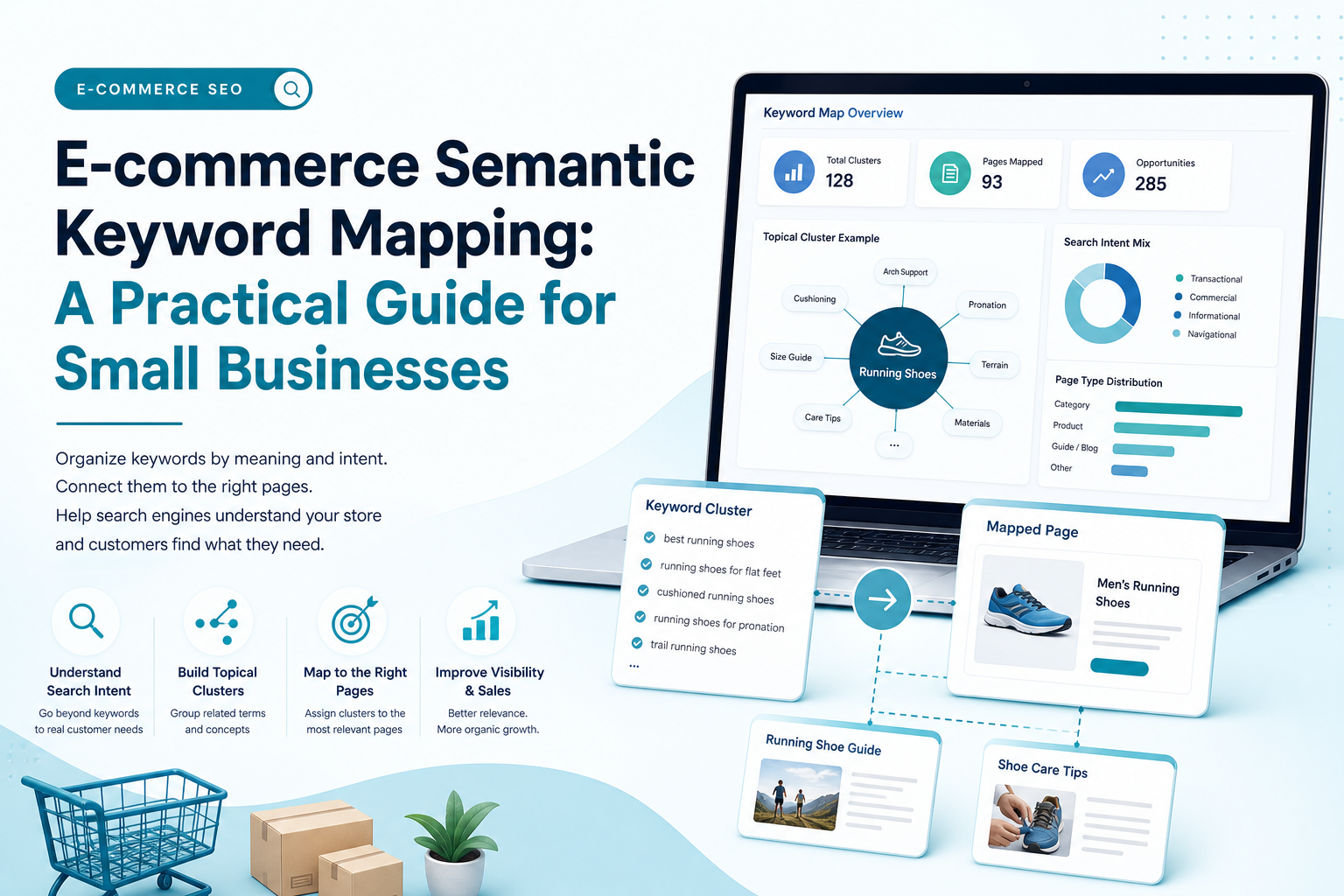
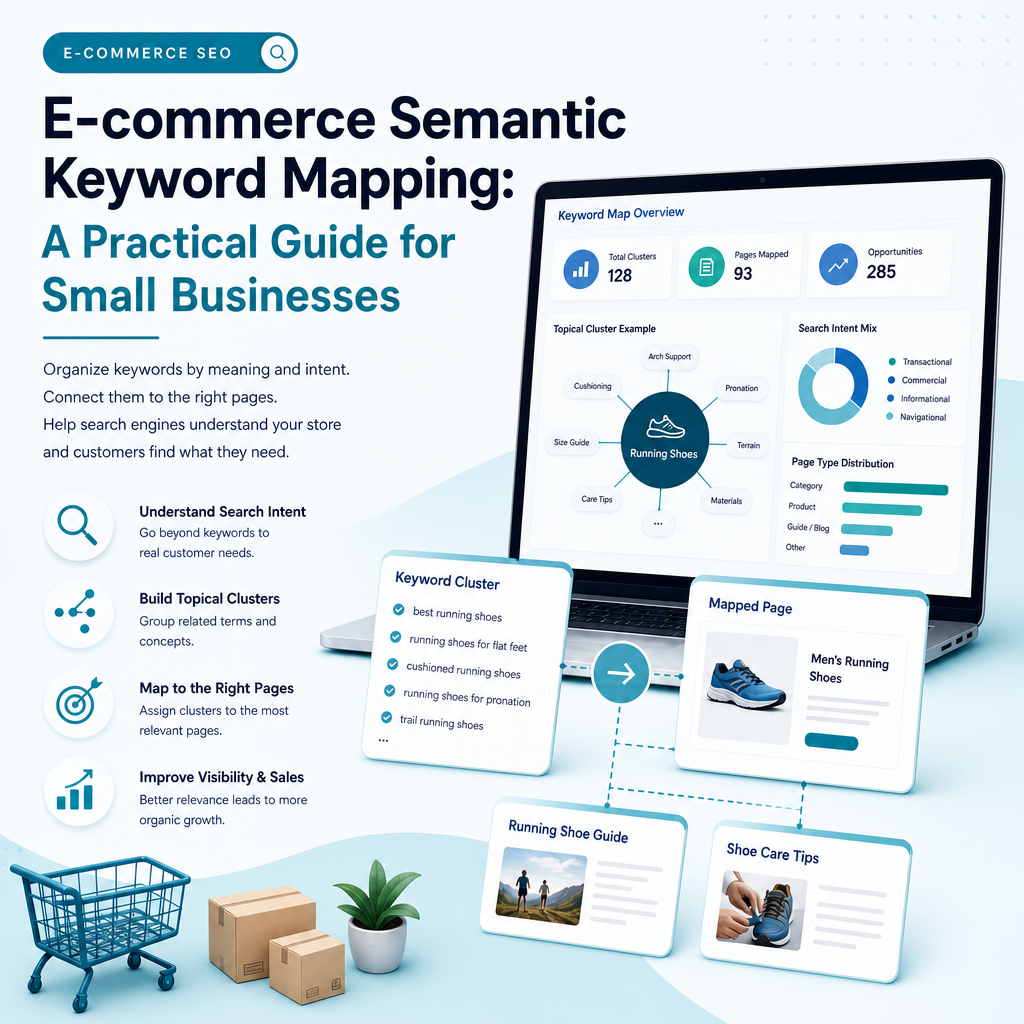
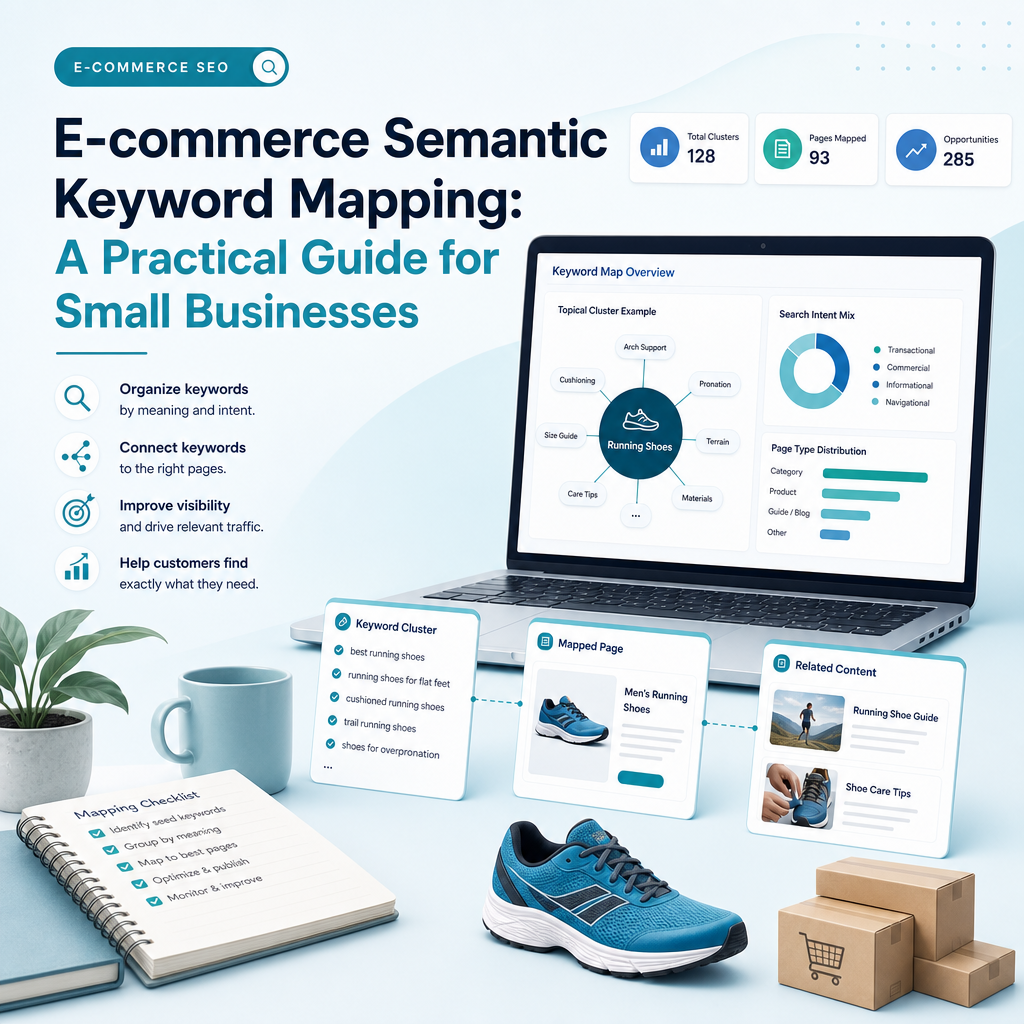
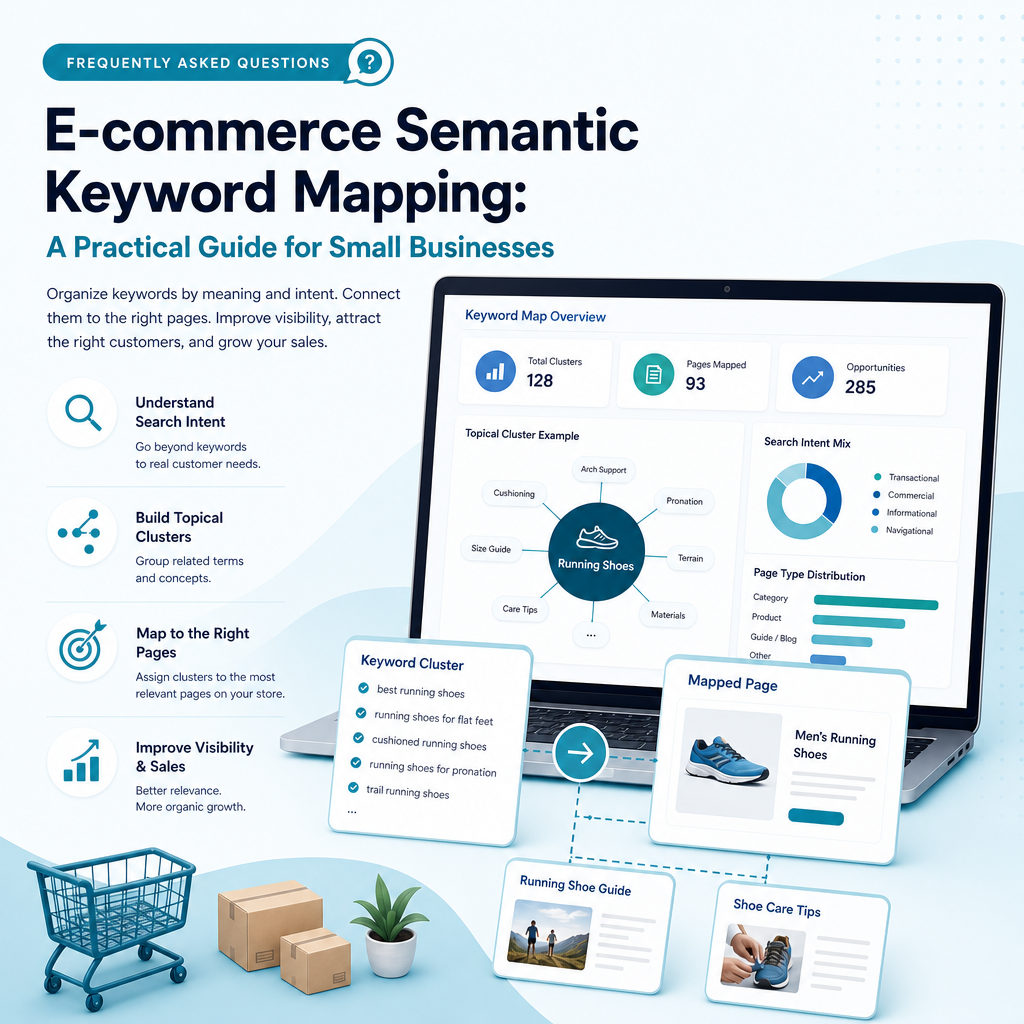
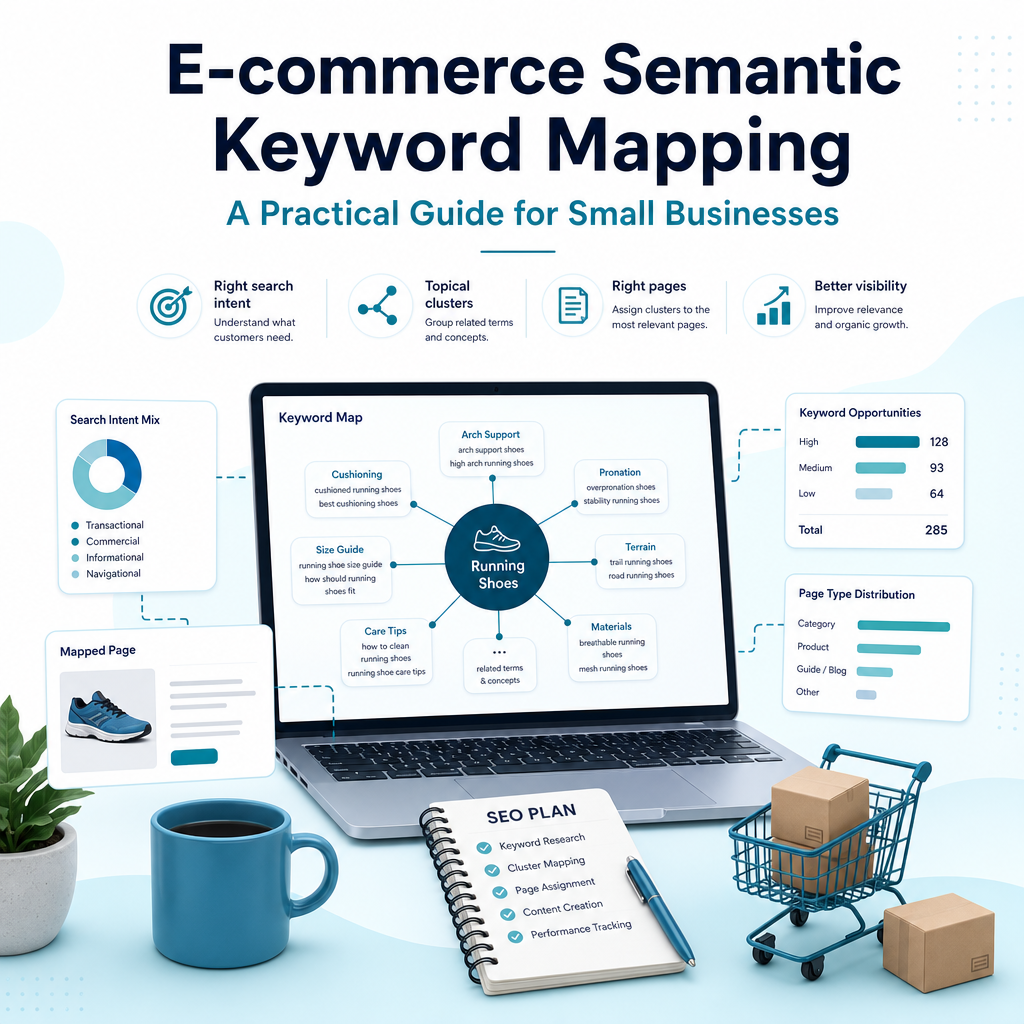
E-commerce Semantic Keyword Mapping: A Practical Guide for Small Businesses

E-commerce Semantic Keyword Mapping: A Practical Guide for Small Businesses

Your online shop may have useful products, well-written descriptions and a professional design, yet still struggle to appear for the searches that matter. A common reason is that keywords have been collected as a long list rather than organised into a clear plan showing which search belongs on which page.

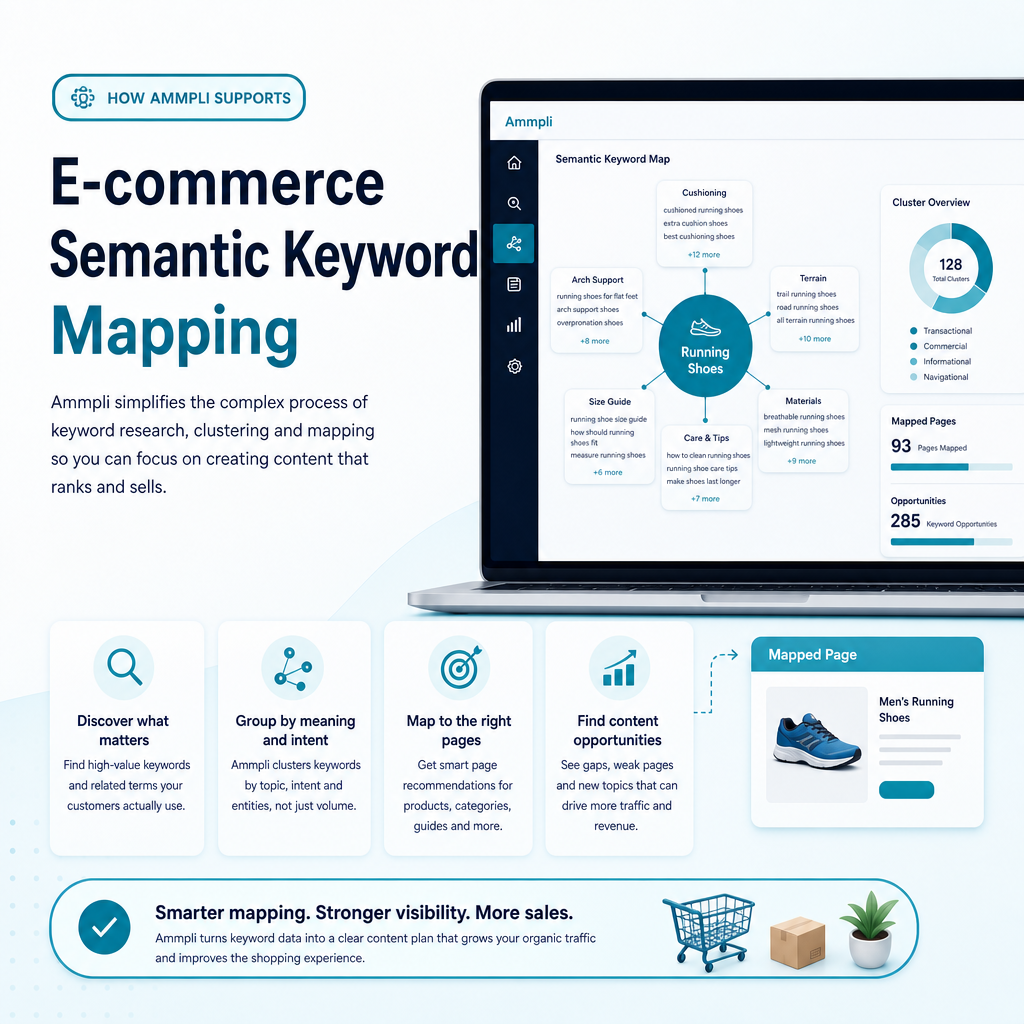
E-commerce semantic keyword mapping solves that problem. It connects products, categories, attributes, related concepts and search intent so that search engines can understand your store and customers can find the right page more easily. It also gives a small marketing team a practical way to decide what to improve, what to publish and what not to create.

This guide explains how e-commerce semantic keyword mapping works, why it matters, how to build a map, which data to use and where an AI SEO content platform such as Ammpli can reduce the manual work.

What is e-commerce semantic keyword mapping?

What is e-commerce semantic keyword mapping?

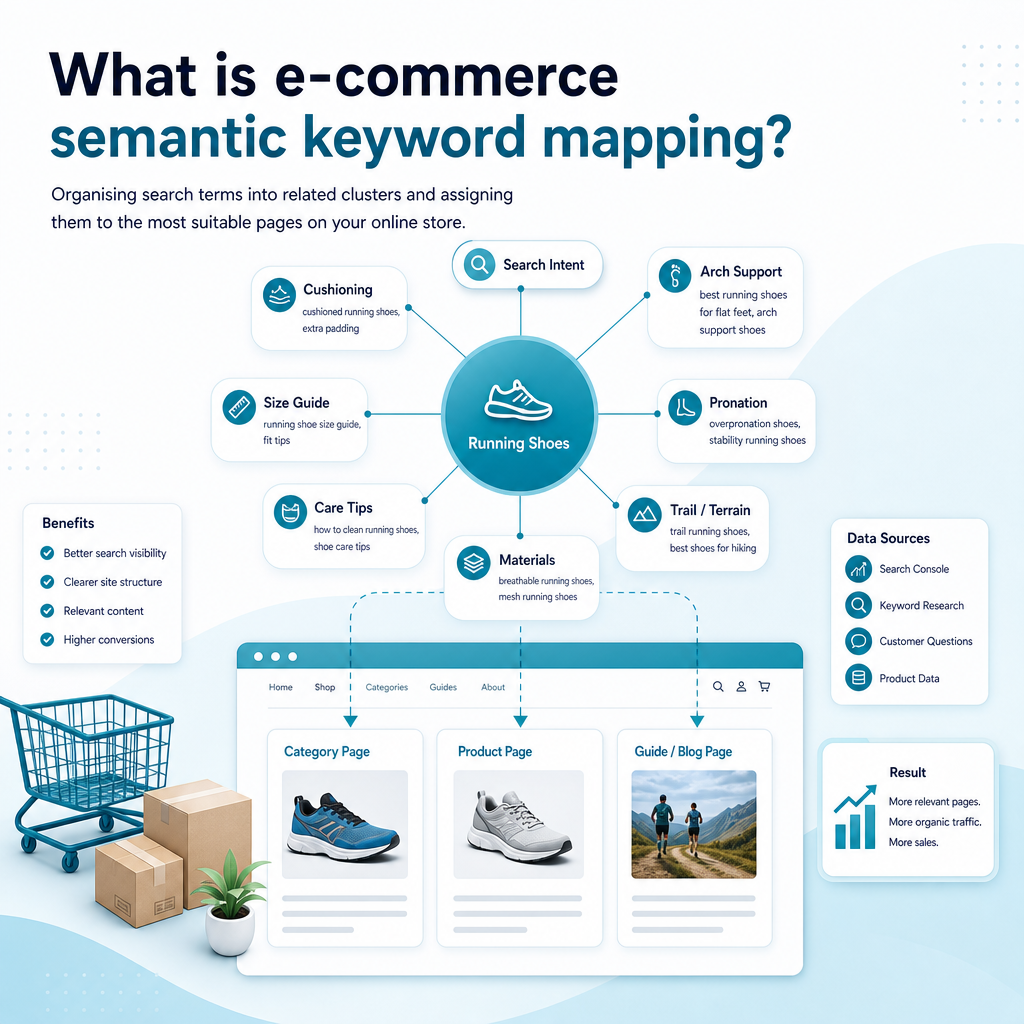
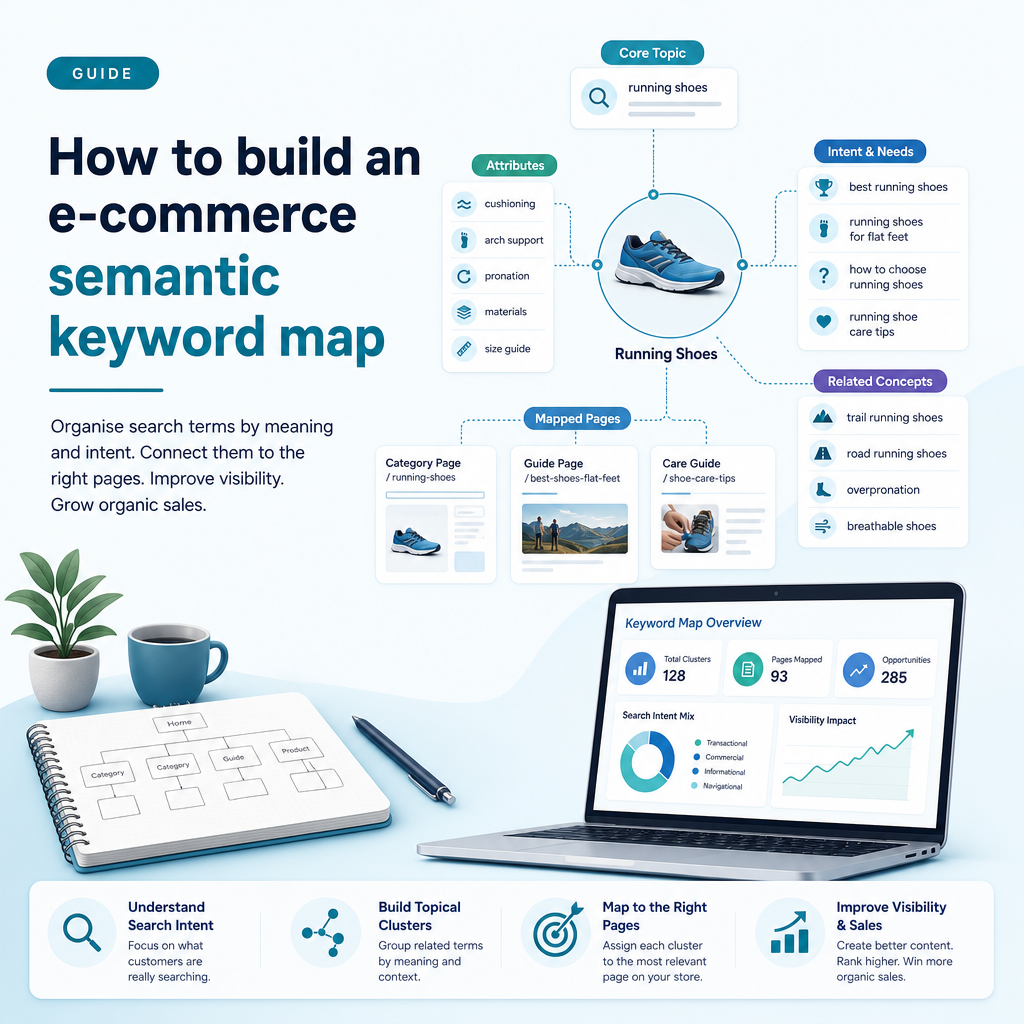
E-commerce semantic keyword mapping is the process of organising search terms into related clusters and assigning those clusters to the most suitable pages on an online store. The map looks beyond exact-match phrases and includes the meanings, entities, attributes, questions and buying needs connected to a product or category.

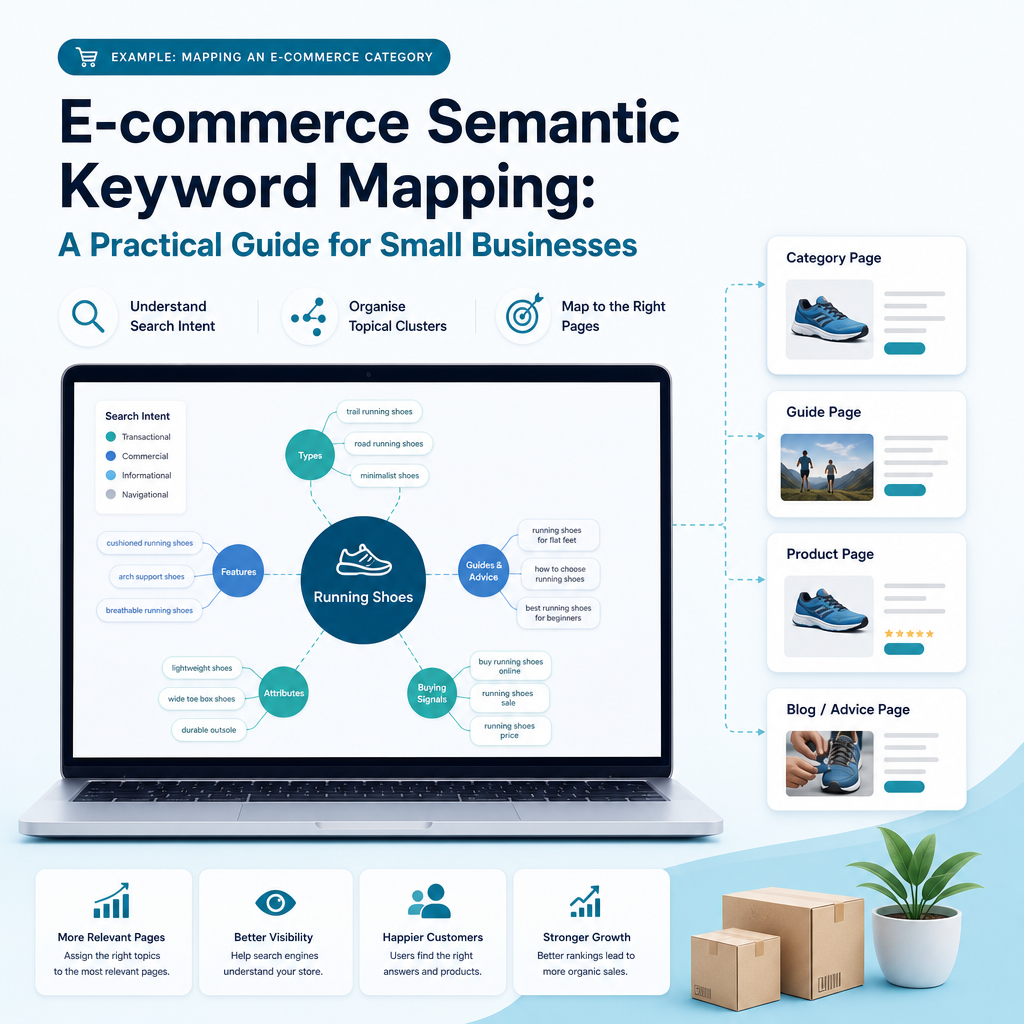
Traditional keyword mapping might assign “running shoes” to a category page and “running shoes for flat feet” to a guide. Semantic mapping goes further by identifying the relationships between running shoes, cushioning, arch support, pronation, terrain, size, materials, price and customer type. Those relationships help determine whether a term belongs on a product page, category page, buying guide, comparison page, filter or FAQ.

The result is a structured SEO plan that supports product discovery, content planning, internal linking and topical authority. It helps a store target a broad set of relevant searches without creating several pages that compete for the same intent.

Semantic keywords, entities and topics

Semantic keywords are related terms and phrases that add context to a primary topic. They are not limited to synonyms. They can include features, use cases, questions, product types, locations, brands, materials and problems a shopper wants to solve.

Entities are identifiable things or concepts that search engines can distinguish, such as a brand, product type, material, place or technology. A page about sustainable footwear might refer to recycled polyester, vegan leather, cushioning and running gait. These entities help clarify what the page is about and how its subject relates to the wider market.

A topic is the broad subject, such as “eco-friendly running shoes”. Semantic keywords and entities provide the detail that makes the topic useful. E-commerce semantic keyword mapping brings these elements together and assigns them to a logical page structure.

Why semantic keyword mapping matters for e-commerce SEO

Why semantic keyword mapping matters for e-commerce SEO

Online stores often have complex websites. A single product can be described by type, brand, material, colour, size, use case, price range and technical specification. Without a clear mapping process, these details can create duplicated pages, weak category structures and content that does not match what shoppers want. Here’s our e-commerce guide on how to choose the right strategy for sustainable growth.

A semantic map gives your e-commerce SEO strategy a shared framework. It helps you make decisions based on search intent and real performance data rather than publishing content because a keyword appears attractive in a tool.

It connects search intent to the right page

Someone searching “best waterproof hiking boots” may be comparing options, while someone searching “women’s waterproof hiking boots size 6” may be ready to browse products. Both searches relate to the same product area, but they may require different page experiences.

Mapping intent prevents a product page from trying to answer a broad buying guide query and prevents an informational article from competing with a category page. Each page can have a clear purpose, audience and conversion path.

It reduces keyword cannibalisation

Keyword cannibalisation occurs when several pages target the same search intent and compete with one another. This can happen when an online store creates separate pages for minor keyword variations that search engines treat as the same need.

A map gives each important cluster an intended owner URL. If two existing pages overlap, you can merge them, differentiate their purpose, improve internal links or redirect a weaker page where appropriate. The aim is not to force every phrase onto a separate URL. It is to give each meaningful search need a clear destination.

It reveals content gaps and page opportunities

Competitors may rank for questions, attributes or use cases that your store does not cover. A content gap analysis tool can reveal these missing areas, but the gap only becomes useful when you decide how to cover it.

For example, a homeware retailer may discover searches around “small living room storage”, “storage for rented flats” and “narrow hallway furniture”. These may lead to a buying guide, a collection page, improved category copy or new product filters. Semantic mapping turns the findings into actions.

It supports topical authority

Topical authority comes from demonstrating useful coverage around a subject, not from repeating one phrase on every page. A store selling cycling equipment can build a connected content ecosystem covering bike types, frame materials, sizing, maintenance, accessories, terrain and safety.

When relevant pages link together clearly, users can move from education to product discovery. Search engines also receive stronger signals about the relationships between those pages.

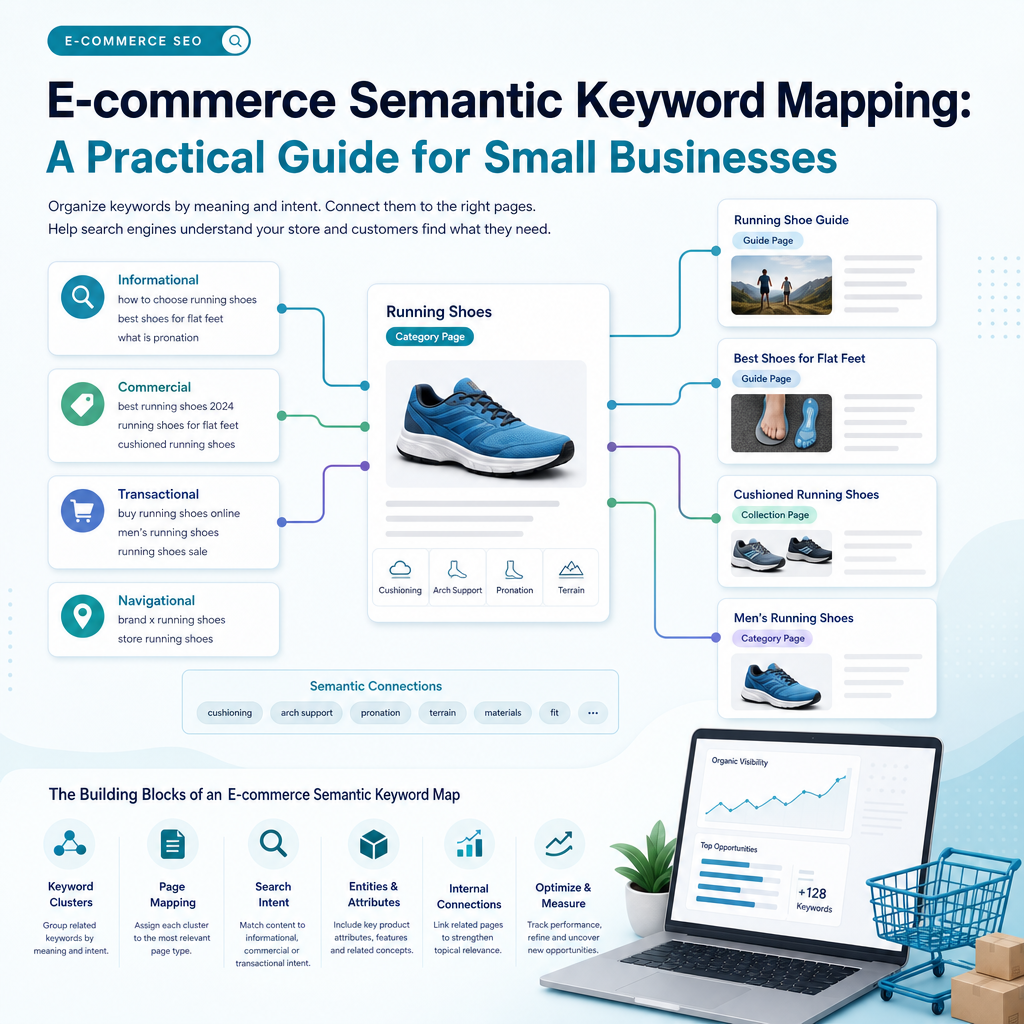
The building blocks of an e-commerce semantic keyword map

The building blocks of an e-commerce semantic keyword map

A useful map is more than a keyword spreadsheet. It should show how search terms relate to the products, pages and decisions within your store. The exact columns will depend on your business, but the following fields create a strong starting point.

Core fields for an e-commerce semantic keyword map
Field Purpose
Primary topic Defines the main product or category being mapped.
Keyword cluster Groups related searches that express a similar need.
Search intent Identifies whether the user wants information, comparison, navigation or a product.
Entities and attributes Records relevant features, materials, brands, uses and specifications.
Target URL Assigns one page as the intended owner of the cluster.
Page type Shows whether the target is a product, category, collection, guide or FAQ.
Priority Ranks the opportunity according to relevance, performance and business value.
Internal links Plans connections to parent, child and related pages.

Product attributes and combinations

Attributes are central to e-commerce semantic keyword mapping. They describe the characteristics shoppers use to narrow a choice, such as colour, size, material, compatibility, flavour, skin type, capacity or location.

Not every attribute deserves its own indexable page. Some are valuable for product information and filtering but have little independent search demand. Others become powerful when combined with another attribute.

For example, “full sun” may have limited value as a standalone seed category, while “full sun flower seeds” or “perennial herbs for zone 6” may reflect meaningful searches. The map should record both the attribute and the combinations that have evidence of demand or strong customer value.

How to build an e-commerce semantic keyword map

How to build an e-commerce semantic keyword map

The process can be completed manually, but small teams benefit from a repeatable workflow. Start with the products and markets that matter most to the business, then expand the map as you learn from performance data.

1. Define the scope

Begin with a focused commercial question. You might map one product category, a group of collections, a new market or the content supporting a major product line. Trying to map an entire catalogue in one step can produce a large dataset without clear priorities.

Record the products you sell, the countries or regions you serve, the languages you publish in and the commercial goals behind the project. A UK-based store may need different terms and product information from a business serving English-speaking customers internationally. Search behaviour, spelling, delivery expectations and local intent can vary by market.

Choose a scope that your team can implement. If your platform cannot create useful indexable collection pages, do not build a plan that depends on hundreds of filter URLs being indexed.

2. Understand the main entity and its attributes

Choose the main entity, such as “organic skincare”, “standing desks”, “pet supplements” or “women’s cycling jackets”. Then list the attributes and related entities that help customers make a decision.

Useful research sources include your product catalogue, customer support questions, reviews, sales conversations, competitor category structures, product specifications, community discussions and search results. AI can help generate initial ideas, but every suggested attribute should be checked for relevance and accuracy.

Ask practical questions: What problem does the product solve? Which features affect suitability? Which alternatives do customers compare? What objections delay purchase? Which details are necessary for a confident decision? These answers create a richer semantic foundation than a list of high-volume terms.

3. Collect keyword and performance data

Use several sources because no single tool shows the complete opportunity. Google Search Console is particularly valuable for established websites because it shows queries for which your pages already receive impressions and clicks.

Look for relevant searches where a page is visible but not performing as strongly as it could. These terms are often practical opportunities because Google already associates the page with the topic. Google Analytics can add information about engagement and commercial behaviour, while competitor research can reveal topics your store has not covered.

Keyword research platforms can provide search demand, competition estimates, related questions and ranking pages. Treat these metrics as decision aids rather than guarantees. Relevance, intent, product availability, site quality and the strength of the current results all matter.

4. Cluster terms by meaning and intent

Clustering is where the raw keyword list becomes a strategy. Group terms that represent the same underlying need, then separate terms that deserve their own page because the intent or product set is materially different.

Common e-commerce intent groups include:

  • Informational searches, such as how to choose, how to use or how to compare a product.
  • Commercial investigation searches, such as best, reviews, alternatives and comparisons.
  • Category searches, where shoppers want to browse a product type or collection.
  • Transactional searches, where the user is looking for a specific product or variant.
  • Local searches, where availability, delivery, collection or service area affects the decision.
  • Attribute combinations, such as material, size, colour, compatibility or use case.

Search engine results pages help validate the grouping. If the same pages appear for several terms, those terms may belong to one cluster. If the results show a different page type or audience, separate mapping may be more appropriate.

5. Audit existing URLs before creating new pages

Always check what already exists. A store may have a product page, category page, blog post and filter URL all covering similar language. Creating another article without resolving that overlap can make the site harder to manage.

For each cluster, decide whether to keep an existing URL, improve it, merge pages, create a new page or leave the term uncovered for now. The strongest choice depends on search intent, product range, internal links, content quality and the business value of the opportunity.

Google Search Console can show which URL receives impressions for a query. If the wrong page appears, review the page focus, internal linking, canonical signals and content structure. The goal is to make the intended page the clearest answer, not simply to force a technical signal.

6. Assign primary and supporting terms to each page

Each important URL should have one primary topic and a set of supporting semantic terms. The primary topic gives the page direction, while supporting terms help it answer the wider set of related needs.

A category page for “women’s waterproof hiking boots” might cover waterproof membranes, ankle support, grip, terrain, sizing and seasonal use. A supporting guide might target how to choose waterproof hiking boots and link to the category page. A product page should focus on its own specifications, stock, fit and benefits rather than trying to rank for the entire category.

Do not chase a fixed keyword count. Add a term when it helps explain the product or answer a real customer question. Remove it when it creates awkward copy or takes the page away from its purpose.

7. Build the page and internal-linking architecture

The map should show how pages connect. Broad category pages can link to relevant subcategories, buying guides and priority products. Supporting content can link back to the relevant category and across to related guides where the connection helps the reader.

Use descriptive, varied anchor text that explains the destination. Avoid adding links simply to increase the number of internal links. A well-planned structure helps shoppers move from research to consideration and purchase while reinforcing the relationships between topics.

For larger stores, review faceted navigation carefully. Filters can improve usability, but creating indexable URLs for every combination can lead to duplication and crawl inefficiency. Only recommend indexable combinations that have a clear purpose, useful product coverage and evidence of search demand or customer value.

8. Optimise pages for clarity and completeness

Apply the map to titles, headings, product descriptions, category copy, FAQs, image descriptions, structured data and internal links. Write naturally and prioritise useful information over repetition.

Product pages should explain what the product is, who it suits, its specifications, limitations, care instructions, delivery details and compatibility where relevant. Category pages should help shoppers understand the range and make a choice. Guides should answer the research questions that lead people towards your products without turning every paragraph into a sales pitch.

Technical SEO also matters. Pages should be accessible to search engines, usable on mobile devices, clearly linked and supported by accurate product or organisation information. Semantic mapping cannot compensate for blocked pages, poor navigation or an unavailable product range.

9. Review and update the map

Search behaviour and product ranges change. Review your map regularly using Google Search Console, analytics, sales information, new customer questions and competitor changes. A quarterly review is a sensible starting point for many small businesses, with more frequent checks for seasonal catalogues.

Watch for pages gaining impressions for unplanned but relevant terms. These may indicate an opportunity to add a section, improve a heading or create a supporting page. Also watch for declining pages, overlapping URLs and clusters where the business no longer has suitable products.

A semantic map is a working document, not a one-off file. It should guide new content, page updates, internal-link decisions and reporting.

Example: mapping an e-commerce category

Example: mapping an e-commerce category

Imagine an online retailer selling high end furniture such as RBTwelve. The broad entity is “high end furniture”, but that phrase alone does not describe the customer journey.

Research may reveal related concepts including espresso machines, pour-over coffee makers, French presses, coffee grinders, grind size, water temperature, home barista equipment, compact machines and beginner bundles. These terms do not all belong on one page.

Example semantic mapping for a coffee equipment store
Search need Suitable page Supporting concepts
Browse espresso machines Espresso machine category Home espresso, pressure, milk frothing, automatic and manual machines
Choose equipment for a small kitchen Buying guide Compact design, counter space, storage and ease of cleaning
Buy a specific machine Product page Specifications, capacity, warranty, accessories and availability
Understand brewing methods Educational guide Pour-over, French press, extraction, grind size and water temperature
Find a grinder for espresso Grinder category or subcategory Burr grinder, grind settings, dosing and compatibility

This structure gives each page a clear role. It also creates natural internal links between education, product discovery and purchase. The map can be expanded with local delivery terms, seasonal gift searches or product bundles if those areas fit the business.

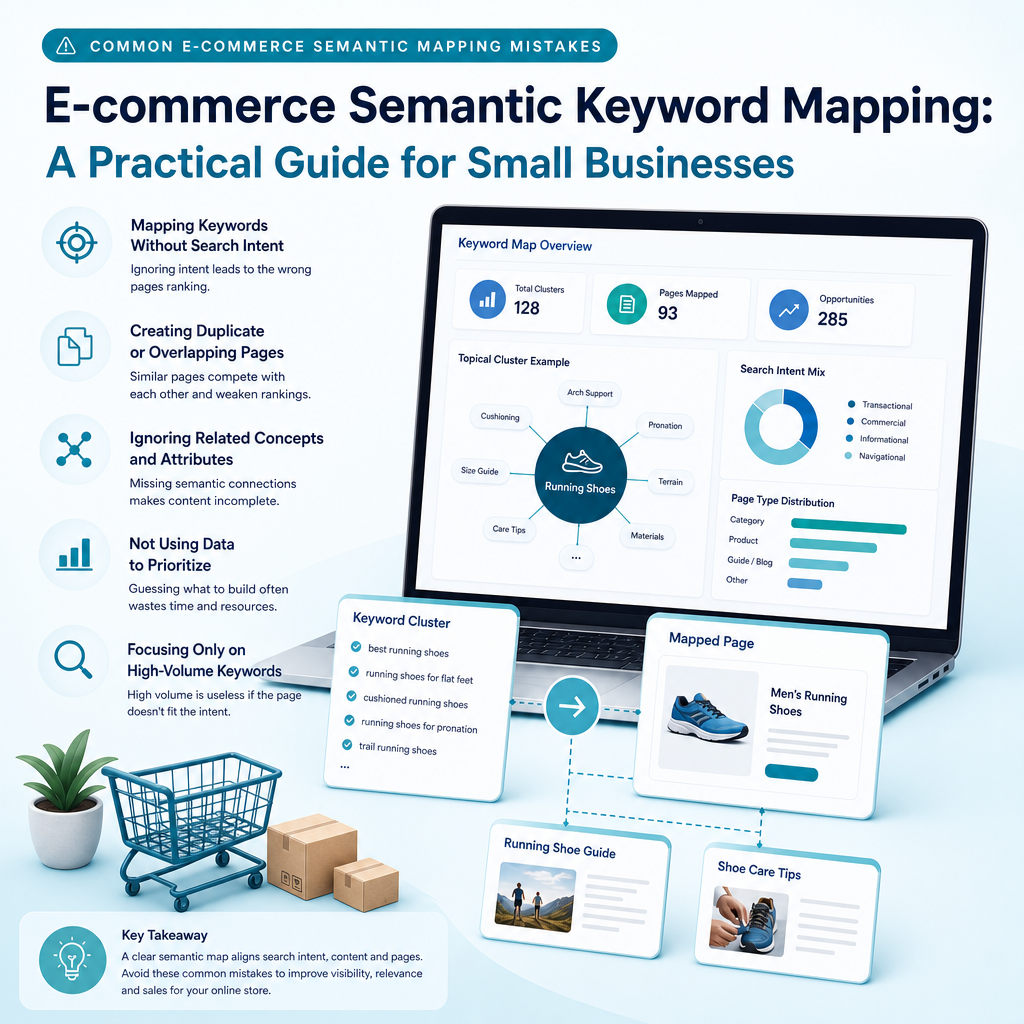
Common e-commerce semantic mapping mistakes

Common e-commerce semantic mapping mistakes

Semantic mapping is useful only when it reflects customer needs and the realities of the website. Several mistakes can make the map larger without making the SEO strategy better.

Building pages for every minor variation

Changing the word order or adding a close synonym does not automatically justify a new page. If the same products, SERP results and customer need apply, keep the terms in one cluster and strengthen the existing page.

Treating search volume as the only priority

A high-volume term may be too broad, competitive or commercially irrelevant. A lower-volume search that matches your products, service area and customer needs may be more valuable. Use search performance, intent, business relevance and implementation effort together.

Adding related terms without adding useful information

Semantic SEO is not a licence to insert a list of loosely related phrases. Every concept should earn its place by improving understanding, navigation or decision-making. Forced language reduces trust and can make product pages harder to read.

Ignoring existing Google Search Console data

New keyword research is useful, but your own search data shows how Google currently interprets your website. Ignoring queries that already generate impressions can lead to missed opportunities that are closer to improvement than entirely new topics.

Making every filter indexable

Faceted navigation can generate many URL combinations. Index only combinations that provide distinct value, a suitable product set and a clear search purpose. Keep other filters useful for shoppers without treating each combination as an SEO landing page.

Forgetting regional and language differences

Terms used by shoppers in the United Kingdom may differ from those used in other English-speaking markets. Product availability, delivery, spelling and local intent also influence the value of a query. Map each priority market separately where the differences affect the page experience.

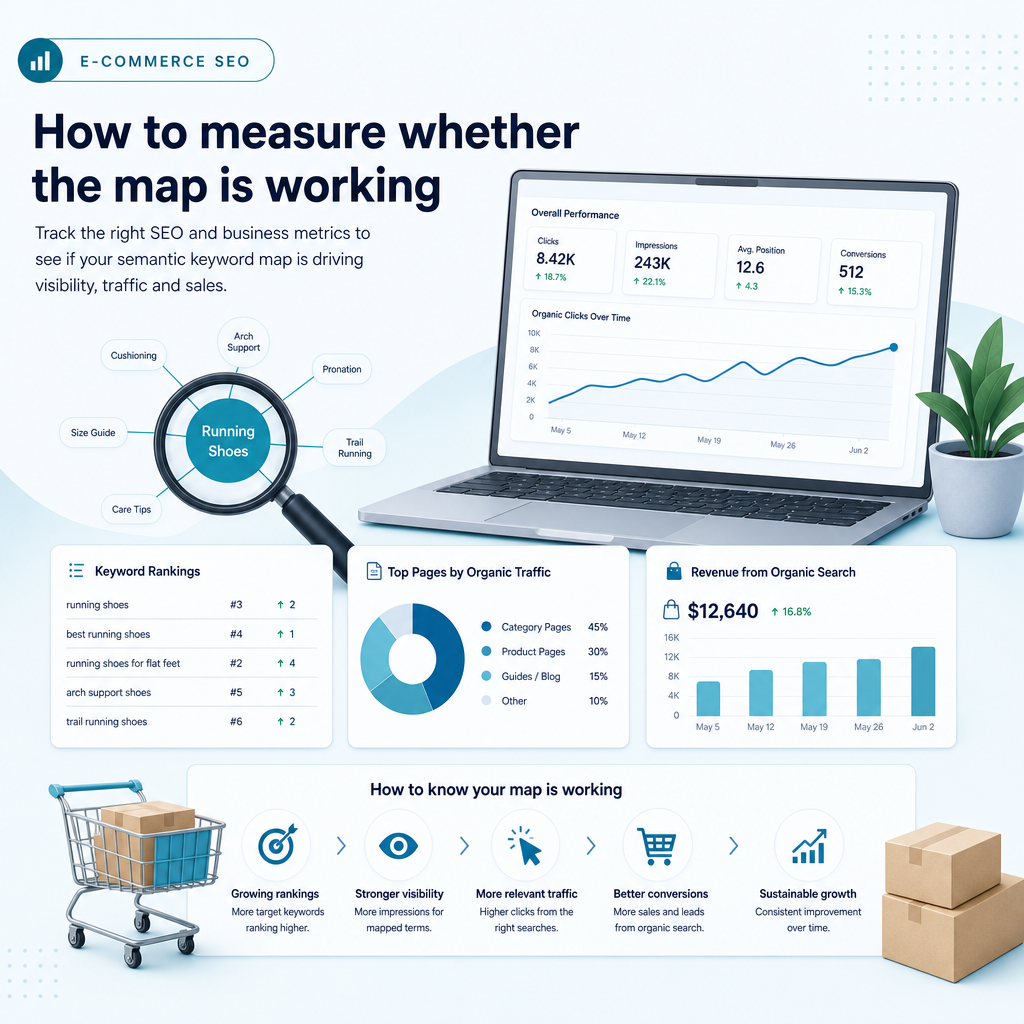
How to measure whether the map is working

How to measure whether the map is working

Measurement should focus on whether the map leads to better decisions and more useful pages, not just whether a spreadsheet has been completed. Set a baseline before making changes, then track performance by page and cluster.

Useful measures include impressions and clicks from Google Search Console, the number of relevant queries associated with each URL, average position trends, organic click-through rate, engagement, product views, assisted conversions and completed purchases. For informational pages, monitor whether readers move to relevant category or product pages.

Also review ownership. If a category page is intended to rank for a cluster but a thin filter URL repeatedly appears instead, investigate the cause. The solution may involve improving the category, changing internal links, consolidating duplicate pages or revising the cluster.

Ammpli helps small teams use Google Search Console and Analytics data alongside competitor research and search-intent analysis. This makes it easier to identify realistic ranking opportunities, including relevant searches where a website already has visibility but has not yet reached a strong position.

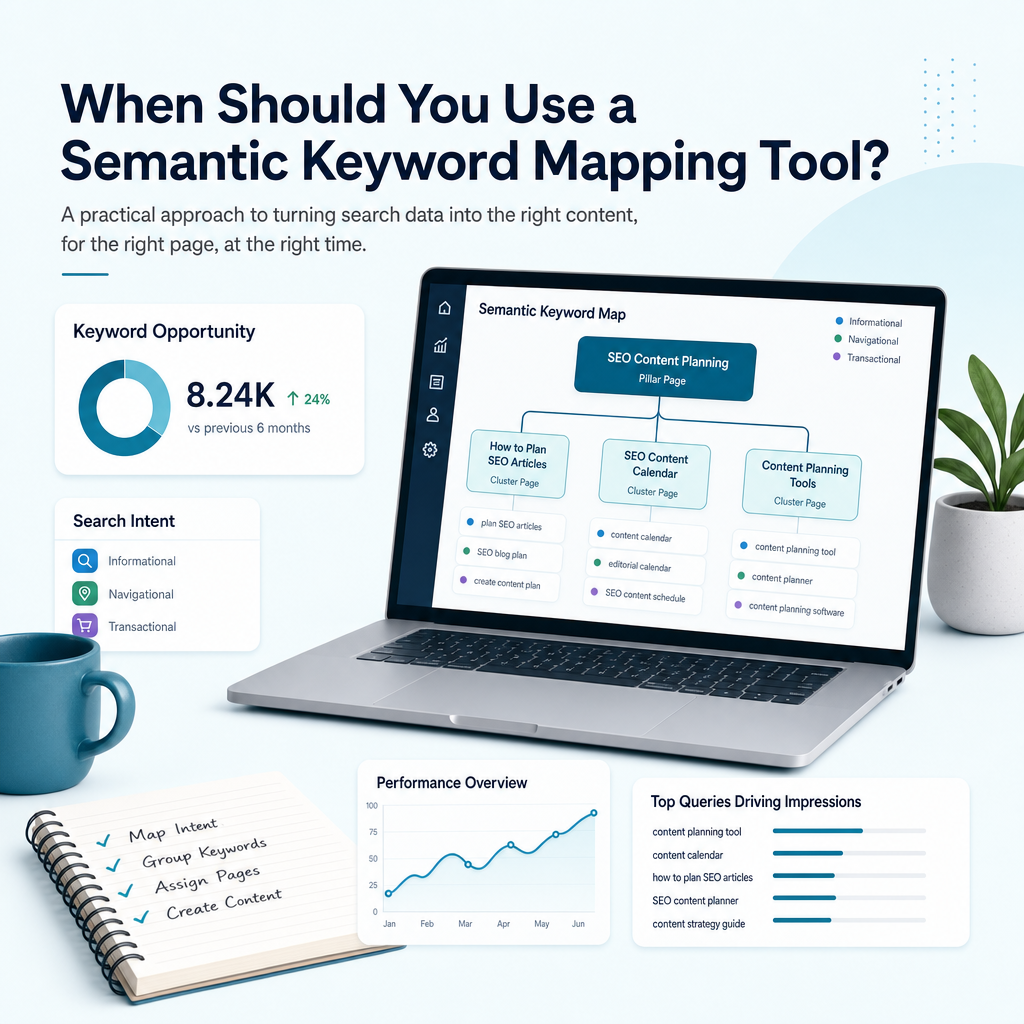
When should you use an SEO tool or specialist?

When should you use an SEO tool or specialist?

You can build a basic map with a spreadsheet, Google Search Console and manual SERP research. That approach works well for a small catalogue or a focused first project. The challenge grows when you have many products, several markets, frequent catalogue changes or limited time to review data.

An SEO tool or AI SEO content platform can help collect opportunities, group related terms, identify content gaps, prepare briefs and monitor performance. A specialist may be useful when your site has major duplication, a complex migration, large-scale technical problems or unclear commercial priorities.

The best choice depends on your resources. Generic AI writing tools can generate text, but they may not know which opportunities your website can realistically pursue. Traditional agencies offer strategic support but may not fit every growing business’s budget. A data-driven SEO content workflow can give smaller teams more control while reducing manual research.

How Ammpli supports e-commerce semantic keyword mapping

How Ammpli supports e-commerce semantic keyword mapping

Ammpli is an AI SEO content platform for small and growing businesses in the United Kingdom and English-speaking international markets. It combines Google Search Console and Analytics data with competitor research, search-intent analysis and semantic keyword mapping.

Instead of starting with a generic list, Ammpli can help identify where your existing website has relevant visibility, which topics competitors cover, which content gaps are realistic and how those opportunities can become an organised plan. The resulting insight can support category content, product education, blog articles, local SEO content creation and wider topical authority planning.

The platform also connects planning with AI-powered SEO content creation, SEO content calendars, blog and brand analysis, direct CMS publishing and SEO performance reporting. That can help a small team move from opportunity analysis to a consistent publishing process without managing every task manually.

Ammpli does not replace judgement. Your team still decides which products, markets and priorities matter. Its role is to reduce guesswork, organise search data and turn useful findings into a practical content plan.

Frequently Asked Questions

Frequently Asked Questions

What is e-commerce semantic keyword mapping?

E-commerce semantic keyword mapping organises related search terms, entities, product attributes and user intents into clusters assigned to specific store pages. It helps each category, product, guide and filter serve a clear purpose without relying on repeated exact-match phrases.

How is semantic mapping different from traditional keyword mapping?

Traditional keyword mapping often assigns individual target phrases to URLs. Semantic mapping also examines meaning, relationships, attributes, questions and intent, helping one relevant page address a group of connected searches while avoiding unnecessary page duplication.

Should every product attribute have its own SEO page?

No. Some attributes are useful for product information and filtering but do not justify separate indexable pages. Create dedicated pages for combinations that have a distinct search need, suitable products and enough business value to support a useful experience.

Can small businesses build a semantic keyword map themselves?

Yes. A small business can begin with Google Search Console, Analytics, customer questions, competitor research and a structured spreadsheet. An SEO content planning tool can help when the catalogue, markets or content requirements become too large for manual research.

How often should an e-commerce keyword map be updated?

Review the map at least quarterly and whenever your catalogue, markets, competitors or customer language changes. Seasonal retailers may need more frequent reviews so category pages and content reflect current demand and stock.

Does semantic keyword mapping guarantee higher rankings?

No. Mapping improves strategic clarity and helps align pages with search intent, but rankings also depend on content quality, technical accessibility, competition, authority, product relevance and many other factors. Use it as an evidence-based planning framework rather than a promise of a particular position.

Build a clearer SEO plan from your search data

Build a clearer SEO plan from your search data

E-commerce semantic keyword mapping helps turn a complex product catalogue into a structure that people and search engines can understand. It connects search intent to page type, brings product attributes into the right context, reduces overlap and reveals where useful content can support commercial pages.

Start with one category, use your own Google Search Console data, validate clusters against the search results and map every priority opportunity to a page with a clear purpose. Then review the map as your business grows.

Ready to find realistic opportunities for your store? Start your 14-day free trial with Ammpli, turn your search data into better content and create your SEO content plan. No credit card required.
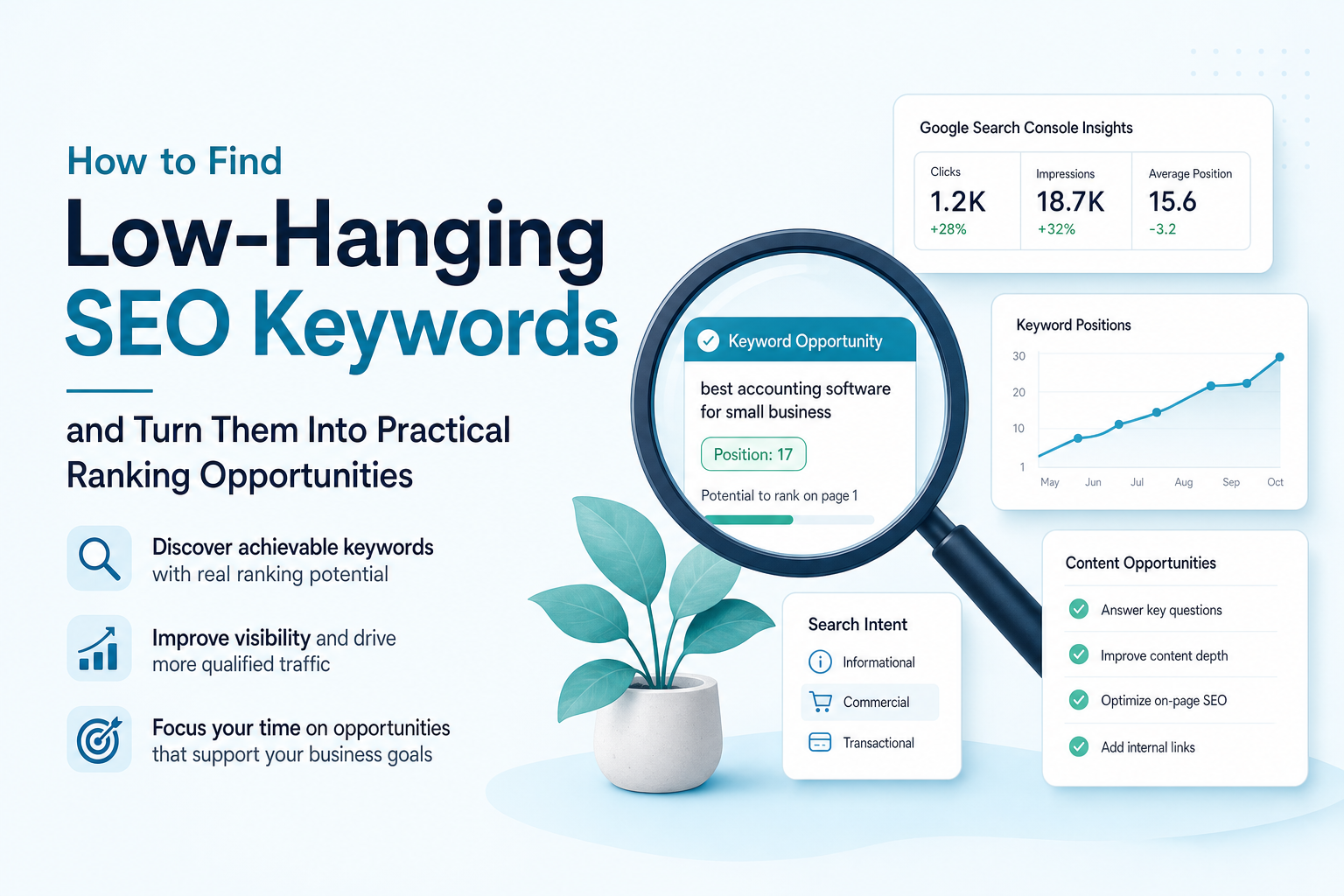
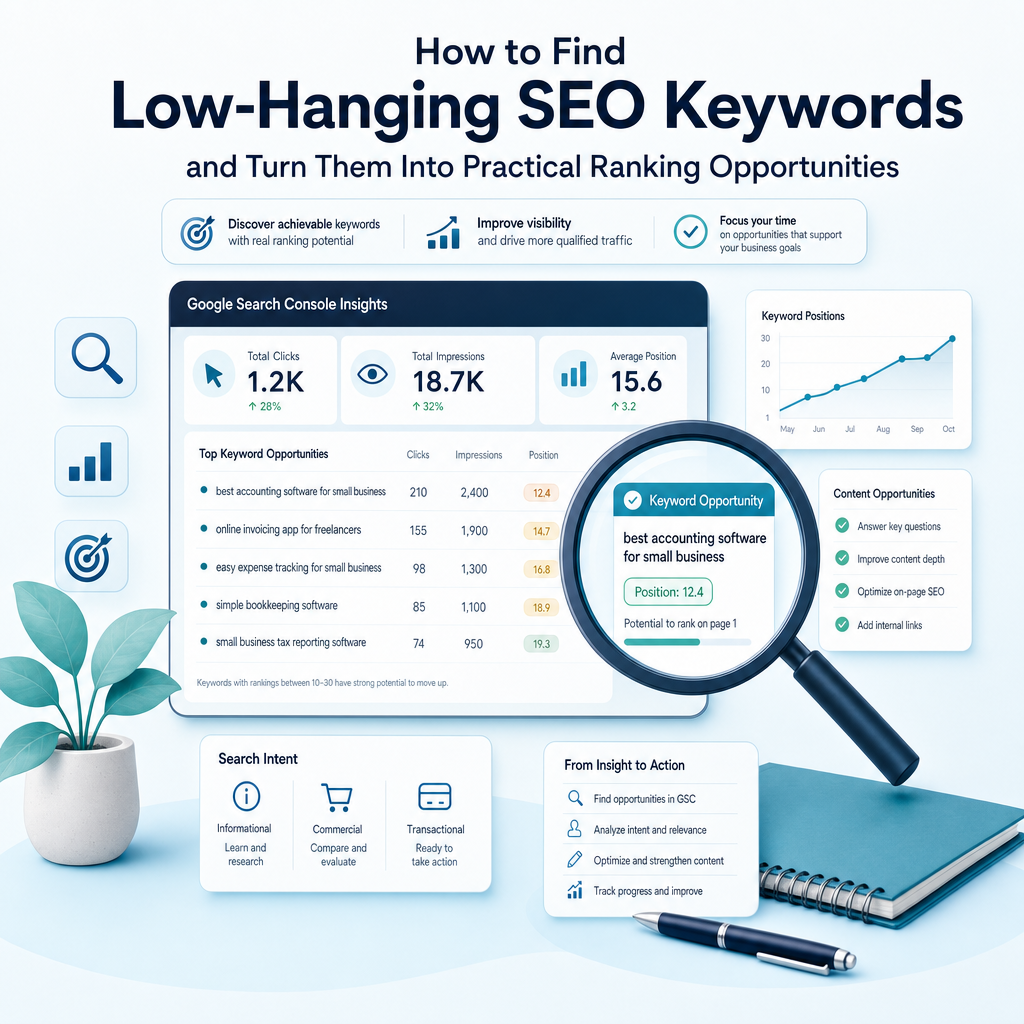
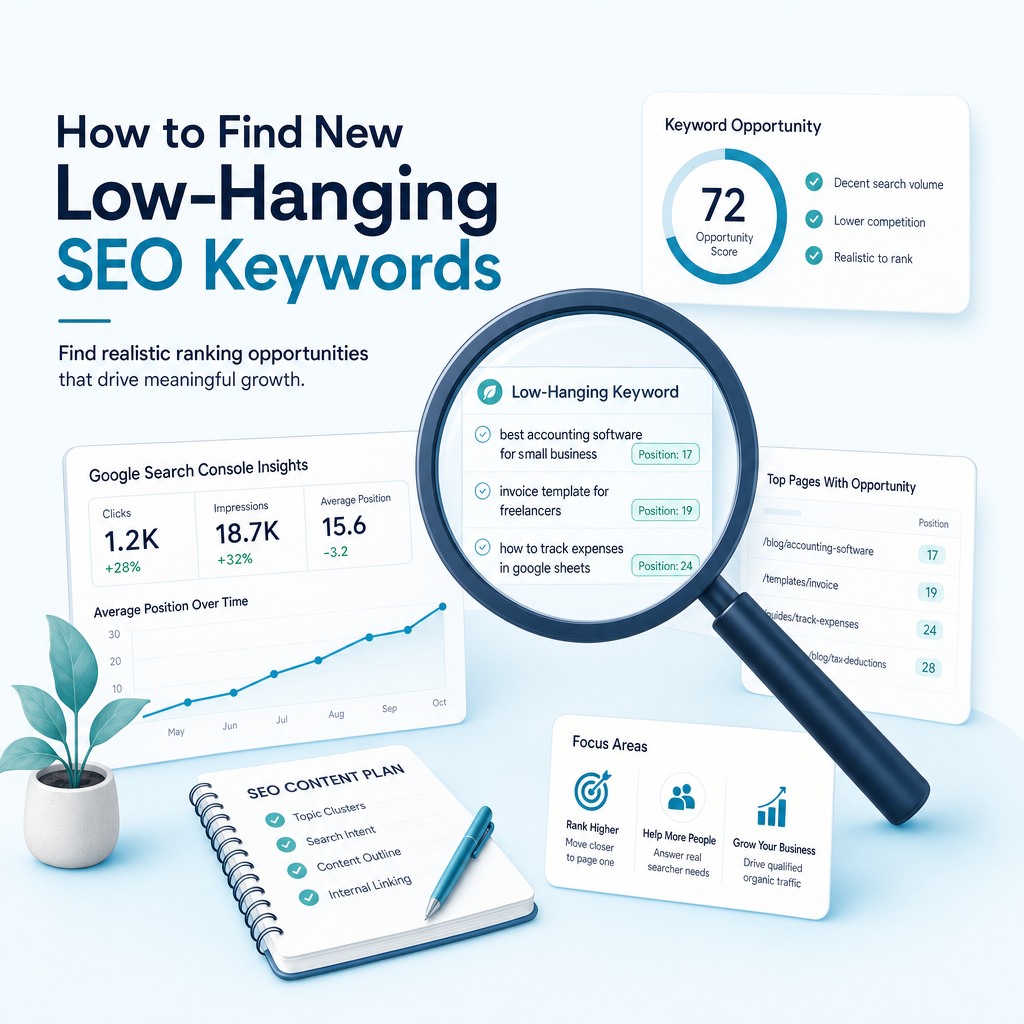
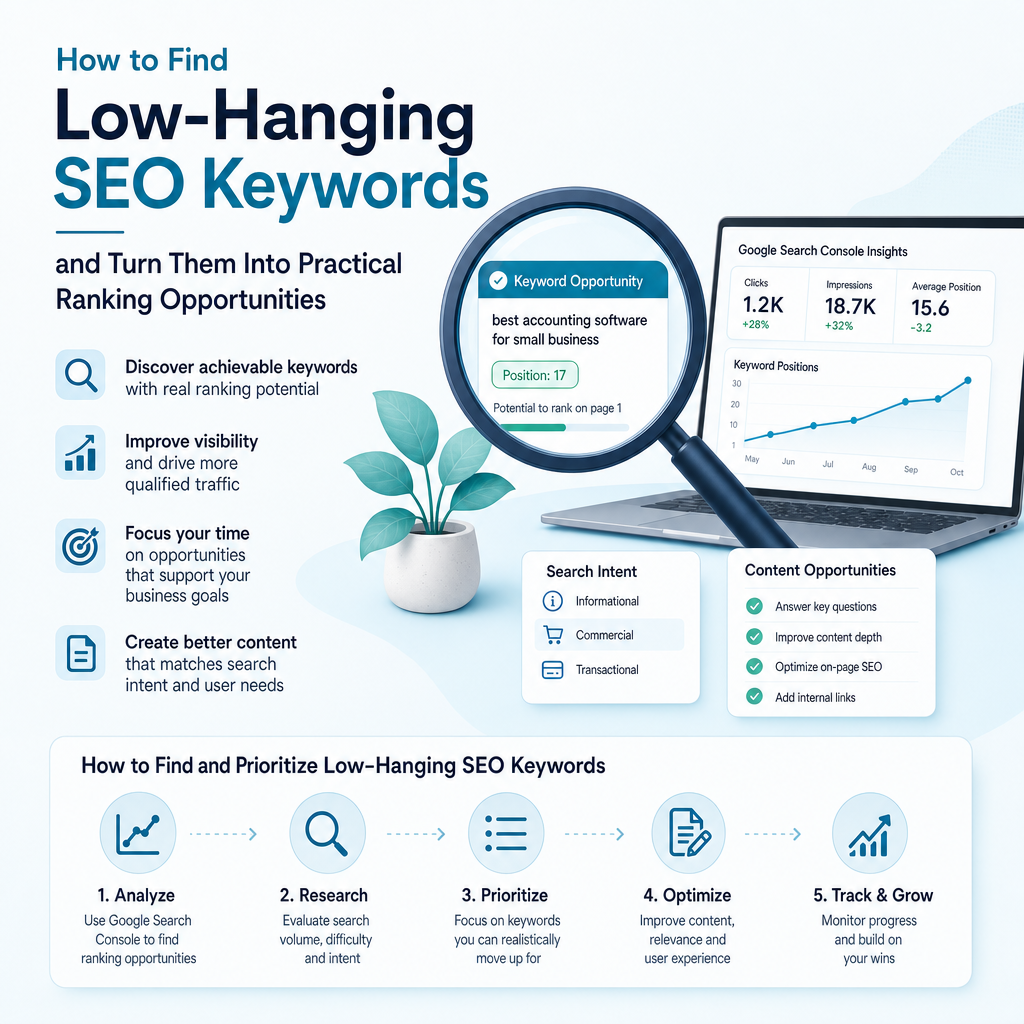
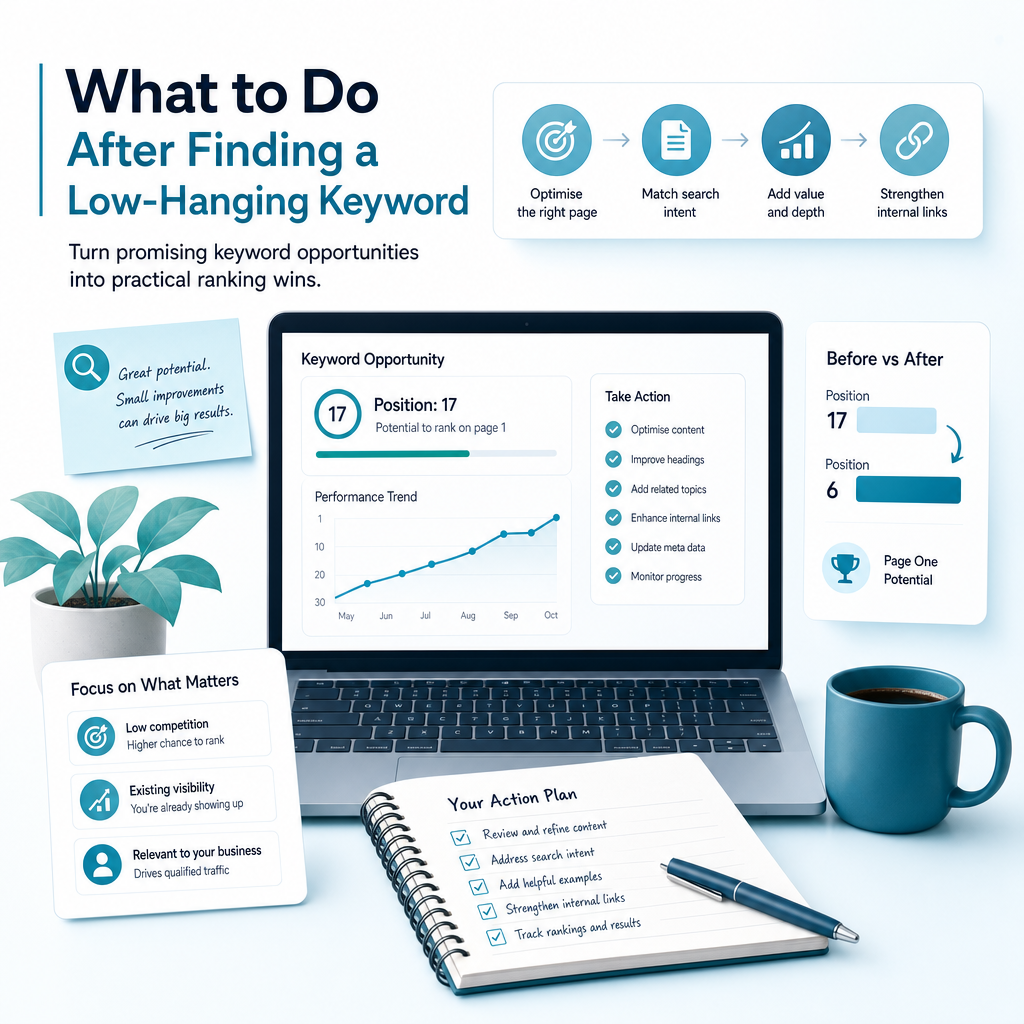
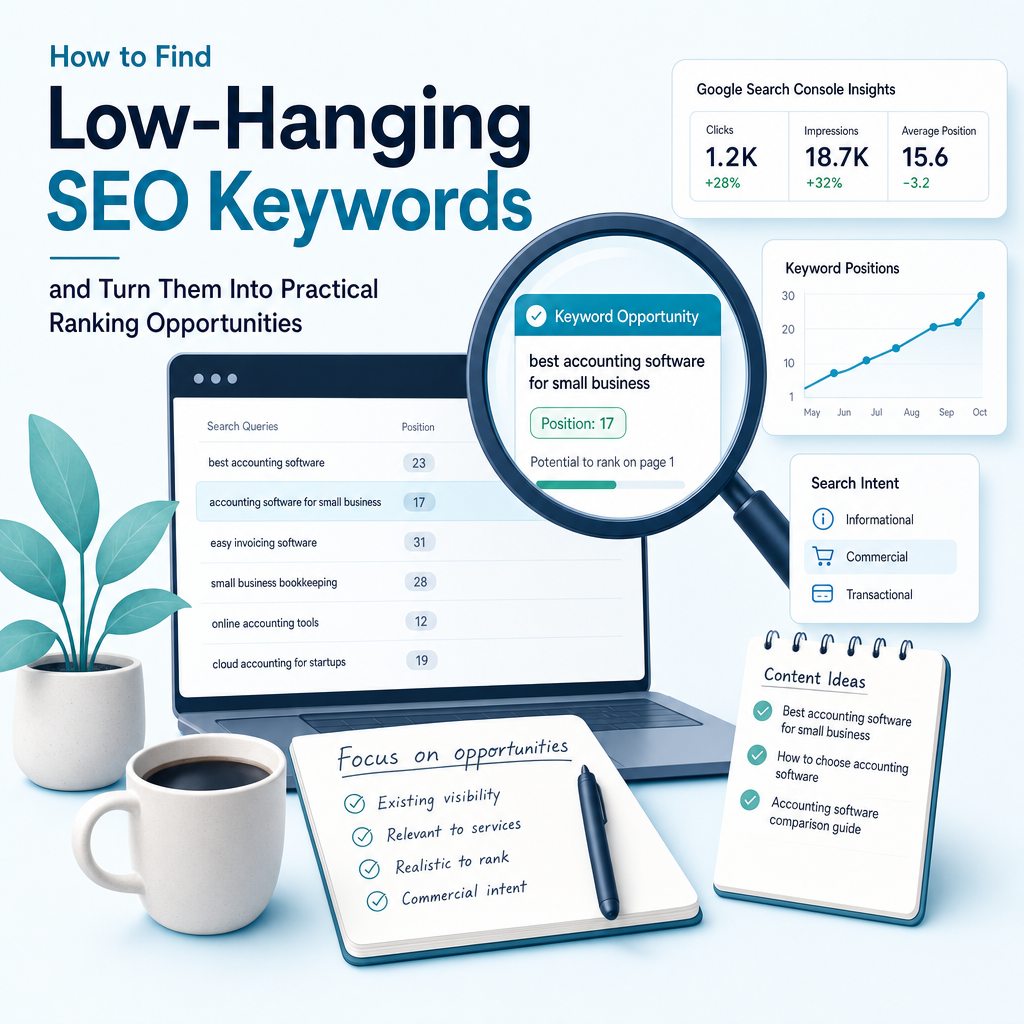
How to Find Low-Hanging SEO Keywords and Turn Them Into Practical Ranking Opportunities

How to Find Low-Hanging SEO Keywords and Turn Them Into Practical Ranking OpportunitiesYou may already have valuable pages on your website, yet still feel unsure what to publish next. Broad terms such as “SEO,” “accounting software” or “web design” can attract large audiences, but they are often difficult for a small business to rank for. Meanwhile, your website may already be appearing for more specific searches that are much closer to page one.These overlooked opportunities are often called low-hanging SEO keywords. They are relevant search terms where your website has a realistic chance of improving its visibility without starting from zero. Learning how to find low hanging SEO keywords can help you focus limited time and budget on work that supports your services, customers and commercial goals.This guide explains what low-hanging SEO keywords are, why they matter, where to find them and how to decide which opportunities deserve attention first. It also shows how Google Search Console data, competitor research, search intent and semantic keyword mapping can work together to create a more useful SEO content plan.

What Are Low-Hanging SEO Keywords?

What Are Low-Hanging SEO Keywords?

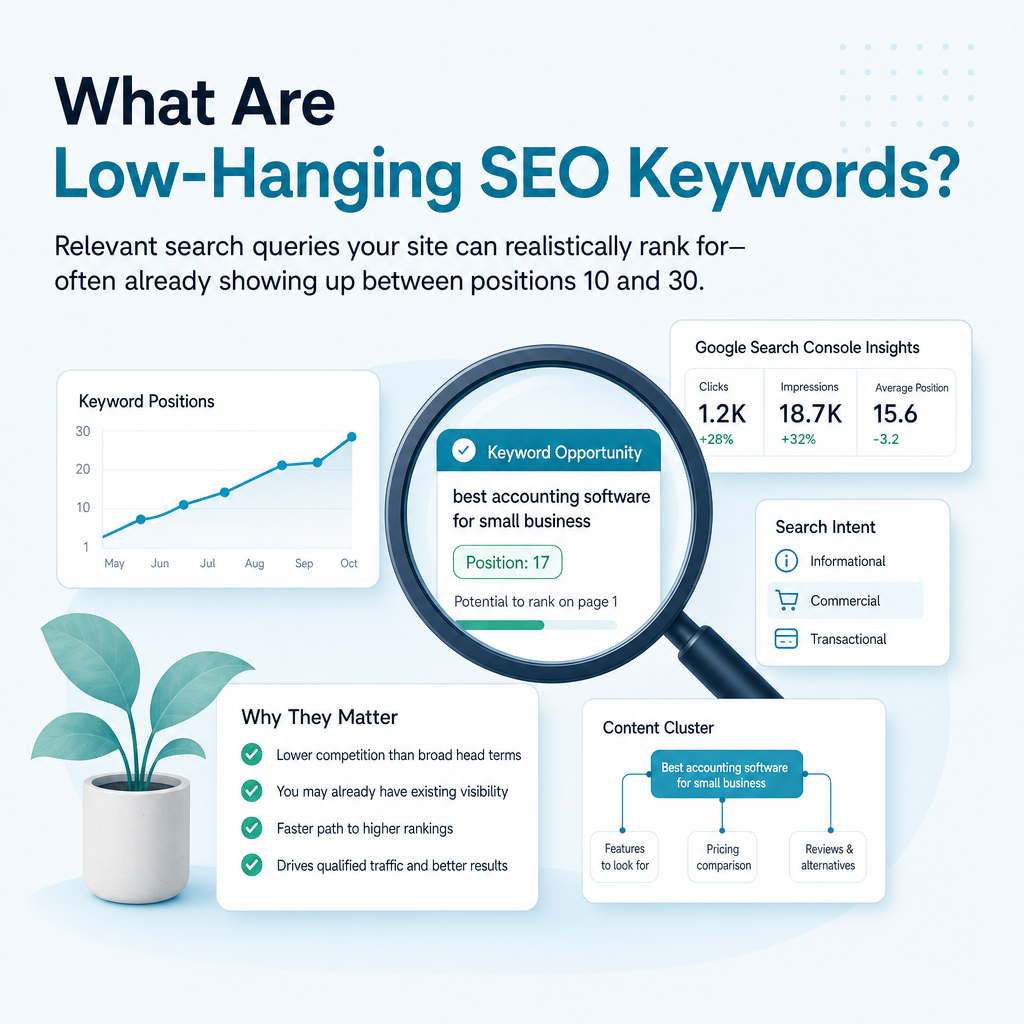
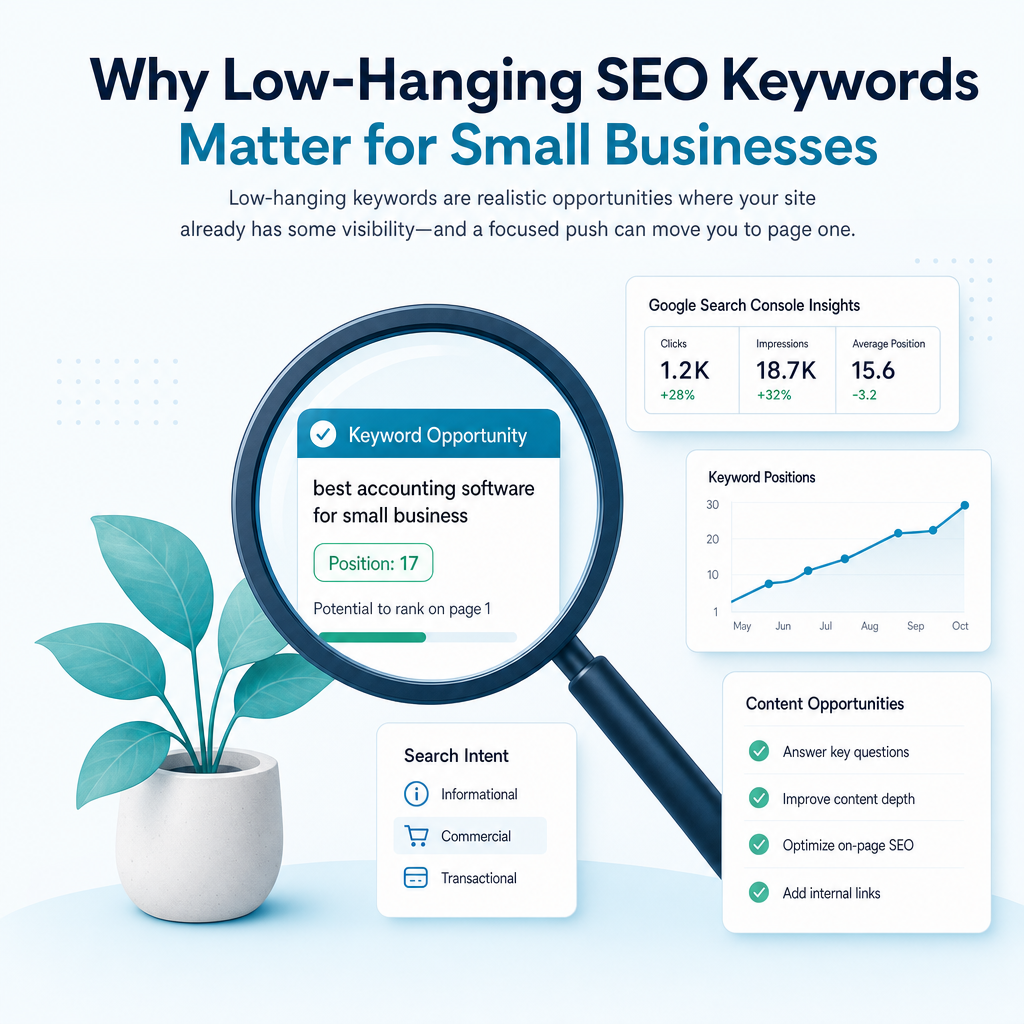
Low-hanging SEO keywords are relevant search queries that are comparatively attainable for your website. They may have lower competition than broad head terms, or your website may already have some visibility for them. In many cases, the page ranks somewhere between positions 10 and 30, meaning a focused improvement could move it closer to the first page.

The phrase does not mean that ranking is automatic. Search results depend on the quality and relevance of the content, the strength of competing pages, the authority of the website, technical performance and the searcher’s location. A low-hanging opportunity is a promising starting point, not a guaranteed outcome.

For example, a small UK-based accounting practice may find it difficult to rank for “accountant.” A more specific phrase such as “cloud accounting support for small businesses in Manchester” may be more relevant to its services, clearer in intent and less competitive. The narrower query may also attract visitors who are more likely to make an enquiry.

Typical Characteristics

  • Existing visibility: Your website already receives impressions or ranks for the query.
  • Relevant intent: The search relates directly to a product, service, audience or problem you address.
  • Manageable competition: The current results include pages that a well-researched, useful page could compete with.
  • Specific wording: Long-tail, local, question-based and use-case searches often provide clearer opportunities.
  • Commercial value: The query can support awareness, consideration, enquiries, sign-ups or sales.

Why Low-Hanging Keywords Matter for Small Businesses

Why Low-Hanging Keywords Matter for Small Businesses

Small businesses rarely have unlimited resources for SEO. A founder, marketing manager or small internal team may be responsible for research, writing, website updates and reporting alongside many other tasks. Spending months pursuing a highly competitive keyword without checking whether easier opportunities exist can lead to slow progress and inconsistent publishing.

Low-hanging SEO keywords provide a more practical route into organic search. They help you improve pages that already have some relevance, answer specific customer questions and develop a stronger connection between your content and your services. This approach is useful for service businesses, B2B software companies, e-commerce brands, healthcare practices, education providers and property businesses across the UK and English-speaking international markets.

Early improvements can also make SEO easier to manage internally. When your team can see which pages and queries are gaining visibility, it becomes easier to decide what to refresh, what to create and what to leave for later.

Benefits of Targeting Attainable Opportunities

  • More efficient use of resources: You focus writing and optimisation time on realistic opportunities rather than guessing.
  • Closer alignment with customer needs: Specific queries often reveal the exact problem a visitor wants to solve.
  • Improved conversion potential: A detailed search can indicate a more defined need than a broad term.
  • Stronger topical coverage: Related pages can build depth around an important service or subject.
  • Better content decisions: Search data helps you improve existing assets before producing more content.

Existing Visibility vs New Keyword Ideas

Existing Visibility vs New Keyword Ideas

There are two broad ways to find low-hanging SEO keywords. The first is to examine searches where your website already appears. The second is to discover new terms through keyword research, competitor analysis & content gaps,  customer questions and search-result features.

Existing visibility is often the fastest place to begin because Google already has evidence that your page is relevant to the query. New keyword research remains valuable, particularly when your website has limited historical data or when you need to expand into a new service area.

How different keyword sources support an SEO content plan
Keyword source Best use What to look for
Google Search Console Improve existing pages Impressions, clicks and positions around pages two and three
Competitor research Find content gaps Relevant queries competitors cover poorly or your site does not address
Keyword research tools Expand topic ideas Specific phrases with suitable intent and manageable competition
Customer conversations Reflect real language Questions, objections and service descriptions customers use
Google search features Find supporting topics Autocomplete suggestions, related searches and People Also Ask questions

How to Find Low Hanging SEO Keywords in Google Search Console

How to Find Low Hanging SEO Keywords in Google Search Console

Google Search Console is one of the most useful sources for finding realistic SEO opportunities because it shows how your site performs in Google Search. It can reveal queries that third-party tools may not identify, including unusual wording, local variations and longer searches with limited recorded volume.

You need verified access to a website property. Search Console data is based on your site’s actual performance, so it should be treated as a starting point for decisions rather than a complete measure of every search your audience makes.

Step 1: Open the Search Results Report

Sign in to Google Search Console and select the relevant website property. Open Performance, then choose Search results. Set a date range long enough to provide useful data, such as three months or six months, depending on the size and activity of your website.

Display clicks, impressions, average click-through rate and average position. You can also review the Pages, Queries, Countries and Devices tabs to understand where the opportunity appears and which page is receiving visibility.

Step 2: Review Queries Around Positions 10 to 30

Filter or sort the query report by average position. Focus on relevant keywords where your website appears between positions 10 and 30. These searches often represent pages that are close to stronger visibility, although the exact opportunity depends on the search results and the quality of the page.

Do not treat the position range as a strict rule. A query in position 35 can still be useful if it has strong relevance and impressions, while a query in position 12 may not deserve attention if it has no connection to your business.

Step 3: Compare Impressions, Clicks and Intent

High impressions with few clicks may indicate an opportunity, but several explanations are possible. The page may rank lower than the average position suggests for some users, the title may not match the query well, search features may reduce clicks, or the content may not fully satisfy the intent.

Review the query alongside the page that receives impressions. Ask whether the page is the best destination, whether the title and description accurately describe its value and whether the opening section answers the searcher’s main question quickly.

Step 4: Group Similar Queries

Search Console may show many variations of one underlying topic. Group similar queries into clusters (otherwise known as semantic keywords) rather than creating a separate page for every wording variation. A single well-structured page may serve several closely related searches when they share the same intent.

For example, “local SEO content ideas,” “content for local SEO” and “local SEO blog topics” may belong to one cluster. A different page may be needed for “local SEO content creation service” because the intent is more commercial.

Step 5: Check Which Page Is Ranking

Use the Pages tab to identify the URL associated with each opportunity. If several pages appear for very similar queries, review whether they overlap too heavily. Unclear page targeting can make it harder for search engines to identify the strongest result on your site.

Where one page is clearly the best fit, improve that page rather than publishing another article that repeats the same subject.

How to Find New Low-Hanging SEO Keywords

How to Find New Low-Hanging SEO Keywords

Search Console is powerful for established websites, but it is not the only source. New keyword opportunities can come from structured research, competitor content-gap analysis and the language customers use when describing their problems.

The objective is not to collect the largest possible list. It is to build a shortlist of terms that are relevant, realistic and connected to a useful page or business outcome.

Use Keyword Research Tools Carefully

Keyword research platforms can provide search-volume estimates, related phrases, competition indicators and competitor rankings. These metrics are useful for comparing opportunities, but they are not official Google measurements and should not replace manual review.

Begin with a service or customer problem, then expand into specific variations. Look for phrases that describe a clear audience, use case, location, comparison or desired outcome. A term with modest volume can be more valuable than a broad term if it attracts a visitor who is ready to take a relevant next step.

Study Search Intent Before Difficulty Scores

Search intent is the reason behind a query. A keyword can have a low difficulty score and still be a poor target if the searcher wants something your business does not offer. Intent should be checked before deciding that a keyword is an opportunity.

  • Informational: The searcher wants an explanation, process or answer.
  • Commercial research: The searcher is comparing options, providers or approaches.
  • Transactional: The searcher is ready to enquire, buy, book or start a trial.
  • Local: The searcher wants a service or provider in a particular place.

Review the current Google results for the phrase. If the results are mostly guides, a service page may not satisfy the intent. If the results are provider pages, a general educational article may be less suitable.

Look for Long-Tail and Question-Based Searches

Long-tail keywords contain more detail and often reveal a specific need. Examples include “how to create an SEO content calendar for a small business,” “Google Search Console content strategy for a local service company” and “AI SEO content platform for growing businesses.”

Question-based searches can help you plan educational content for early-stage readers. Use Google Autocomplete, People Also Ask, related searches, customer emails and sales-call notes to identify the language people actually use.

Analyse Competitor Content Gaps

Competitor research is most useful when it identifies weaknesses in the current results rather than simply copying another website’s keyword list. Review pages that rank for services or topics relevant to your business. Note which questions they answer, which audiences they overlook and whether their information is current and practical.

A content gap may exist when competitors rank for a useful query but provide a shallow answer, fail to cover a specific audience or do not connect the topic to a clear next step. Your opportunity is to create a more relevant and helpful resource, not to reproduce the same page with minor wording changes.

Mine Customer Questions and Online Discussions

Customer conversations can reveal valuable keyword ideas that standard tools miss. Look at support messages, enquiry forms, sales conversations, reviews and questions asked by prospects. Online communities and question platforms can also expose recurring problems and natural phrasing.

Use these sources for insight, not as a substitute for original expertise. If a question appears repeatedly, it may deserve a dedicated article, service-page section or FAQ. The final content should answer the problem clearly and reflect your business’s actual capabilities.

How to Decide Which Keywords to Target First

How to Decide Which Keywords to Target First

Once you have a list of possible keywords, rank them by business value and practical feasibility. The best opportunity is rarely the keyword with the highest estimated volume. It is usually the term where relevance, intent, competition and your ability to produce a strong result overlap.

Create a simple scoring system using factors such as current position, impressions, relevance, intent, competition, content quality and conversion potential. Keep the scoring consistent so that decisions are easier to explain and revisit.

A Practical Prioritisation Checklist

  • Does the keyword describe a problem your business solves?
  • Is the search intent clear?
  • Does your website already have a relevant page?
  • Is the page visible in Search Console?
  • Are the current results weak, outdated or poorly matched?
  • Could one page serve a meaningful cluster of related queries?
  • Would a visitor have a sensible next step after reading?
  • Can your team create or improve the page to a high standard?

What to Do After Finding a Low-Hanging Keyword

What to Do After Finding a Low-Hanging Keyword

Finding an opportunity is only the beginning. The next action depends on whether an existing page already addresses the topic and how closely it matches the search intent.

Improve an Existing Page

Refresh the page when it is relevant but incomplete or poorly aligned with the query. Improve the introduction, page structure, headings, examples, supporting evidence and internal links. Add the target phrase naturally where it helps the reader, but do not force exact-match wording throughout the page.

Review the title and meta description for clarity and accuracy. A stronger page experience may also involve improving navigation, readability, mobile usability and page speed. These changes should support the visitor rather than being made only for a ranking signal.

Create a New Page

Publish a new page when no existing URL matches the intent or when the subject deserves its own resource. Give the page one clear purpose and cover the topic thoroughly enough to answer the main question. Add related concepts through semantic keyword mapping so the content has useful depth without repeating the same phrase.

Link the new page from relevant existing content. Internal links help readers discover related information and help search engines understand how the pages fit together.

Build a Topic Cluster

A single keyword can lead to a wider group of related needs. For example, a small business exploring AI SEO tools may also search for Google Search Console content strategy, semantic keyword mapping, content gap analysis and SEO reporting. These subjects can form a connected content plan around a broader service or problem.

Use one central page to explain the main subject, then create supporting pages for distinct questions and use cases. Each page should add something new and link naturally to the others.

Common Mistakes to Avoid

Common Mistakes to Avoid

Low-hanging SEO keywords are useful because they encourage focused work, but they can still be misused. A list of low-difficulty phrases will not create a strong SEO strategy if the terms are unrelated, repetitive or disconnected from customer needs.

Small teams should also avoid treating SEO as a one-time update. Search results change, competitors publish new content and customer language evolves. Review performance regularly and use the data to refine your content plan.

  • Chasing volume alone: High volume does not guarantee useful traffic or enquiries.
  • Trusting tool scores blindly: Difficulty metrics vary by provider and are estimates.
  • Creating too many similar pages: Overlapping content can make page selection unclear.
  • Ignoring local intent: UK service businesses should review relevant towns, regions and service areas where appropriate.
  • Updating only the keyword: A page must satisfy the underlying question, not just mention the phrase.
  • Publishing without internal links: New content needs a clear place within the wider website.
  • Expecting immediate results: Rankings can take time to reflect changes and can fluctuate.

When Should You Use an SEO Content Platform?

When Should You Use an SEO Content Platform?

Manual research can work when you have a small website and a short list of pages. It becomes harder when you need to combine Search Console data, Analytics data, competitor research, intent analysis and content planning across many services or locations.

An AI SEO content platform can help organise these inputs into a more practical workflow. The technology should support judgement rather than replace it. You still need to confirm that an opportunity matches your business, your audience and the page you can credibly create.

Ammpli combines Google Search Console and Analytics data with competitor research, search-intent analysis and semantic keyword mapping. It helps small and growing businesses identify realistic ranking opportunities, plan relevant content and create search-optimised articles without the cost or complexity often associated with a traditional SEO agency.

What Ammpli Can Help You Manage

  • SEO opportunity analysis based on your existing search performance.
  • Google Search Console data analysis for pages and queries already gaining visibility.
  • AI-powered SEO content creation grounded in your business and topic plan.
  • Keyword and search-intent research.
  • Competitor content-gap analysis.
  • Semantic keyword mapping and topical authority planning.
  • SEO content calendars and local SEO content creation.
  • Blog and brand analysis, direct CMS publishing and SEO performance reporting.

This approach is different from using a generic AI writing tool that produces text without understanding your existing performance. It also gives small businesses an alternative to commissioning every research and writing task from an external agency. Ammpli is designed for owners, founders and marketing managers who need a practical way to turn real search data into consistent content.

A Simple Workflow for Finding Low-Hanging SEO Keywords

A Simple Workflow for Finding Low-Hanging SEO Keywords

You can use the following workflow as a repeatable monthly process. Start with data you already have, validate each opportunity against customer intent and then assign a clear action to every shortlisted keyword.

  1. Export or review Search Console queries: Look for relevant searches where pages rank around positions 10 to 30.
  2. Check the destination page: Confirm which URL ranks and whether it satisfies the query.
  3. Group related phrases: Build sensible clusters around shared intent.
  4. Review the search results: Compare page quality, content depth, freshness and relevance.
  5. Choose an action: Refresh an existing page, create a new page or defer the term.
  6. Strengthen the content: Improve structure, answer the main question and add useful internal links.
  7. Track performance: Monitor impressions, clicks, average position and meaningful business actions.

Repeat this process with a clear connection to your commercial priorities. A service business may prioritise local and enquiry-focused searches, while a B2B software company may focus on comparison, implementation and problem-solving content.

Frequently Asked Questions

Frequently Asked Questions

What are low-hanging SEO keywords?

Low-hanging SEO keywords are relevant search terms with a realistic chance of improvement. They may have manageable competition, specific intent or existing visibility for your website, often around positions 10 to 30 in Google Search.

How do I find low hanging SEO keywords for free?

Start with Google Search Console to identify queries where your pages already receive impressions. You can also use Google Autocomplete, People Also Ask, related searches, customer questions and competitor page reviews to find additional ideas without relying on a paid platform.

Are low-hanging keywords always low-volume?

No. Some have modest search demand because they are specific, while others can attract substantial interest. Search volume should be considered alongside relevance, intent, competition and the value of the visitor.

Should I create a new page for every keyword?

No. Closely related keywords with the same intent can often be served by one well-structured page. Create separate pages when the audience, purpose or expected answer is meaningfully different.

How long does it take to see results from a keyword update?

There is no fixed timeframe. Google may take time to recrawl and reassess a page, and rankings can change because of competition, location, device and search-result features. Track trends over an appropriate period instead of judging an update after only a few days.

Can Ammpli help me find low-hanging SEO keywords?

Yes. Ammpli uses Google Search Console and Analytics data alongside competitor research, search-intent analysis and semantic keyword mapping to identify realistic opportunities. It can then help turn those opportunities into a content plan and search-optimised articles.

Find Your Next Ranking Opportunity

Find Your Next Ranking Opportunity

Learning how to find low hanging SEO keywords gives small businesses a more focused way to improve organic visibility. Instead of competing immediately for every broad industry term, you can identify searches where your website already has relevance or where a specific, useful page could meet an underserved need.

Start with Google Search Console, validate intent, review the current results and choose between refreshing an existing page or creating a new one. Then connect each opportunity to a wider content plan so individual improvements contribute to stronger topical authority.

Ammpli helps you turn search data into better content with less manual research and guesswork. Start your 14-day free trial and find your next ranking opportunity. No credit card required.
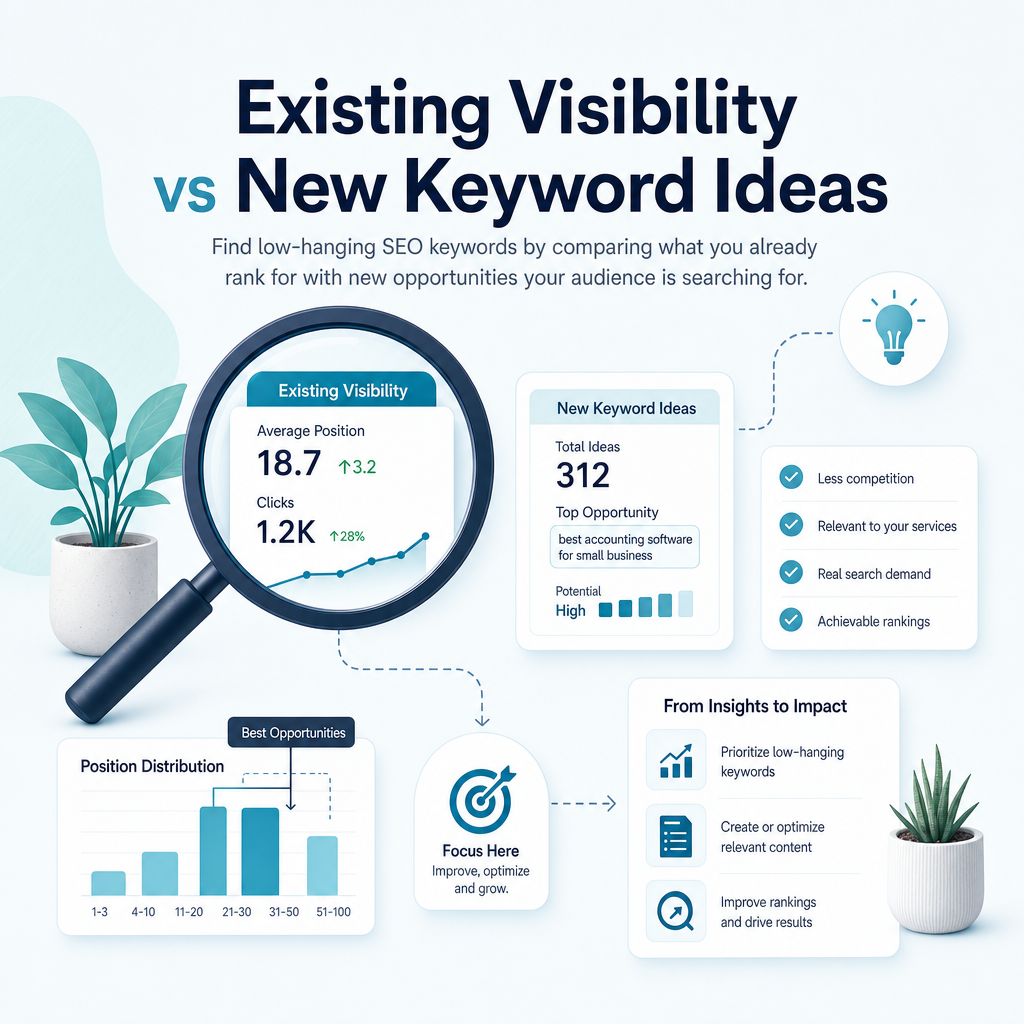
Semantic Keyword Mapping: A Practical SEO Guide for Small Businesses

Semantic Keyword Mapping: A Practical SEO Guide for Small BusinessesYou may already have a website, a few useful pages and some Google impressions, yet still feel unsure what to publish next. The challenge is rarely a lack of possible keywords. It is knowing which searches belong together, which page should address them and how to create content that reflects what people actually want.Semantic keyword mapping provides a practical answer. It organises related keywords, questions, entities and search intents into clear topic groups, then assigns those groups to the most suitable pages on your website. This gives your content strategy structure without relying on repeated exact-match phrases or guesswork.For small businesses in the United Kingdom and English-speaking international markets, this approach can make SEO more manageable. Instead of trying to compete for every broad term, you can use existing performance data, competitor research and realistic ranking opportunities to build relevant content steadily.

What Is Semantic Keyword Mapping?

What Is Semantic Keyword Mapping?

Semantic keyword mapping is the process of grouping search terms according to their meaning, context and user intent, then assigning each group to a specific website page. It goes beyond traditional keyword mapping, which may simply connect one exact phrase to one URL.

A semantic map recognises that people use different language to search for the same underlying need. Someone searching for “SEO content planning tool”, “content calendar software” or “how to plan SEO articles” may be looking for related information, but the best page and content format depend on the intent behind each query.

A useful semantic keyword map usually includes:

  • A primary topic: the main subject a page is responsible for.
  • Related keywords: variations, subtopics and natural phrases connected to that subject.
  • Questions: queries that reveal what the audience wants explained.
  • Entities: relevant people, products, concepts, tools, locations or organisations.
  • Search intent: whether the user wants to learn, compare, find a specific destination or take action.
  • A target URL: the existing or planned page that should address the cluster.

Semantic Keywords Are More Than Synonyms

Semantic keywords are not simply a list of alternative spellings. They include concepts that help search engines and readers understand the full subject. For a page about “local SEO content creation”, related terms could include Google Business Profile, service areas, location pages, local search intent, customer reviews and regional landing pages.

These phrases do not all mean the same thing. Together, they provide context and help the page answer the wider questions a potential customer may have.

Semantic Keywords and LSI Terminology

Semantic keyword mapping is sometimes described using the phrase “LSI keywords”. The terms are often treated as interchangeable, but they refer to different ideas. Latent Semantic Indexing was a mathematical information-retrieval method developed decades ago, while modern search systems use more advanced language-processing methods to interpret meaning and context.

For practical SEO work, focus less on terminology and more on relevance. The aim is to understand the topic, identify related user needs and create useful content that addresses them naturally.

Why Semantic Keyword Mapping Matters for SEO

Why Semantic Keyword Mapping Matters for SEO

Semantic keyword mapping matters because search engines do not evaluate a page only by counting exact phrases. They also interpret the subject, relationships between concepts and how well the page appears to meet the searcher’s need.

For a small business, this creates an opportunity to compete through relevance and clarity rather than attempting to publish large volumes of disconnected content. A well-organised map helps each page serve a clear purpose and helps your wider website demonstrate knowledge of a subject.

It Improves Content Relevance

A page mapped to a clear topic cluster has a stronger editorial direction. Writers know which questions to answer, which related concepts to explain and which details should remain on supporting pages.

This is useful when creating AI-powered SEO content. An AI SEO content generator can produce fluent text, but it still needs accurate context about the business, audience, page purpose and related search intents. A semantic map supplies that direction.

It Reduces Page Overlap

Page overlap happens when several URLs target the same topic and search intent. Search engines may then struggle to identify the strongest page, while your own content divides attention and internal links.

Mapping makes these conflicts easier to identify. You can decide whether to improve one page, combine similar resources, differentiate their purposes or create a clear parent-and-supporting-page structure.

It Reveals Content Gaps

When keywords and related topics are organised against existing URLs, missing coverage becomes visible. You may discover that your website explains a broad service but does not answer important questions about pricing, process, suitability, local variations or alternatives.

These gaps can become practical content opportunities. They are usually more useful than publishing another general article that repeats information already available elsewhere on your site.

It Supports Topical Authority

Topical authority is built when a website covers a subject clearly across connected pages. A broad guide can introduce the topic, while supporting articles answer specific questions and link back to the main resource.

For example, a service business might create a central guide to SEO for small businesses, supported by pages about Google Search Console content strategy, content gap analysis, semantic keyword mapping and local SEO content creation. Each page has a distinct role, but the group presents a coherent subject area.

Search Intent Is the Foundation of a Semantic Map

Search Intent Is the Foundation of a Semantic Map

Search intent describes what a person is trying to achieve when they enter a query. Two phrases may appear related but require different pages if the searcher’s goal differs.

Before grouping keywords, examine the results that appear for each important query. The type of content Google displays can provide useful evidence about whether the query is educational, comparative, navigational or action-oriented.

Informational Intent

The searcher wants to learn or solve a problem. Examples include “what is semantic keyword mapping”, “how to map keywords to pages” and “why does topical authority matter”. Suitable content may include guides, explainers, checklists and tutorials.

Navigational Intent

The searcher wants to reach a particular website, brand or page. Queries may include a business name, product name or branded feature. These searches usually belong to brand, product or login pages rather than general educational articles.

Commercial Investigation Intent

The searcher is comparing options before making a decision. Examples include “best AI SEO tools”, “SEO content software comparison” and “AI SEO content platform features”. Comparison pages, demonstrations and detailed feature explanations may fit this intent.

Transactional Intent

The searcher is ready to take action. Examples include “start SEO content trial”, “SEO content platform pricing” or “local SEO content service”. Service, pricing and sign-up pages are generally more appropriate than a broad blog post.

How search intent affects semantic keyword mapping
Search intent Typical query Suitable page type
Informational What is semantic keyword mapping? Educational guide or glossary page
Navigational Ammpli features Brand or feature page
Commercial investigation AI SEO tools for small businesses Comparison or solution guide
Transactional Start an SEO content platform trial Pricing, product or sign-up page

How to Create a Semantic Keyword Map

How to Create a Semantic Keyword Map

You do not need a large SEO department to create a useful map. A spreadsheet can work for a small website, provided it contains enough information to connect search terms with pages, intent and priorities.

The quality of the process matters more than the size of the keyword list. Begin with real data from your website, then add research from search results, competitors and customer questions.

Step 1: Start With Your Existing Search Data

Google Search Console is a valuable starting point because it shows the searches already generating impressions and clicks for your website. This can reveal opportunities that a generic keyword database may miss.

Look for queries where your pages receive impressions but have limited clicks or average positions that suggest room for improvement. These searches may indicate that Google already associates your page with a topic, even if the page has not yet become a strong result.

Group the data by:

  • Existing page or URL
  • Search query
  • Impressions and clicks
  • Average position
  • Country or market
  • Likely search intent

This approach is particularly useful for small businesses because it prioritises realistic opportunities over assumptions based only on search volume.

Step 2: Define Core Topics

List the main products, services and problems your business addresses. For Ammpli, relevant core topics include SEO opportunity analysis, AI-powered SEO content creation, keyword and search-intent research, competitor content-gap analysis, semantic keyword mapping, topical authority planning, SEO content calendars and local SEO content creation.

For another service business, the core topics might be its services, customer problems, locations and buying questions. Keep the list connected to what the business actually provides. A semantic map should guide useful content, not attract unrelated traffic.

Step 3: Expand Each Topic With Related Searches

Use several sources rather than relying on one tool. Google autocomplete, People Also Ask results, related searches, customer conversations, competitor pages and your own Search Console data can all reveal different aspects of a topic.

For a topic such as “SEO content planning tool”, related searches may include:

The next step is not to use every phrase on one page. It is to decide which terms share intent and which deserve separate resources.

Step 4: Cluster Keywords by Meaning and Results

Semantic clustering groups terms that can be answered by the same page. Start with meaning, then check the search results for evidence. If two queries return largely similar pages, they may belong to the same cluster. If the results have different formats or audiences, create separate assignments.

A cluster for “semantic keyword mapping” might include:

  • Semantic keyword map
  • Semantic SEO keywords
  • How to group related keywords
  • Keyword clusters by search intent
  • Map related keywords to pages
  • Topical keyword planning

These phrases can support one comprehensive guide. A separate page about SEO content software pricing would have a different intent and should not be forced into the same article.

Step 5: Assign Each Cluster to a Page

Each cluster should have one clear home. That home may be an existing URL, a page that needs improvement or a new page that has not yet been created.

Your map can include these columns:

  • Topic cluster
  • Primary keyword
  • Secondary and related terms
  • Search intent
  • Recommended content type
  • Existing or proposed URL
  • Current performance
  • Business value
  • Ranking difficulty
  • Content status
  • Internal link opportunities
  • Review date

Do not treat the primary keyword as a requirement to repeat the phrase throughout the page. It identifies the page’s main subject. Related terms should appear where they help answer the reader’s questions.

Step 6: Plan the Content Structure

Use the map to create a logical outline. The main topic can become the H1, while meaningful subtopics can become H2 and H3 headings. Questions from the cluster can guide FAQ content, examples and explanations.

For a local service business, the outline might cover service areas, local customer needs, the process, common questions and how the service differs by location. For a B2B SaaS company, it might address use cases, integrations, implementation and expected decision criteria.

Step 7: Connect Pages With Internal Links

Semantic keyword mapping becomes more valuable when it informs internal linking. A broad pillar page should link to relevant supporting articles, while supporting pages should link back to the pillar where appropriate.

Use descriptive anchor text that helps the reader understand the destination. Links should be useful and natural, not repeated mechanically across every page.

Step 8: Review and Update the Map

A keyword map is a working document. Search behaviour changes, new competitors appear and your website gains new performance data. Review the map regularly, particularly after publishing a group of related pages or changing your services.

Google Search Console can show whether new queries are emerging, whether pages are receiving impressions for unexpected topics and whether multiple URLs appear for the same search.

How Semantic Mapping Supports Different Small Businesses

How Semantic Mapping Supports Different Small Businesses

The principles apply across many industries, but the practical priorities differ. A small business should map topics around its customers, services, locations and commercial goals rather than copy a generic template.

Service Businesses

Map each core service to its own page when the service has a distinct audience or process. Supporting content can answer questions about cost, preparation, suitability, outcomes and common problems.

B2B SaaS Companies

Group topics around user problems, workflows, features and comparisons. One page may explain the problem, another may address implementation and a commercial page may explain the product’s capabilities.

E-commerce Brands

Category pages usually address broader product searches, while product pages target specific items and purchase-related details. Supporting guides can cover selection advice, use cases and comparisons without competing with category pages.

Healthcare and Education Providers

Clarity and trust are especially important. Map questions to content that explains services, eligibility, preparation, processes and next steps in accessible language. Avoid making claims that cannot be supported by the provider’s expertise or evidence.

Property Businesses

Combine service topics with location, property type and customer-stage terms. A general property service page should not attempt to serve every neighbourhood-specific query if dedicated local pages are genuinely useful.

Common Semantic Keyword Mapping Mistakes

Common Semantic Keyword Mapping Mistakes

Semantic mapping can create problems when it becomes a mechanical exercise. The goal is not to collect the largest list or mention every related phrase. The goal is to make your website clearer and more useful.

Creating One Page for Every Keyword Variation

Minor wording differences do not always justify separate pages. If the same audience wants the same answer, one strong page may be better than several thin pages.

Ignoring Search Intent

A page can contain relevant words and still fail because it does not provide the expected format. A beginner’s guide, a pricing page and a product comparison answer different needs.

Using Related Terms Without Explaining Them

Adding phrases to headings or paragraphs without providing useful information creates awkward content. Every semantic term should earn its place by improving understanding.

Chasing Only High-Volume Keywords

Broad terms can be competitive and vague. Specific searches may have fewer monthly searches but clearer intent and stronger relevance to a small business. Ammpli’s opportunity analysis uses real search-performance data to help identify terms where a website may already be gaining visibility.

Publishing Without Checking Existing Pages

Before creating a new article, check whether an existing page already covers the same topic. If it does, improve or extend that page unless there is a clear reason to create a distinct resource.

Trusting Automated Clusters Without Review

AI SEO tools can speed up research and grouping, but automated outputs can misunderstand ambiguous terms, locations and business context. Human review remains useful for deciding whether a cluster is relevant and commercially appropriate.

How to Measure the Effectiveness of Semantic Keyword Mapping

How to Measure the Effectiveness of Semantic Keyword Mapping

Do not judge a semantic map by keyword counts alone. Measure whether it helps your website earn relevant visibility, attract the right visitors and support meaningful customer journeys.

Useful measures include:

  • Query coverage: the number and quality of relevant searches generating impressions.
  • Average position: whether important pages are moving closer to stronger search positions.
  • Click-through rate: whether titles and descriptions encourage suitable searchers to visit.
  • Page engagement: whether visitors continue reading and explore related resources.
  • Internal link activity: whether users move between connected pages.
  • Conversions: enquiries, trial starts, bookings or other meaningful actions.
  • Content gap reduction: whether important customer questions are now answered.
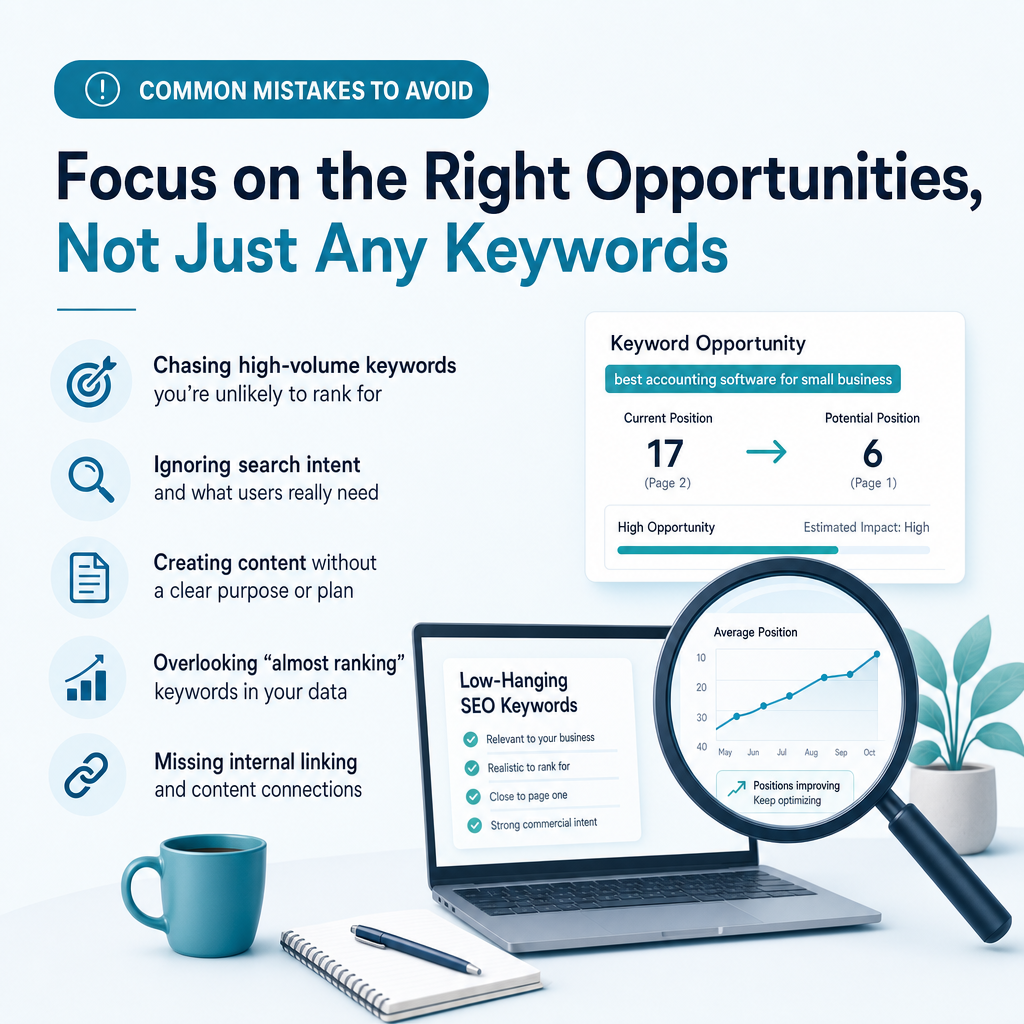
Search Console and Analytics data can show how visibility and behaviour change over time. Review performance by topic cluster, not only by individual keyword, because semantic pages often rank for many related queries that were not separately targeted.
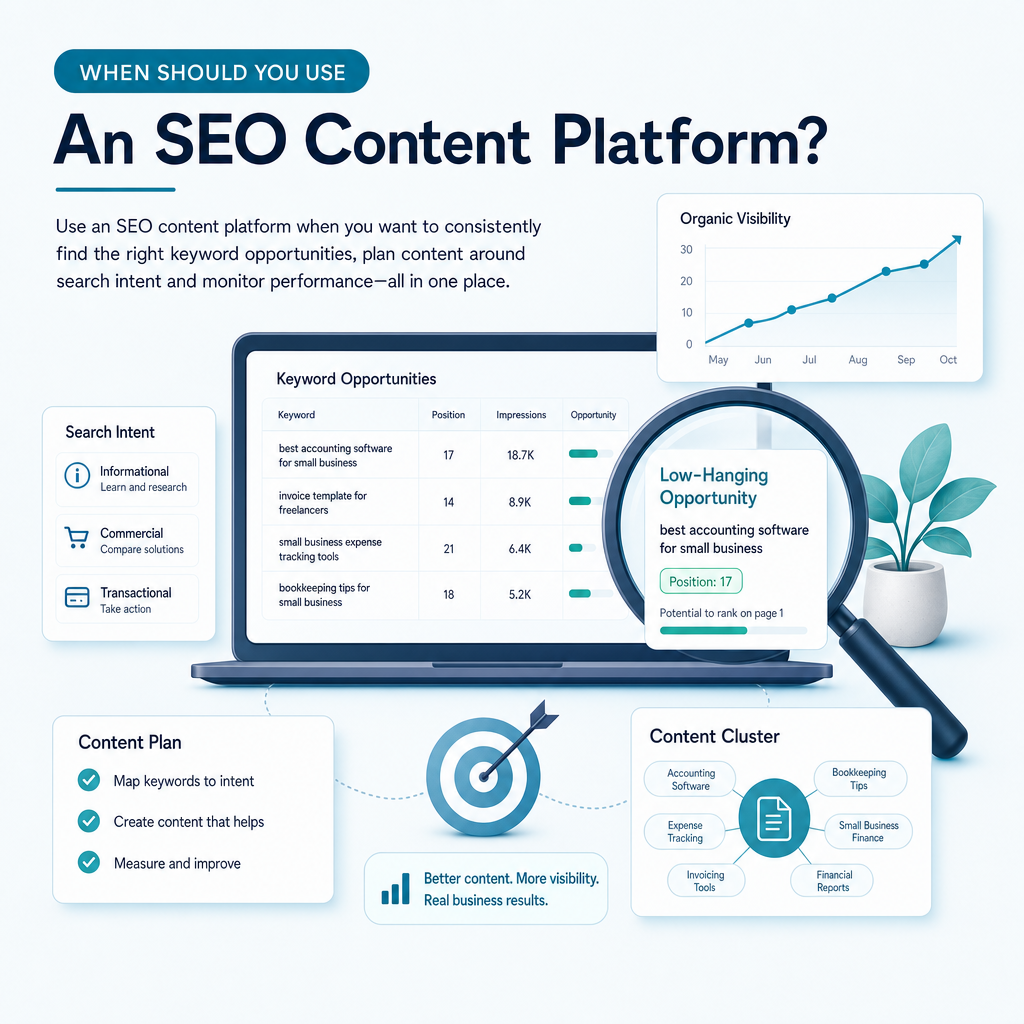
When Should You Use a Semantic Keyword Mapping Tool?

When Should You Use a Semantic Keyword Mapping Tool?

Manual mapping can work for a small website with a limited content library. It becomes harder when you have many existing URLs, several services, multiple locations or a steady publishing schedule.

A semantic keyword mapping tool may be useful when you need to:

  • Combine Google Search Console and Analytics data
  • Find queries where your website already has visibility
  • Identify competitor content gaps
  • Group related queries and search intents
  • Prioritise realistic ranking opportunities
  • Build an SEO content calendar
  • Reduce duplicate or overlapping content plans
  • Turn research into publishable content efficiently

Traditional SEO agencies, freelance specialists and content marketing teams can provide strategic support, but they may not suit every small-business budget. Generic AI writing tools can help draft text, but they do not automatically understand your existing search performance or business priorities.

Ammpli is an AI SEO content platform built for this gap. It combines Google Search Console and Analytics data with competitor research, search-intent analysis and semantic keyword mapping. The result is a practical way to find content opportunities, plan relevant articles and create search-optimised content without managing every research step manually.

A Practical Semantic Keyword Mapping Workflow

A Practical Semantic Keyword Mapping Workflow

For a small marketing team, the process can be kept simple. Start with the website’s current data, identify a manageable group of opportunities and assign each one a clear page purpose.

  1. Export current queries and pages: use Google Search Console to see where visibility already exists.
  2. Group related searches: combine terms that share meaning and search intent.
  3. Check the results: confirm whether the same page type appears for the grouped terms.
  4. Audit existing URLs: identify pages that already address the cluster.
  5. Choose a page owner: improve an existing page or plan a new one.
  6. Write a useful brief: include the audience, intent, questions, entities and internal links.
  7. Publish and monitor: review impressions, clicks, engagement and conversions.
  8. Refine the map: update assignments as new data becomes available.

This workflow supports data-driven SEO content without requiring a large team. It also keeps content planning connected to commercial priorities instead of treating publishing as an isolated activity.

Frequently Asked Questions

Frequently Asked Questions

What are semantic keywords?

Semantic keywords are words and phrases related to a main topic through meaning, context and user intent. They can include subtopics, questions, entities and natural variations rather than only exact-match synonyms. Using them thoughtfully helps a page explain a subject clearly and helps search engines interpret its relevance.

What is semantic keyword mapping in SEO?

Semantic keyword mapping organises related search terms into topic clusters and assigns each cluster to a suitable website page. The map records the primary topic, supporting terms, search intent, target URL and content status. It helps businesses plan useful content, reduce page overlap and build connected topic coverage.

How many semantic keywords should a page target?

There is no fixed number. A page should cover the related terms needed to satisfy its search intent, without forcing phrases that do not belong. One primary topic with a sensible group of supporting questions and concepts is usually more useful than a long list of disconnected keywords.

Can semantic keyword mapping prevent keyword cannibalisation?

It can help prevent and identify cannibalisation by giving each page a distinct primary purpose. If two URLs target the same topic and intent, you can decide whether to consolidate them, differentiate their focus or redirect one page. Search Console data can help identify cases where several pages receive impressions for the same query.

Is semantic keyword mapping useful for local SEO?

Yes. Local mapping can connect services with relevant towns, regions, service areas and local customer questions. A general service page and a location page should have distinct purposes, and each local page should provide genuinely useful regional information rather than repeating identical copy.

Can AI tools create a semantic keyword map?

AI tools can help collect, group and prioritise keywords, but the output should be reviewed. Automated systems may misunderstand ambiguous terms, intent or business context. The strongest workflow combines machine-assisted research with human decisions about relevance, customer needs and page purpose.
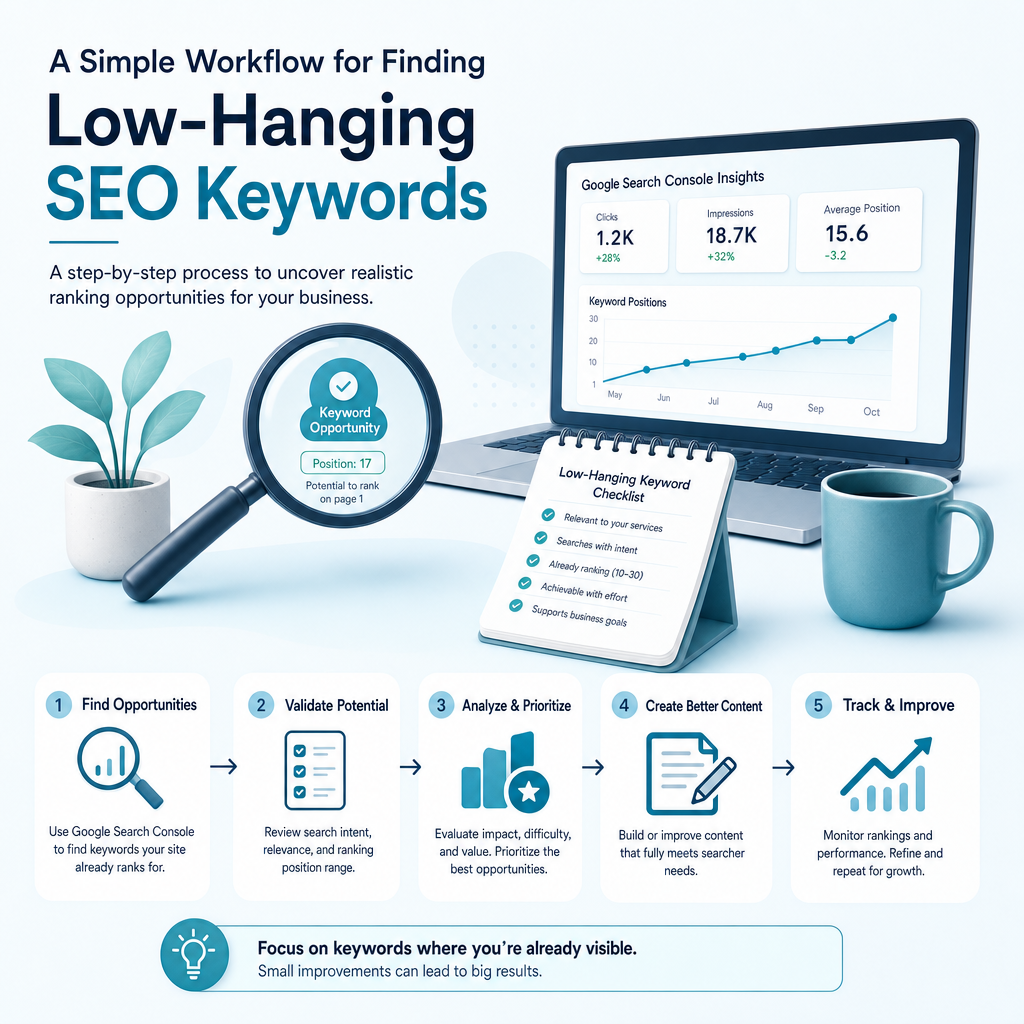
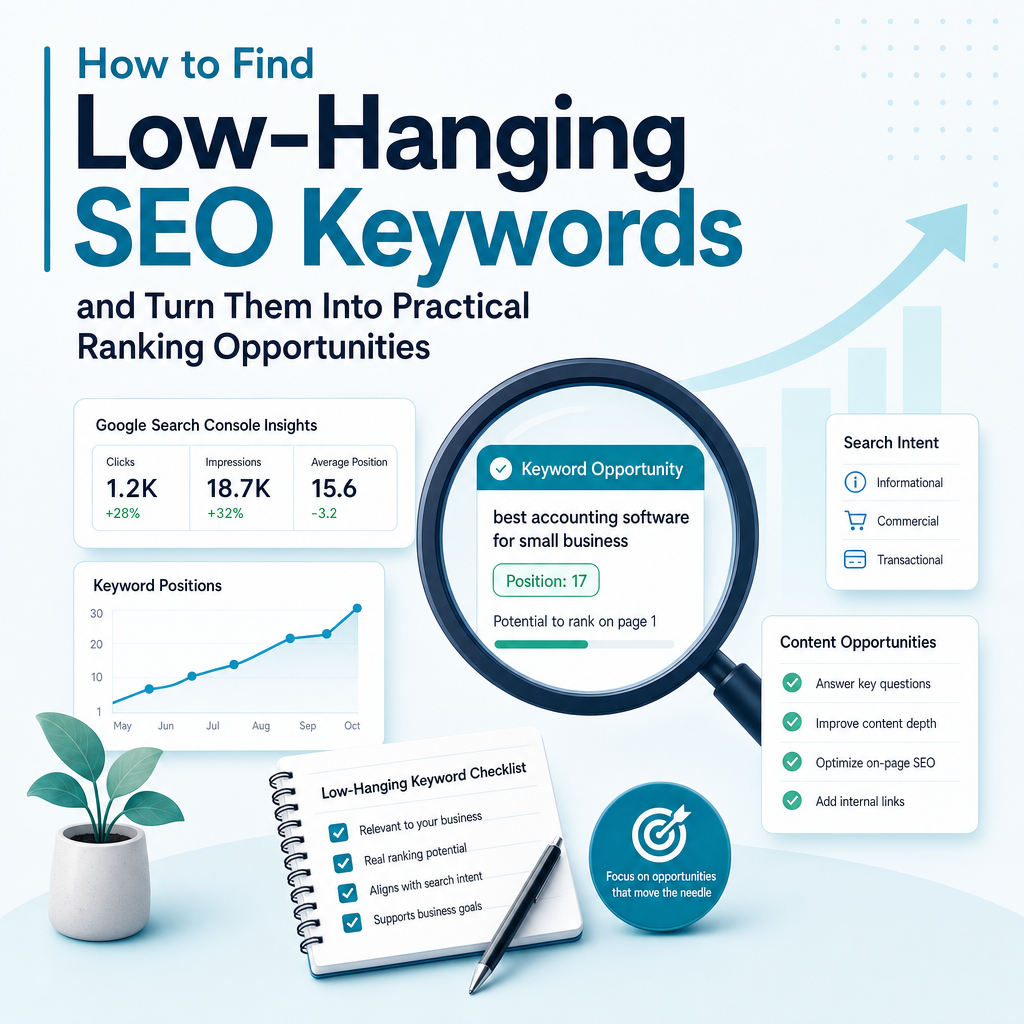
Build a More Useful SEO Content Plan

Build a More Useful SEO Content Plan

Semantic keyword mapping turns a collection of search terms into a structured content plan. It helps you decide what each page should do, which questions to answer and how related resources should connect across your website.

For small businesses, that structure can reduce wasted content effort. Rather than publishing generic articles with no clear purpose, you can use Search Console data, competitor gaps and search intent to focus on opportunities that are relevant to your audience and realistic for your website.

Ammpli brings these activities together in one AI SEO content platform, from SEO opportunity analysis and semantic keyword mapping to content planning, AI-powered article creation, direct CMS publishing and SEO performance reporting.

Free for 14 Days

Start Your 14-Day Free Trial

Discover ranking opportunities, uncover keyword gaps and build content strategies designed to help your business get found in modern search.

✓ No credit card required
✓ 14 days free access
✓ AI-powered keyword research
✓ Content opportunities in minutes


Start Your Free Trial →